Prolific as always, Sebastian Tomczak (aka littlescale) just dropped this gem. What do you need nine times out of ten from an audio editor? Visualize, check levels, trim, gain, fade, reverse, normalize, export — now you can do all of that with one handy index.html file and any browser, free.
This does that. What else does it do? Nothing, really (apart from some nice ways of dealing with the above). What do you do to install it? Open the index.html file.
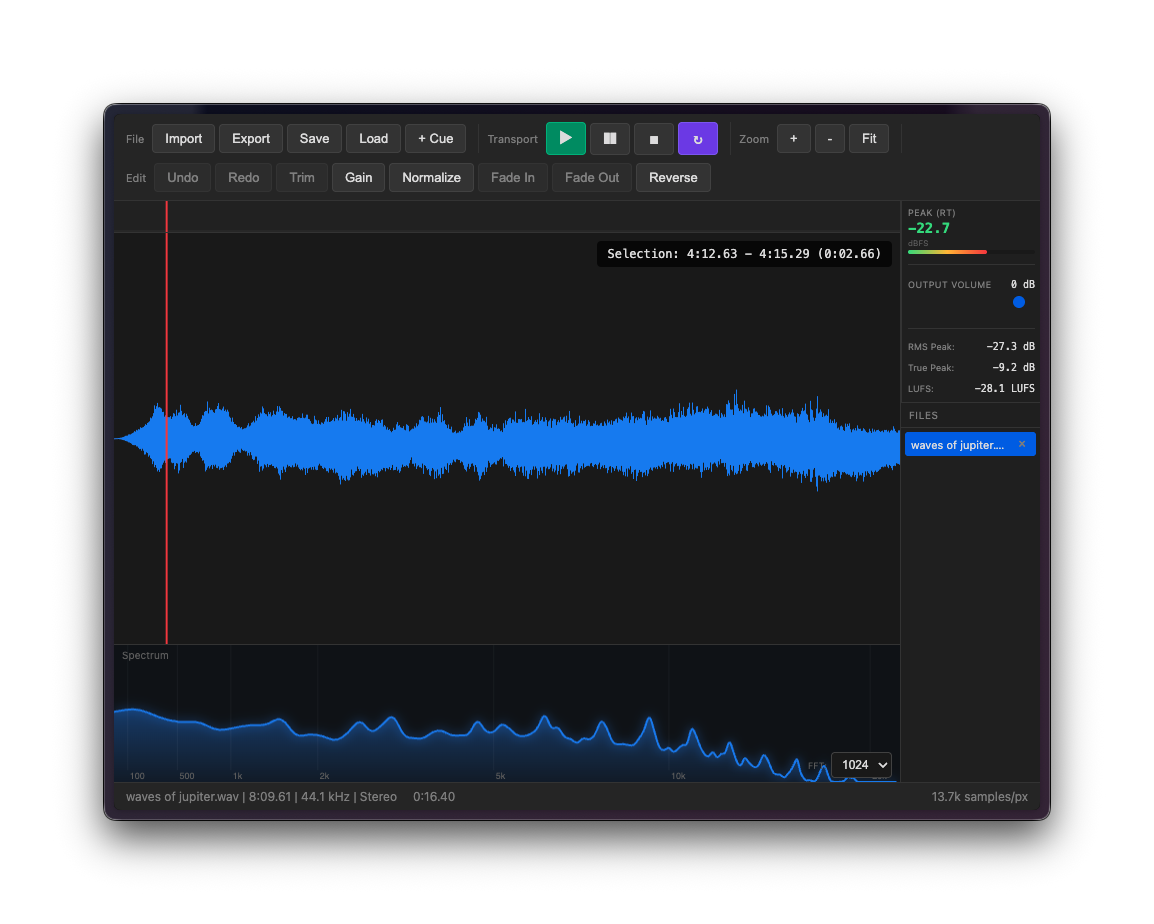
We could stop there, but let’s do some bullets:
- WAV and AIFF support (including multiple files — and easy queuing/switching between them)
- Drag and drop
- WAV and AIFF export in 16-bit, 24-bit, 32-bit float
- Visual waveform and zoom, playhead, selections
- Very pretty glowing spectral analyzer, in one color – blue
- Metering in RMS Peak, True Peak, LUFS
- Trim, delete
- Normalize with dBFS target
- Gain
- Reverse
- Undo/redo with history
- Linear fade in/out
https://github.com/little-scale/simple-editor
This is open source, MIT-licensed. What is it written in? It is written in HTML5. (Look, so much about the future is horrible, very much including its technologies. Here is a very non-horrible technology that makes it great to be here in the future, uh, partly. The Internet! Remember how the Internet can be cool? Be Simple and cool again!)
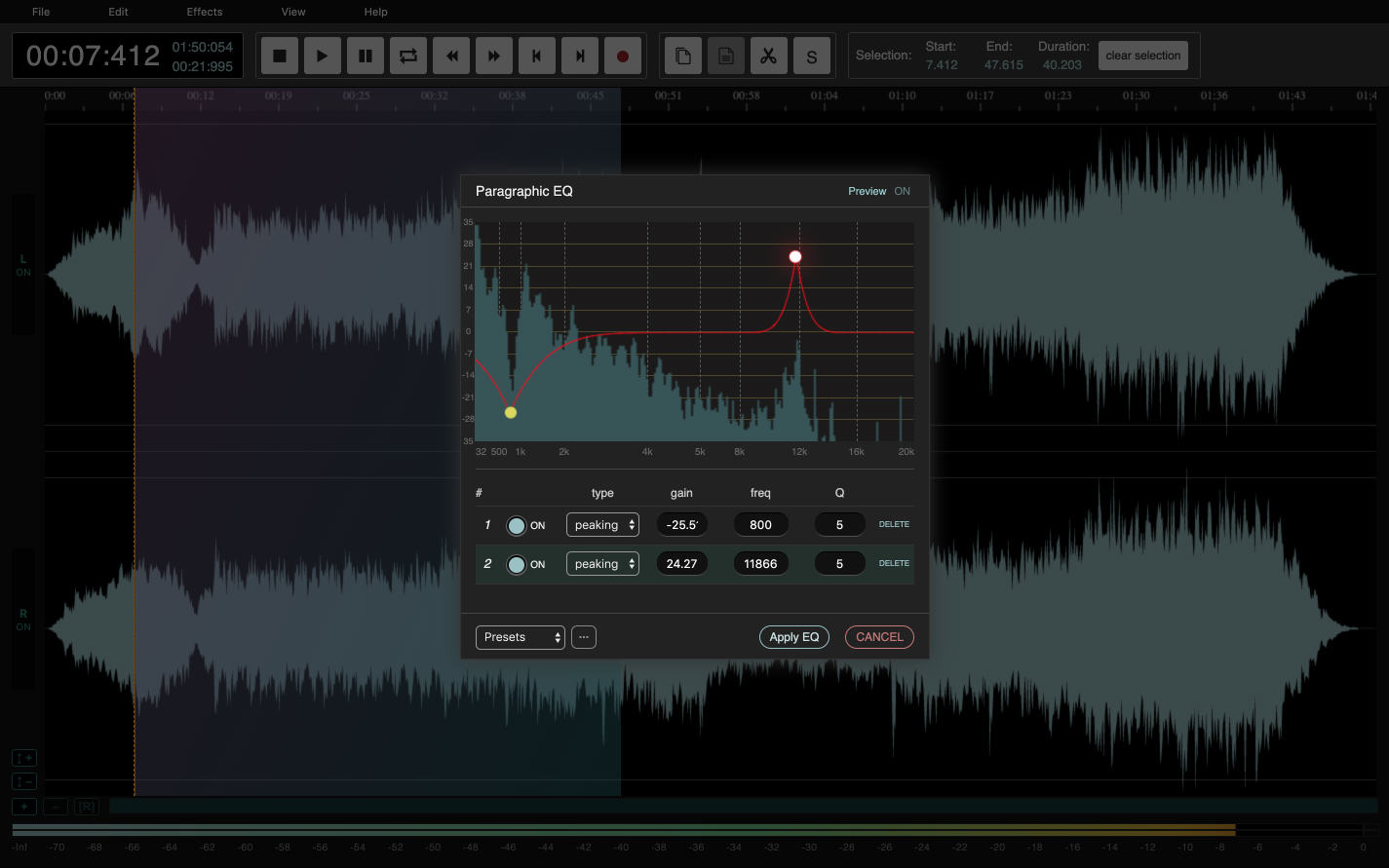
If you like this, you should definitely also check out AudioMass (pictured above) — it’s hosted, free, and has some extra effects processing features. (I’ve used this with students, especially because you can’t always count on software existing at a particular lab/installation/whatever.) That one is free and open source, and includes a downloadable option. You could easily use these two together, since Sebastian’s creation batches and does the simple stuff easily.
https://github.com/pkalogiros/audiomass
If you don’t already follow the endlessly wonderful world of littlescale, here’s a linkhole — sorry, linktree:
Cycling ’74 just featured some of his work, too, with Jweb – the awesome embedded browser in Max, which now also includes jweb~ in Max 9 for audio support (yessss):
You’ll see Emiliano Pennisi / Avenir whose work I’ve been writing about, including a free Max version of Envion (which I covered in its Pure Data version, below), as well as ENDOGEN which he’s selling directly (with a furious update cadence I can’t keep up with). But those things are not Simple. This audio editor is very Simple. And that’s perfect.
Previously: