It turns out you don’t need VST2 and AU and AAX and CLAP versions of the same plug-in. Here’s a free, fast command-line tool that gets rid of them in a hurry, with options for particular configurations, on macOS.
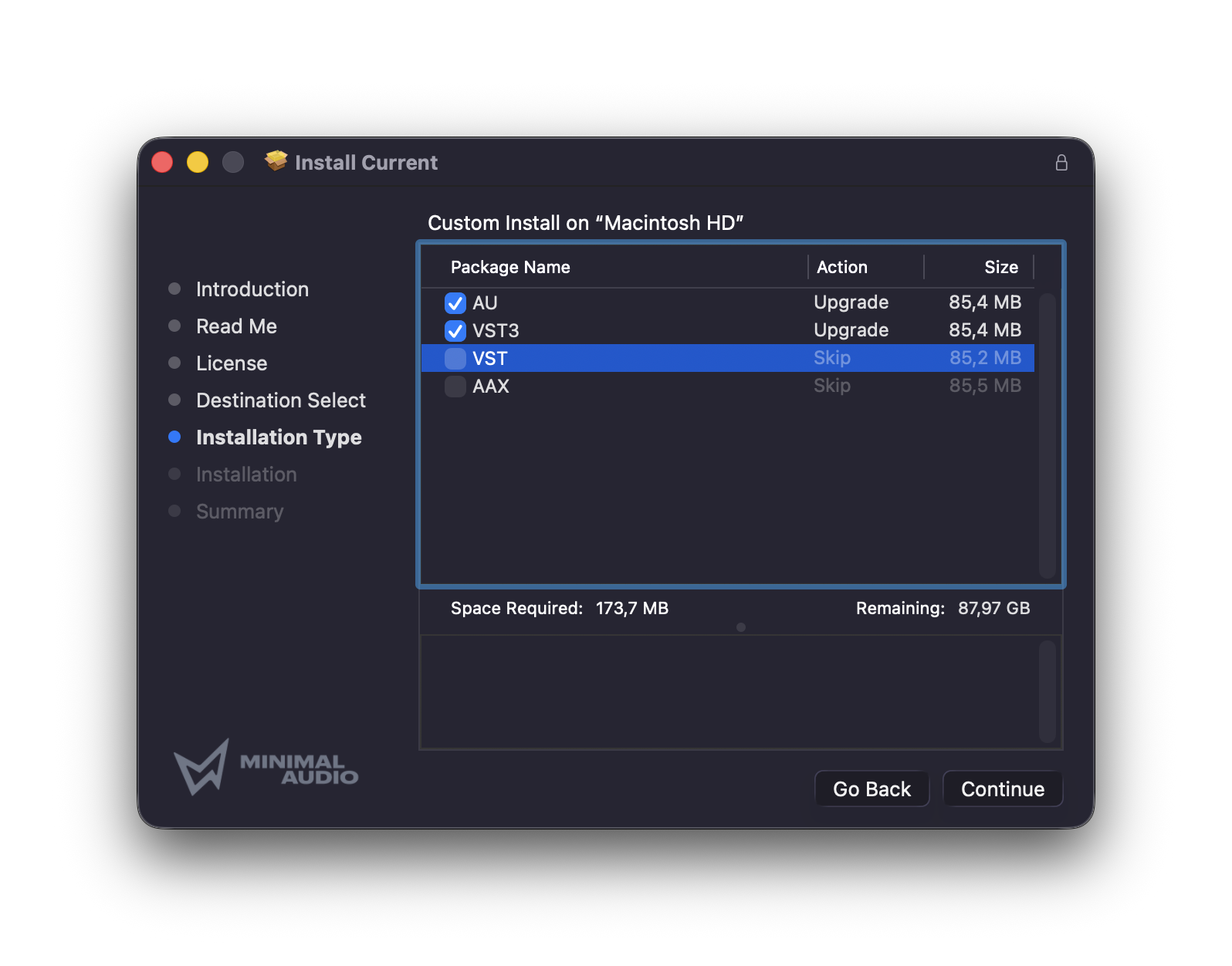
I’ve been looking for something like this for a while. The biggest space-eating culprit has been VST2. If you’re like me, you’ve absent-mindedly checked VST2 installs alongside VST3, even though it’s been a long time since you’ve run any DAW or other tool that required the earlier format. You could delete your entire VST2 folder, but then you’d risk losing something you actually need.
Here’s where Christian Meinhold’s tool vstcleaner comes in. If it finds a VST3, duplicate versions in VST2, AU, CLAP, and AAX are deleted. I do need that AU version, because I use Logic Pro, which is incompatible with VST3. But you just add skipau to the end.
Also, this is cute — it shows you the last 50 plug-ins you’ve installed. (see top)
Plug-ins aren’t deleted; they’re moved to a tmp folder. There, you can either delete them or offload them to external media in case they’re needed later. If you are going to retain them, make sure to move them out of tmp — otherwise, they’ll be deleted on the next restart.
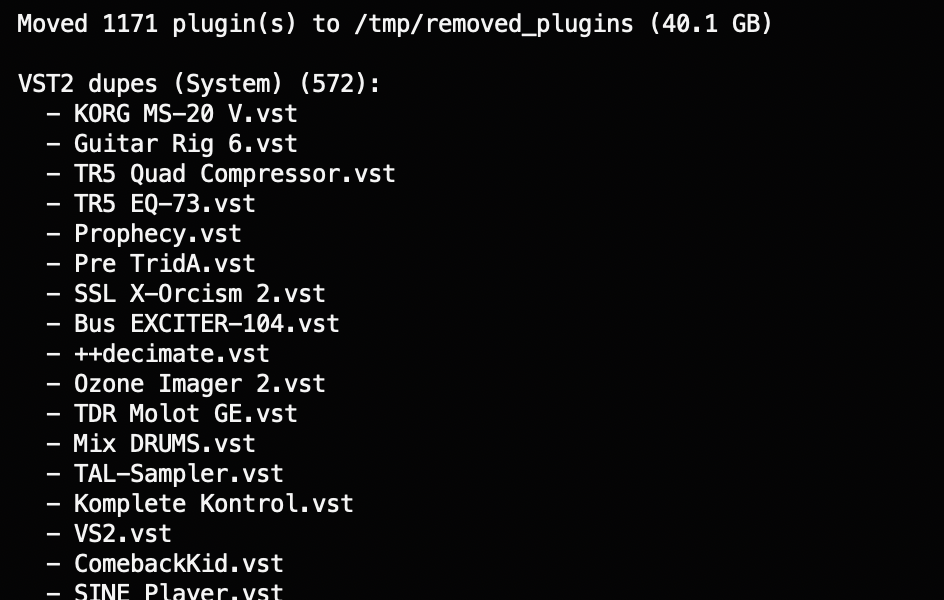
This is also coded in Python, so you could pretty easily modify it for your needs — or other similar tasks. But this took me about 2 minutes and I saved an ungodly amount of space with no incident. (Be sure to back up the tmp folder, though, to be safe!)
https://github.com/madebycm/vstcleaner
Because Windows doesn’t have the VST vs AU conflict — and because Windows is where I keep old hosts that might use VST2 — I didn’t bother with the PC side. But I did find a rough Windows equivalent:
https://github.com/JagGillarVatten/PluginPurge
While we’re on spring-cleaning purge, got any other requests/tips/ideas? Give a shout. Now if only I could do this with my brain… I think it needs a defrag.