Summer vacation? You can tell a USA-born project because it doesn’t take one. Vidvox has a nice update to their VJ/live visual app VDMX that captures inter-app audio. And for absolutely any Mac user, there’s an awesome music visualizer that’s totally free — bringing you back to the fun you had with visualizers back in the day. Milkdrop is back on the Mac!
VDMX 6.2
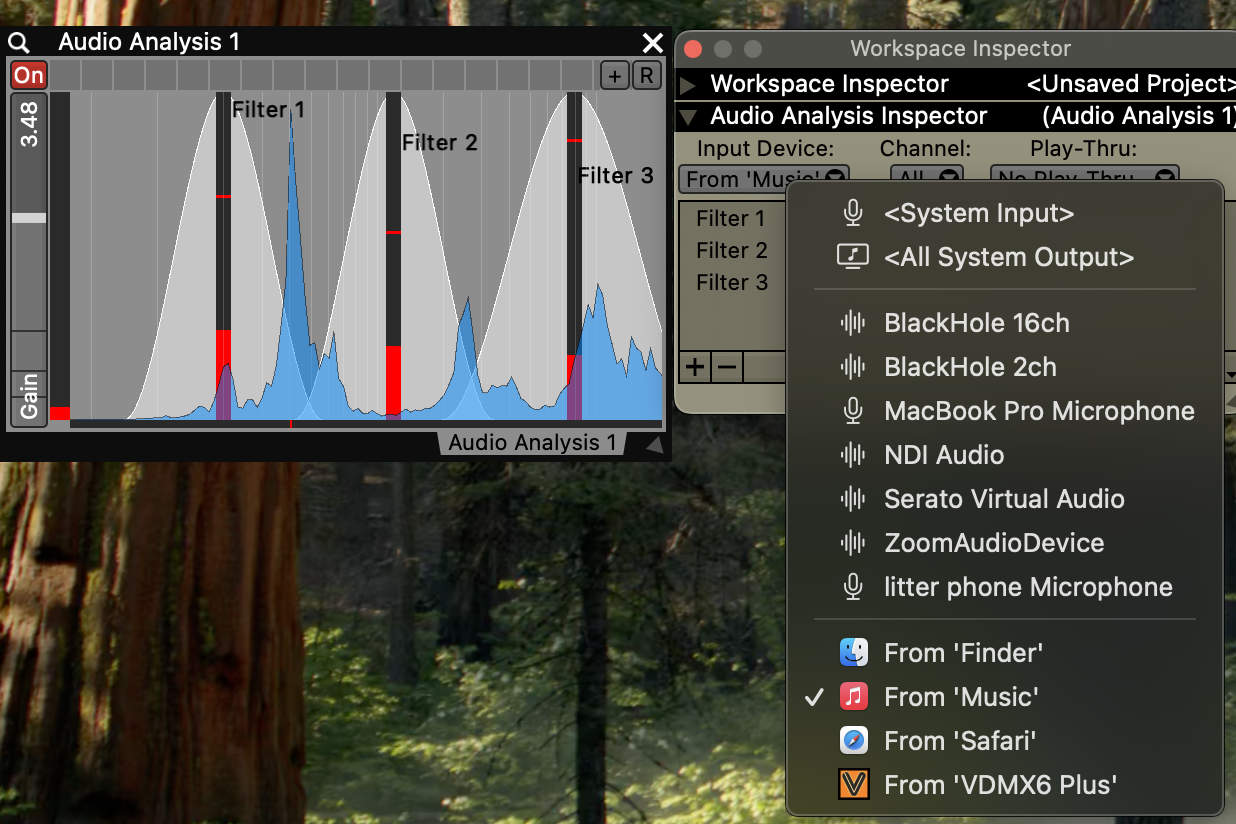
First, VDMX 6.2 has two big features. One, it captures audio from any other application without the usual mucking about with BlackHole, SoundFlower, or virtual audio drivers. You just grab any app you need from audio sources, which means that using VDMX is now even better suited to audio analysis, tempo tracking, visualizers, and so on. And it means you can just fire up your tool of choice (Ableton Live, etc.) and use your audio interface of choice, not necessarily the default Mac output.
You also get real-time Layer Previews in the Workspace Inspector, plus Pop Out previews (via the “eye” icon) to quickly check out what you’re doing. There are new Fullscreen Output options, too, including even some basic geometry adjustments. This is not a projection mapping tool, but it does solve the everyday problems like flipping displays, etc.
Here, that’s so much more exciting with a soundtrack and video then when I babble about it:
Project Milk Syphon – for free, for VDMX, for everyone
“Hey, this VJ set looks like a screensaver.” Yes, sure. But you also get:
“Hey, this VJ set doesn’t look enough like a screensaver!”
Or as Vidvox puts it:
We’ve all been there: you’re in the middle of a gig, and someone asks you if you can do something “like the classic winamp / milkdrop / geiss visualizer thing”.
Okay, I just flashed back to college, downloading stuff from LimeWire (or one of those), and just being completely enamored with watching a visualizer.
Is it still fun? Alternatively, if you’re too young to have done this, would you like some eye candy going to your music? Yes and yes!
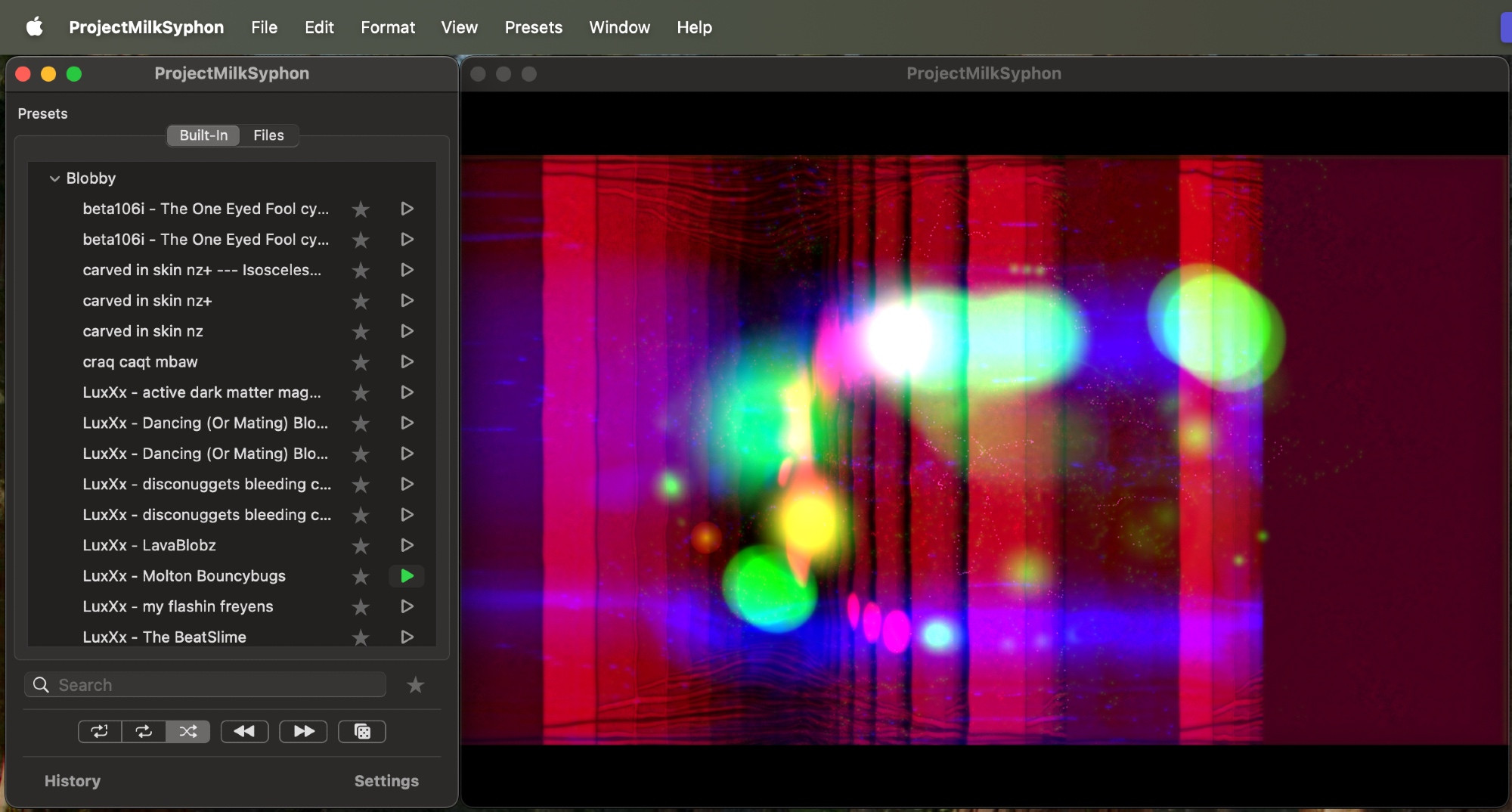
So basically what VDMX did was to build a free standalone app that anyone can use. It hosts visualizers. You can just stare into the thing for fun. (About that vacation — if it’s a staycation and your computer, trip like I do.) And since it outputs via Syphon you can use this as a texture in VDMX, Resolume, Max/Jitter (including Max for Live), TouchDesigner, Unreal Engine when you need a video texture, whatever.
Recently we were feeling nostalgic, and upon realizing that there wasn’t a good way to pipe these visuals into more general-purpose VJ apps like VMDX, we decided to build something that did. Fortunately, this was pretty easy- in large part because we were able to make use of a nice open-source library called “projectM“, which is an OpenGL-based re-implementation of the class MilkDrop engine.
Whether that tickles your nostalgia or a new generation gets to discover the fun of staring at animations while jamming to tunes, enjoy!
As a reader points out, if you want MilkDrop support on Windows with Spout support (the rough PC equivalent of Spigot), there’s NestDrop as an alternative. (Freemium — the paid versions have a bunch of extra features and presets.)
And if you just want the visualizers and don’t need Spigot/Spout support, there are a lot of alternatives (including Linux as well as Windows and macOS), including Project M and MilkDrop3.