The After Effects and Capcut alternative is starting to look like a real alternative. Pikimov v4 landed this month, no-signup, in-browser, and free for macOS, Windows, Linux, and (critical in education) Chromebook. And even alongside other tools, it’s an absolute joy.
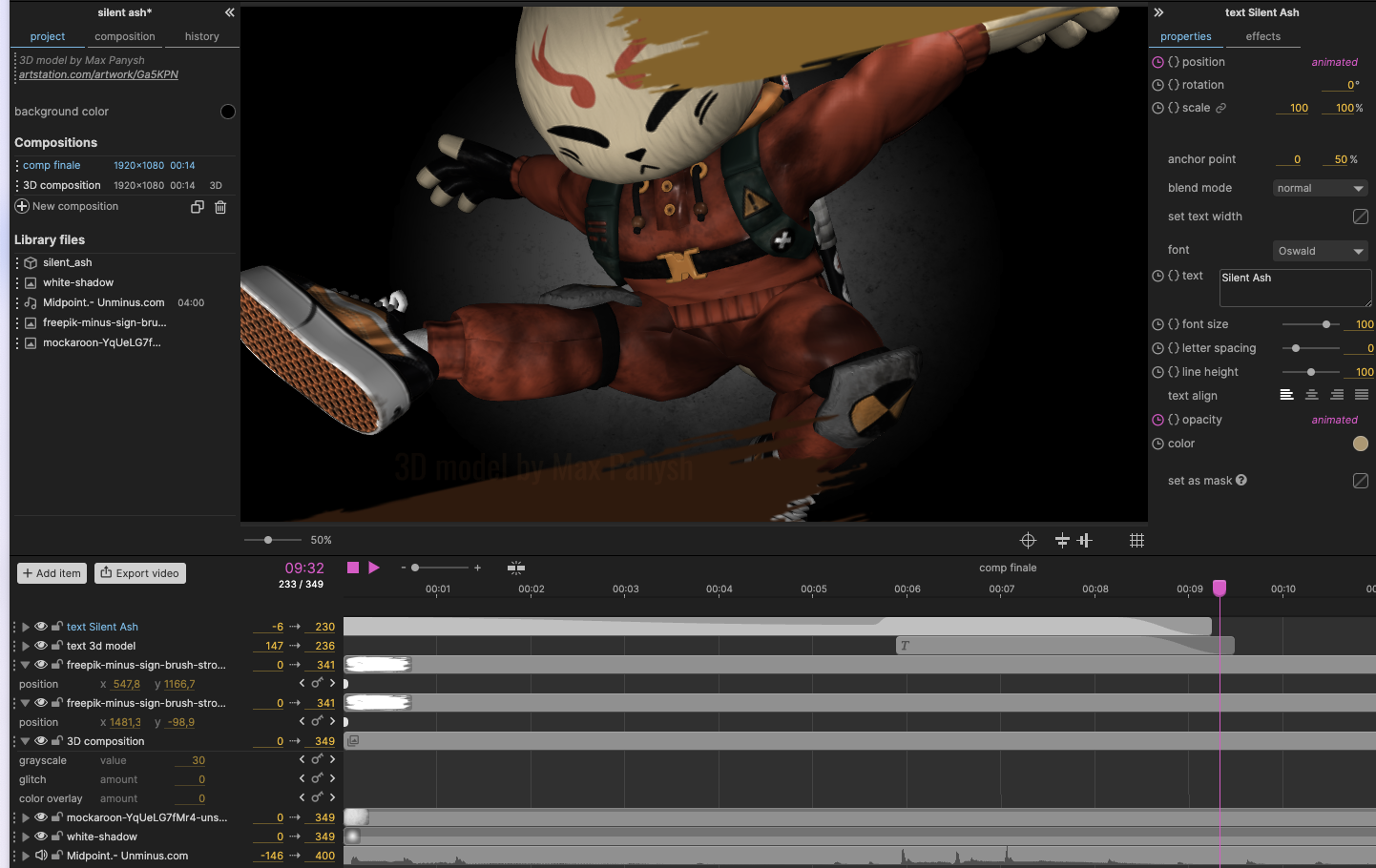
Maybe you just need to quickly crop and trim a video. Or maybe you’re looking for a way to do more serious motion graphics in a hurry, without being tied to that Adobe license. Pikimov works entirely locally — nothing is uploaded to the cloud. It’s free, entirely driven by donations.
And please, go for that donation — you can use the money you save by canceling Adobe. (Sorry/not sorry. You know what this app doesn’t have? AI garbage. Thank goddess.) The developer is nearing cool stuff like the much sought-after offline app (though it’s working well even over a slow mobile phone connection).
Color effects, deformation, layers-based editing, bring in 2D and 3D and audio assets, and do this with honestly more privacy than you get from those other guys.
Since CDM is, as you know, well ahead of the curve, I covered this a little before it was ready for primetime. But v4 adds a lot of the stuff you were missing.
Rotoscoping, vector shapes, 4K video and proper video file support, finally timeline snap and loop, and more. This builds on v3 (background removal and subtitles, a ton of FX, time markers, and extended blending and masking) and v2 (4K support, alpha channels, anchor points).
V4 highlights:
- editable vector shapes
- rotoscoping
- javascript expression engine
- 4K 60fps import / export
- timeline items snapping
- timeline items loop
- added support for .webm and .mov files
- added support for .woff font files
- disc / elipse radial gradient
- new FX: fluted glass
- new FX: kaleidoscope
- new FX: petzval lens
- new FX: crop edges
- copy and paste effects between items
- added Opera support (Windows and macOS)
- 3D compositions: right click on the editor to set the view
- right click on an item: ‘duplicate into…’
- right click on the composition: ‘save frame as .png’
- faster video export
- higher quality video export
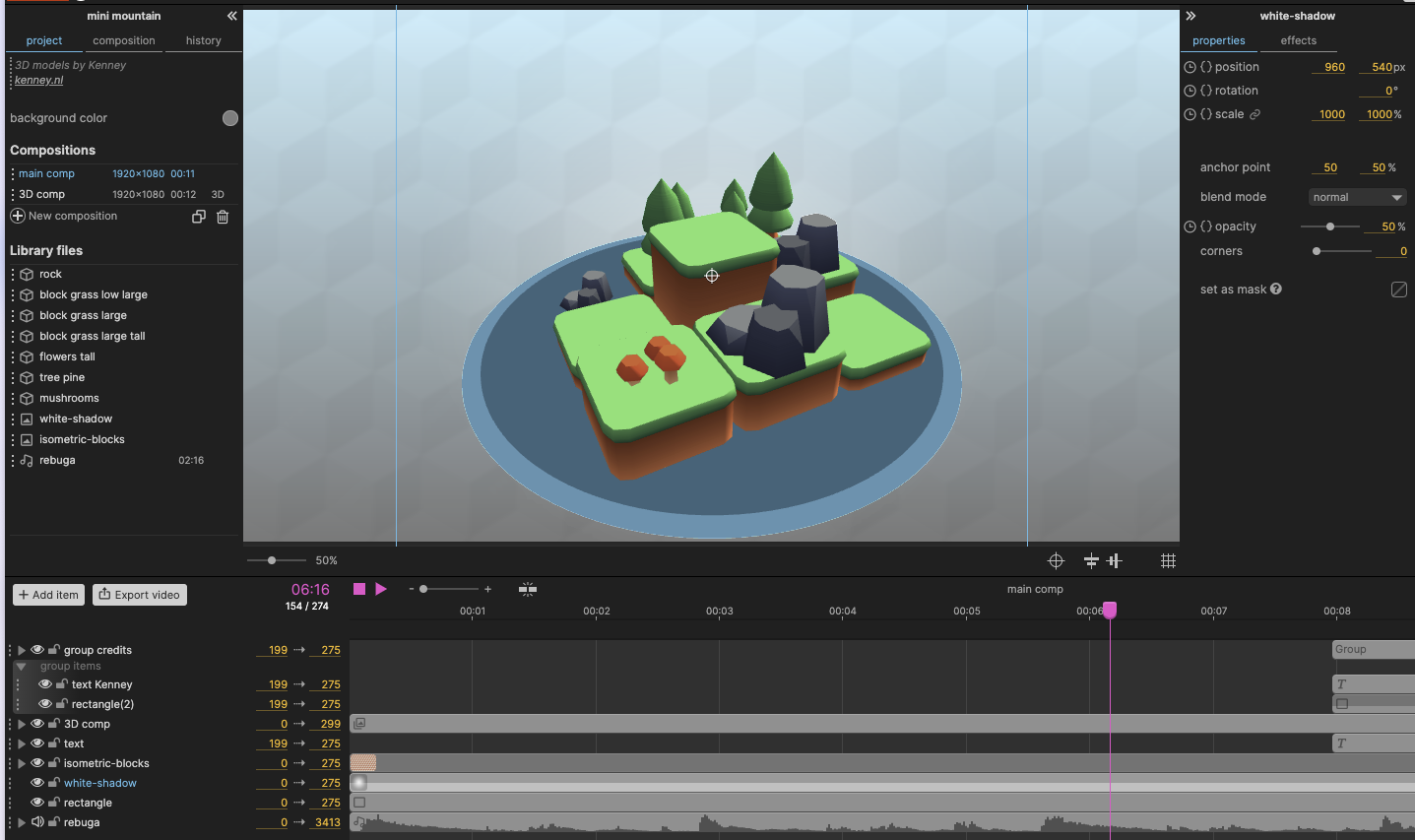
Maybe just as important, you get built-in demo projects (as you see in screenshots here), plus extensive tutorials. Look, even if you have a desktop tool of choice, it’s a joy to try this out or consider it for quick jobs. And it’ll be a huge boon in education. For Web and JavaScript developers, it’s worth exploring just to see what’s possible. I can also imagine this being useful for workflows where you need to share with others without requiring licenses or (even with open source software) heavyweight, complex tools.
It’s also great for those of us who are primarily invested in audio and music, and don’t want to blow all our cash on pricey subscriptions for software we don’t use much.
But apart from that… there’s just sheer glee in having a lightweight tool to play with that opens up possibilities. Yes, it’s powerful. But you know that feeling you get from Voice Memos? WordPad? ReBirth? Imagine that, but also it does motion tracking and animation and 3D.
Here are some highlights from the tutorial section:
It’s worth checking this review, too, which goes through just how this could replace AE — TL:DR, keyframing!
I found a free motion graphics editor that might finally replace After Effects for me [XDA]
I should be clear — this won’t replace After Effects, etc., for everyone. But for people who don’t need all of After Effects, or as a companion to Blender and Unreal Engine and TouchDesigner and Notch and whatnot, I mean … wow.
Try it yourself:
Oh and for photos, try the photo editor that inspired this:
And, for all the things that are horrible about the future, there’s a little hope in Three.js.
Follow the dev:
⭐ Pikimov 4 is out!⭐
— pikilipita (@pikilipita) August 18, 2025
– editable vector shapes
– javascript animation engine
– rotoscoping
– edit in 4K @ 60fps
– 4 new effects
– timeline items loops
– copy and paste effects between itemshttps://t.co/P6Wy2cW2A7 is a free web After Effects alternative
♥️Retweet generously♥️ pic.twitter.com/1wMzAtk4cn