It’s all in the details on this one. Cubase 15 has a ton of tweaks to its expansive plug-in library, new and more expressive editing, pattern sequencing, and Modulators, automation tools, proper Mac full-screen support, compatibility with the inter-DAW standard DAWproject, and more.
With the really mature, old-guard DAWs (which is where most of them are now in their life cycle), you have to look for a story. There’s the leapfrog effect — Cubase 15 is the latest to add machine learning-powered stem separation, which has become almost a given in this generation of software. But then there are also the things that give a particular DAW some character, even if that’s accumulated from a grab bag of little improvements that emerge from the user base.
But Cubase 15 does have a pretty clear story, and it comes down to three things: detailed expression, updated plug-ins, and timesavers. So let’s look at it that way.
I have to admit, having dragged my feet on Cubase for a long while, I am consistently wowed when I watch other people work with it. It remains a compelling rival to Apple’s Logic, for instance — a rivalry that spans back to the 80s and the days of the Atari ST. Let’s check in on this dynasty.
Detailed expression
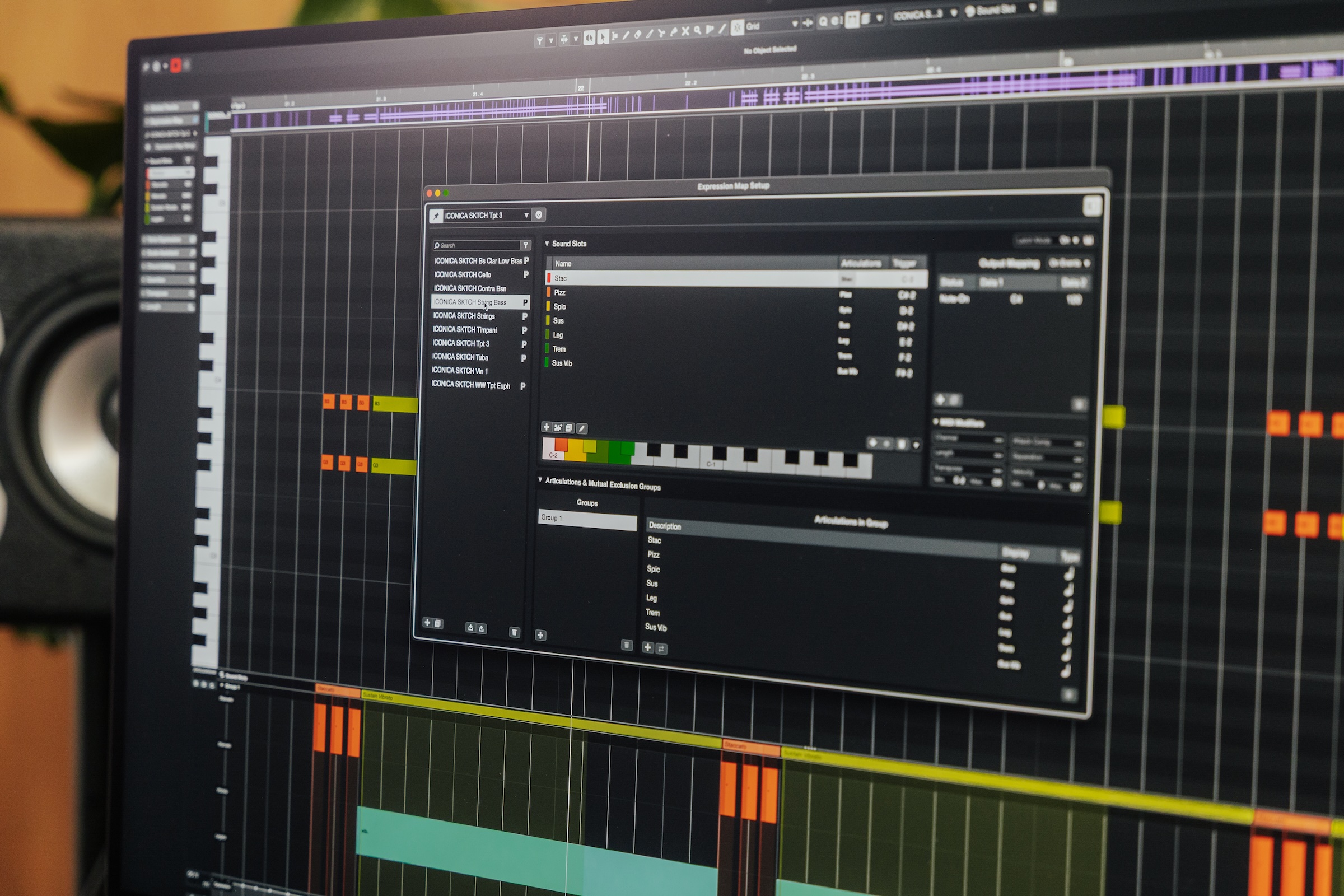
Per-note expression, like plug-ins, we can count as a Steinberg first, laying the groundwork for the MPE revolution. So one detail is Expression Maps, a tool that gives you precise articulations, and that benefits from Steinberg also making the excellent scoring tool, Dorico. Steinberg explains to CDM:
The new Expression Map system is better thanks to:
- Easier creation of expression maps
- Better management of large quantities of articulations with groups
- Timing offsets for individual articulations
- Support for add-on slots
- Expression map setup is resizable and offers MIDI learn
- Dorico expression map import
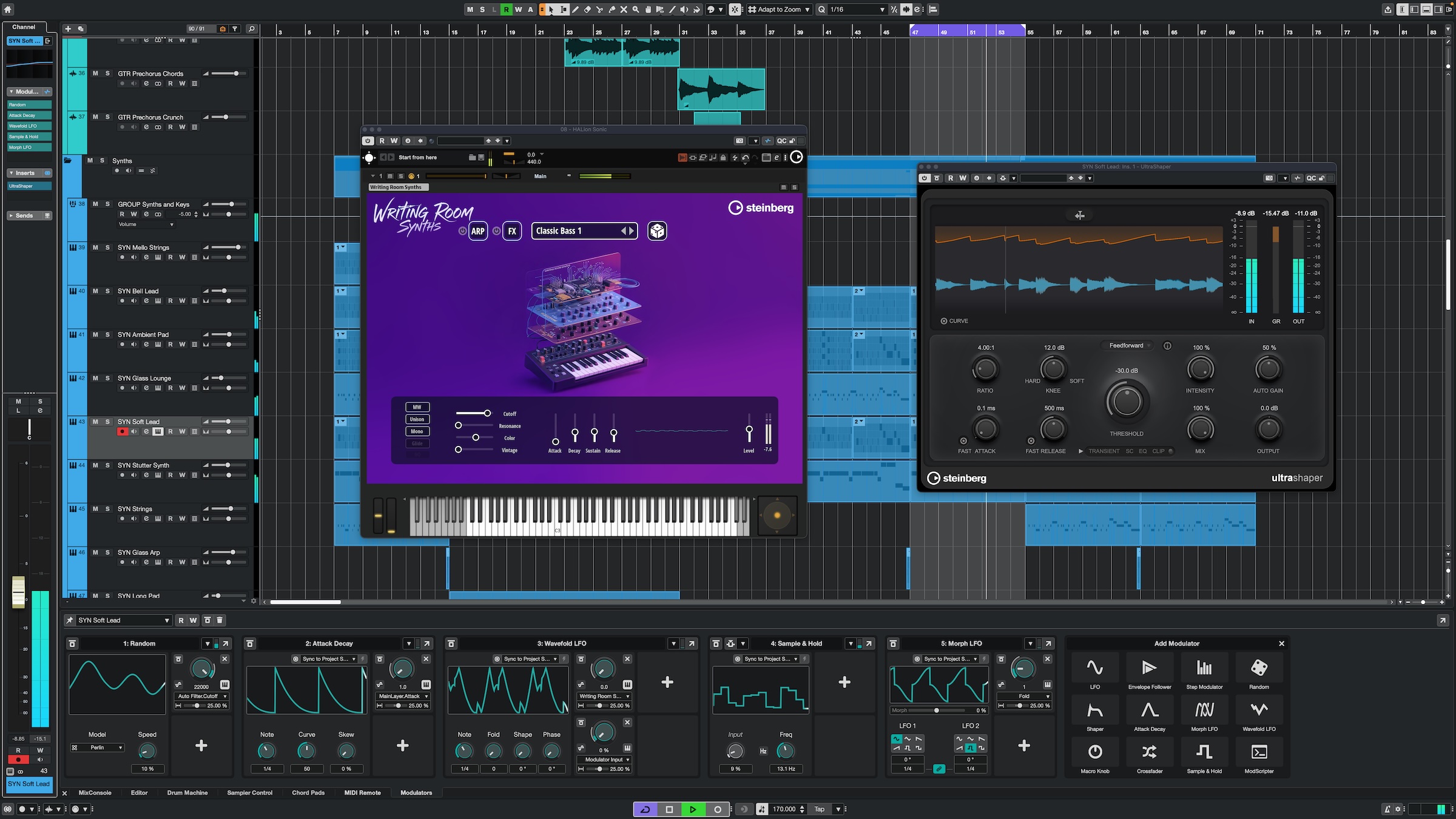
I mean, that’s a very particular use case, but I know to those folks this is a big deal. Me, I’m more the live performance and modulation sort of person, so I’m intrigued by Cubase’s growing Modulator system. It’s closest to what’s in Bitwig Studio — to fan the flames of a nice Hamburg/Berlin software engineering rivalry again. But if you ever wished you had Bitwig’s approach to modulators, but with Steinberg’s workflows (especially for mixing and linear editing), here you go:

Okay, and some of this also looks very Ableton-esque. I say bring it on. More modulation of all the things everywhere all the time. (Okay, musically, not necessarily, but it’s nice when you need it!)
And someday we need to celebrate Ken Perlin Week. Is it bad if you walk up to someone and say, “I’ve loved your algorithm since I was a kid”?
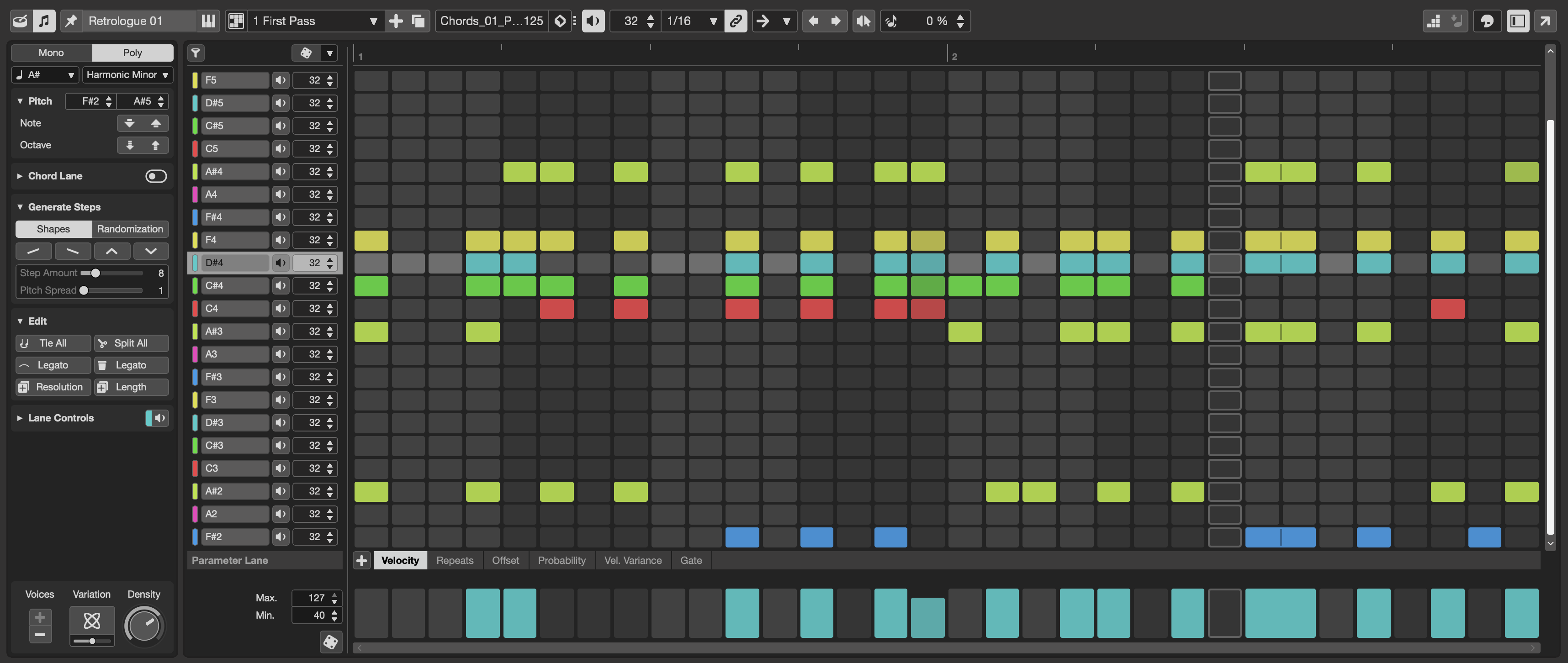
The Pattern Editor is nice, too. So again, we saw some of this from Bitwig, but that editor is a bit bare-bones (maybe even minimalist by design). Same with Apple’s: you get a pattern editor, but it’s fairly basic. Steinberg has added a lot of extras in this version, with both monophonic and polyphonic modes, step input, custom scales, shape generators, and a randomizer. That makes it closer to Ableton Live’s Clip editing, but with a grid-based design instead of a Piano Roll. (Please don’t ask me to compare every single DAW, but you get the idea.) And they have pattern bank presets, which really tempts me to fire up something experimental like Steinberg’s X-Stream to see what happens. See you in the spring.
So to sum up:
- Enhanced Expression Maps (Pro)
- More Modulators: Random Generator, Sample & Hold, Wavefold LFO, more (Pro)
- Melodic Pattern Sequencer (Pro/Artist)
- Updated Score Editor (all versions)
Updated plug-ins
All the DAWs are so good at being DAWs that part of what you’re investing in is a suite of plug-ins — that’s been the case for years. A lot of the older, overlooked plug-ins in Cubase are frankly really good, but this version brings updates. I’m intrigued by UltraShaper, which has some of the appeal of auto-compensating dynamics processing but with some actual shaping — and it’s not AI, either.
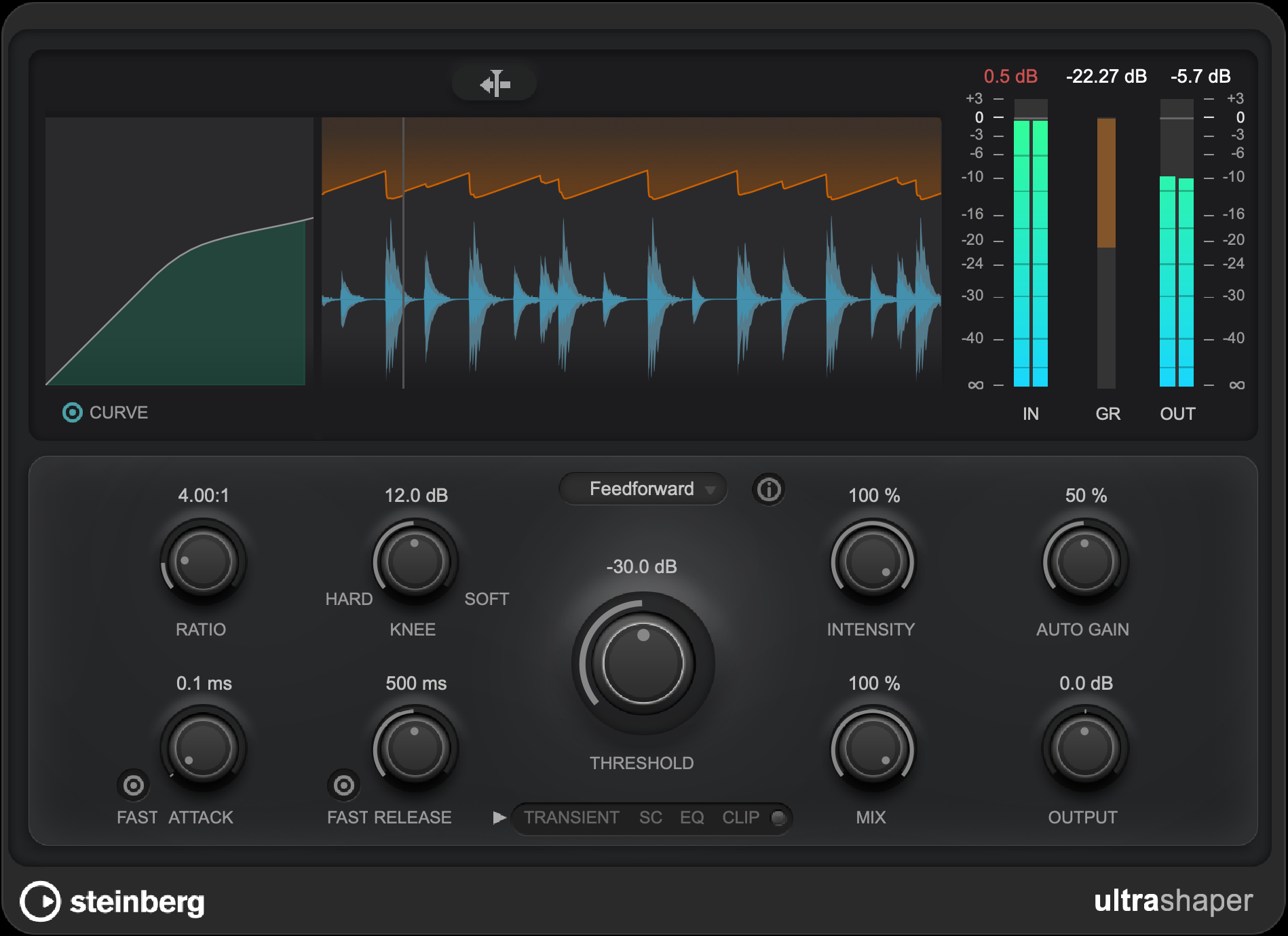
- UltraShaper auto-compensating compressor, with EQ, limiting, transient control, and EQ
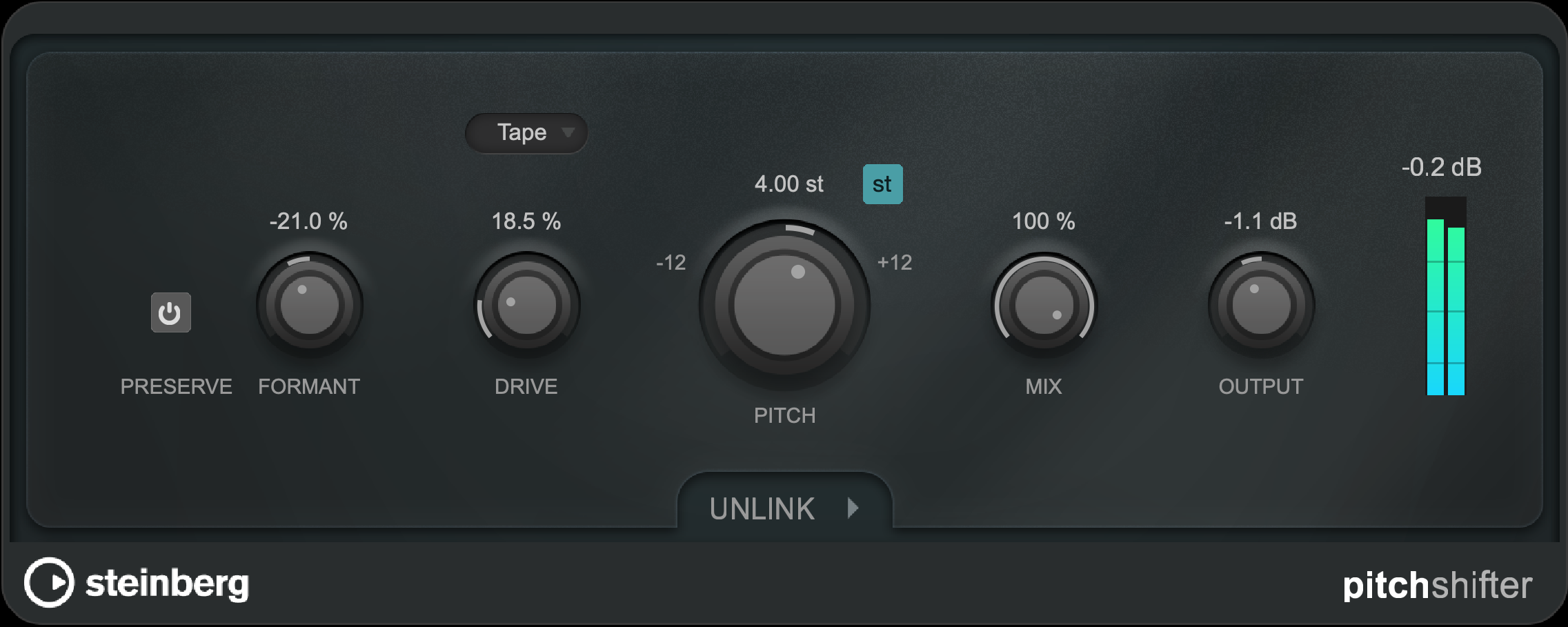
shaping (Pro) - PitchShifter for real-time ±24 semitone shifting, with formant control, saturation and stereo unlinking (Pro/Artist)
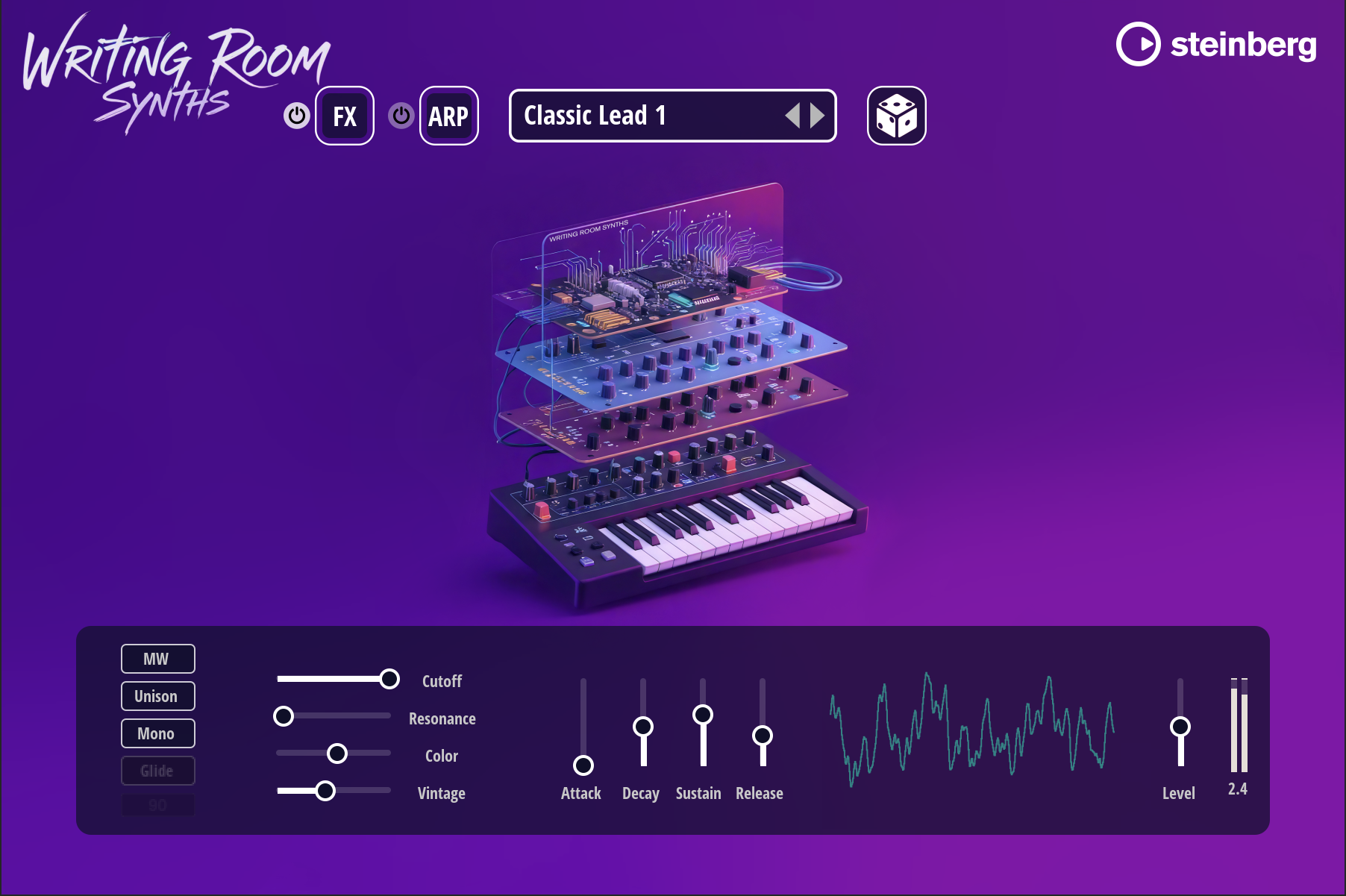
- Writing Room Synths which are there to give you some quick inspiration / quick presets (Pro/Artist)
But maybe the most interesting here is the addition of Omnivocal. Yes, this is the mighty Yamaha bringing its vocal synthesis to bear, and that sounds like nothing else — not like other synths and very much not like machine learning rivals. It’s in beta, but you get an easy interface (which Yamaha’s Vocaloid hasn’t tended to have). I’d not yet given Vocaloid 6 the full run-down; I’m really curious how Yamaha will build on their existing vocal synthesis tech and add in AI. The combo could lead to entire new genres.
Steinberg has done the more AI-sounding voices, which to me is a bit of a disappointment — I really like the synth-sounding options melded with machine learning, but more on that separately. (Missed opportunity to let Cubase go Hatsune Miku, really!)
It’s nice to see PitchShifter. Funny enough I did just head back to Logic Pro and its somewhat confusing different shifting tools, intentionally for some older algorithms (as in, forcing it back into Logic 5 mode for aesthetic reasons). But it’s about time for a modern plug-in effect.
And there’s other stuff — more chord presets, more drum kits, the refreshed Groove Agent SE 6, and more.
And one more thing: user interface scaling. Finally. (Apple, just, you know, any day now — my eyes are not as good as they were in 2005.)
Timesavers and quality of life
Okay, yes, Stem Separation, though that’s everywhere and you can do this in a Colab notebook if you want. But the rest:
- Automation shortcuts give you the last parameter you touched. And the menu item you need, quick volume and pan on Track Controls, per-track layout customization, all of this is updated for quicker access.
- Sampler Track lets you quickly swap in samples using filters and Media Bay integration.
- macOS supports native full screen and pinch-to-zoom. (finally, finally!)
- Startup hub is redesigned
DAWproject
And you get DAWproject support so you can migrate projects between various Steinberg software editions and compatible hosts (currently PreSonus One and Bitwig Studio). That’s a breakthrough for that format, and could give it added momentum. And it may be the sleeper hit here, in that it shows Steinberg moving toward a more open position, coming on the heels of the GPLv3 option for ASIO and MIT licensing for the VST 3 SDK. I mean, they didn’t add CLAP plug-in support, but then I’d probably just quit and go watch the end of the world or whatever brought that on so please don’t ask about it yet…
More on DAWproject:
https://github.com/bitwig/dawproject
And you can support additional DAWs with a free converter:
- https://github.com/SatyrDiamond/DawVert: various formats
- https://github.com/git-moss/ProjectConverter: Cockos Reaper
Cubase 15
Find more:
https://www.steinberg.net/cubase/new-features
All versions are now available on Plugin Boutique, including via Klarna installment plan options, and currently a choice of one of two free bonuses (Massive or Bloom Vocal Edit Lite):
If you buy something from a CDM link, we may earn a commission.