Visualist workhorse Resolume continues its rapid update cadence. New in 7.24: 10-bit color output, performance optimizations, improved capture device support, new CRT effect, new Wire nodes, Wire usability improvements, and more. Plus, the Resolume crew has uploaded a number of tutorials you should check out.
First up: what’s in 7.24. This is one of the more packed updates they’ve done lately.
The full rundown is on the blog, so here’s the bird’s-eye view:
- 10-bit color — that’s 1.07 billion colors, so begone, banding! See image at top, courtesy Resolume.
- Performance optimizations: faster composition loading, MIDI processing, more.
- A new CRT effect. It’s built in Wire, too, which opens it up to messing around with it more. I honestly thought this was in there already, but it was probably the recent Jitter FX update in my brain. Anyway, one advantage of digital CRT simulations is that they don’t explode. (Yeah, I thought it’d be awesome to have a CRT wall in a performance night I organized and … kaboom.)
- REST API updates.
- Capture improvements — with more coming, they say, thanks to their new team member Marcel.
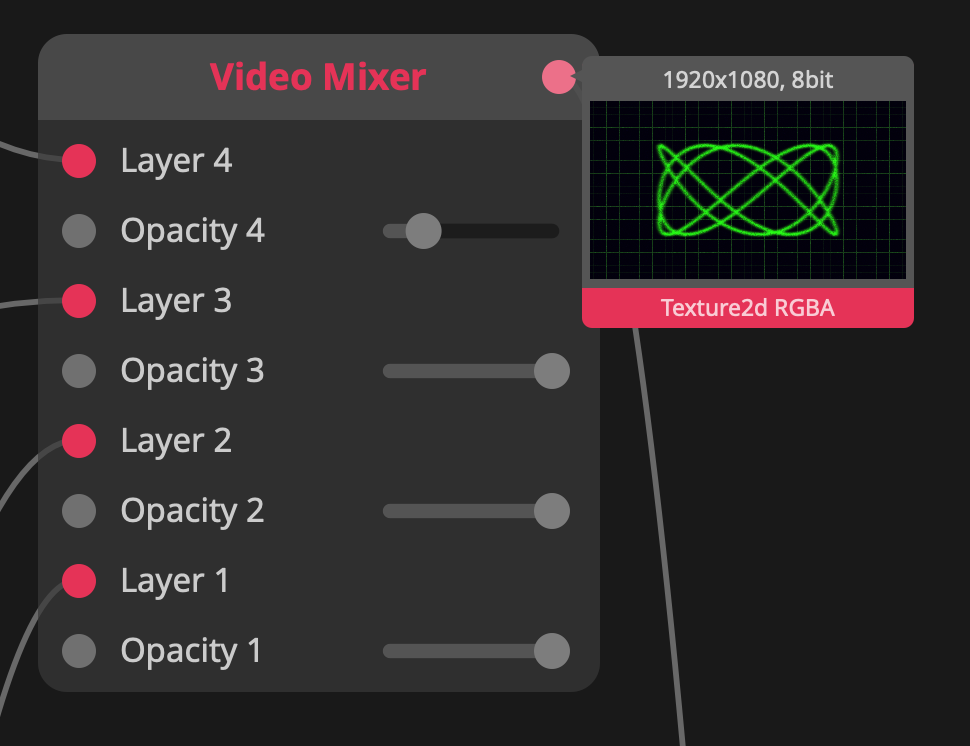
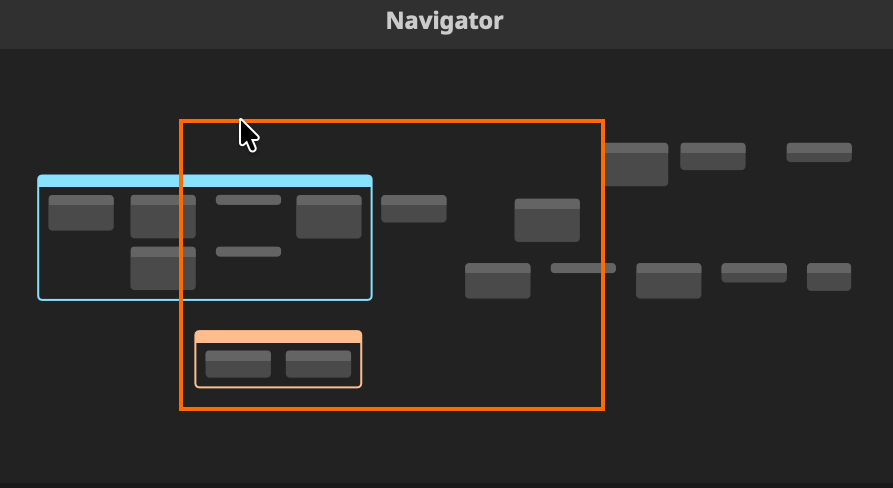
- Wire enhancements: there’s a Navigator overview (below), a Notes Panel (hey Max could use that!), and Texture Preview on outlets (all the rage in node-based environments tehse days). And Node Image in Search Popup. Plus you can insert nodes! See the video…
- Cylindrical and Spherical Nodes. Oh yeah. Tube me! Ball me! “The From Cylindrical and From Spherical nodes allow you to turn cylindrical and spherical coordinates into Cartesian coordinates — which is a very nerdy way of saying you can generate sphere and cylinder coordinates now.”
- Improved texture from data with stride.
Here’s a look at that cool new Wire action:
And a tutorial showing textures from data. I am all, all about this one:
More tutorials
Resolume put together some really nice ones here — let’s watch!
Video synthesis all in Wire is really fascinating! (Of course, you can also try patching Hydra into Resolume, which I’ve seen folks do!)
Surviving a corporate gig with some tasteful retro visuals is one. (I read “vintage live set” and thought maybe we’d do everything in 320x240x16, drop a bunch of frames, and set things up like motion dive, including changing the language to Japanese. I guess I’ll have to make that tutorial.)
I can’t remember if I covered these earlier tutorials, but these look great, as well:
Previously: