Reach out and draw and manipulate sounds, directly from the spectrum. IRCAM Forum’s Pierre Guillot lets us know three ASAP apps are now available on iPad, free of charge. It’s what it feels like the iPad was made to do.
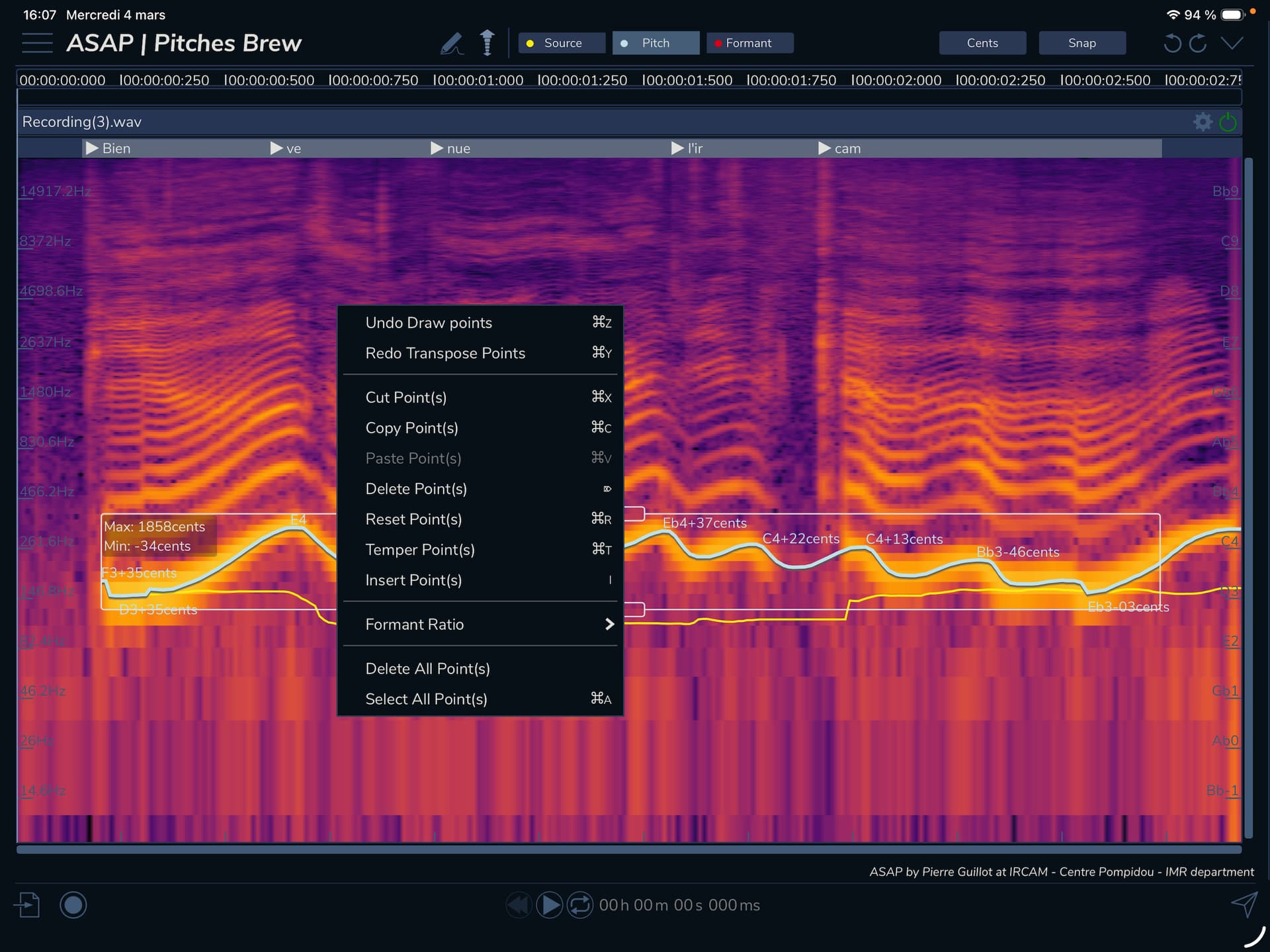
There are three powerful apps here:
Pyscho Filter lets you draw directly on the spectrogram, manipulating the sound in the spectral domain with gain and fades (giving you really precise filtering/modification powers).
Pitches Brew transposes and reshapes the sound with pitch and formant controls.
Stretch Life gives you pitch-independent time stretching.
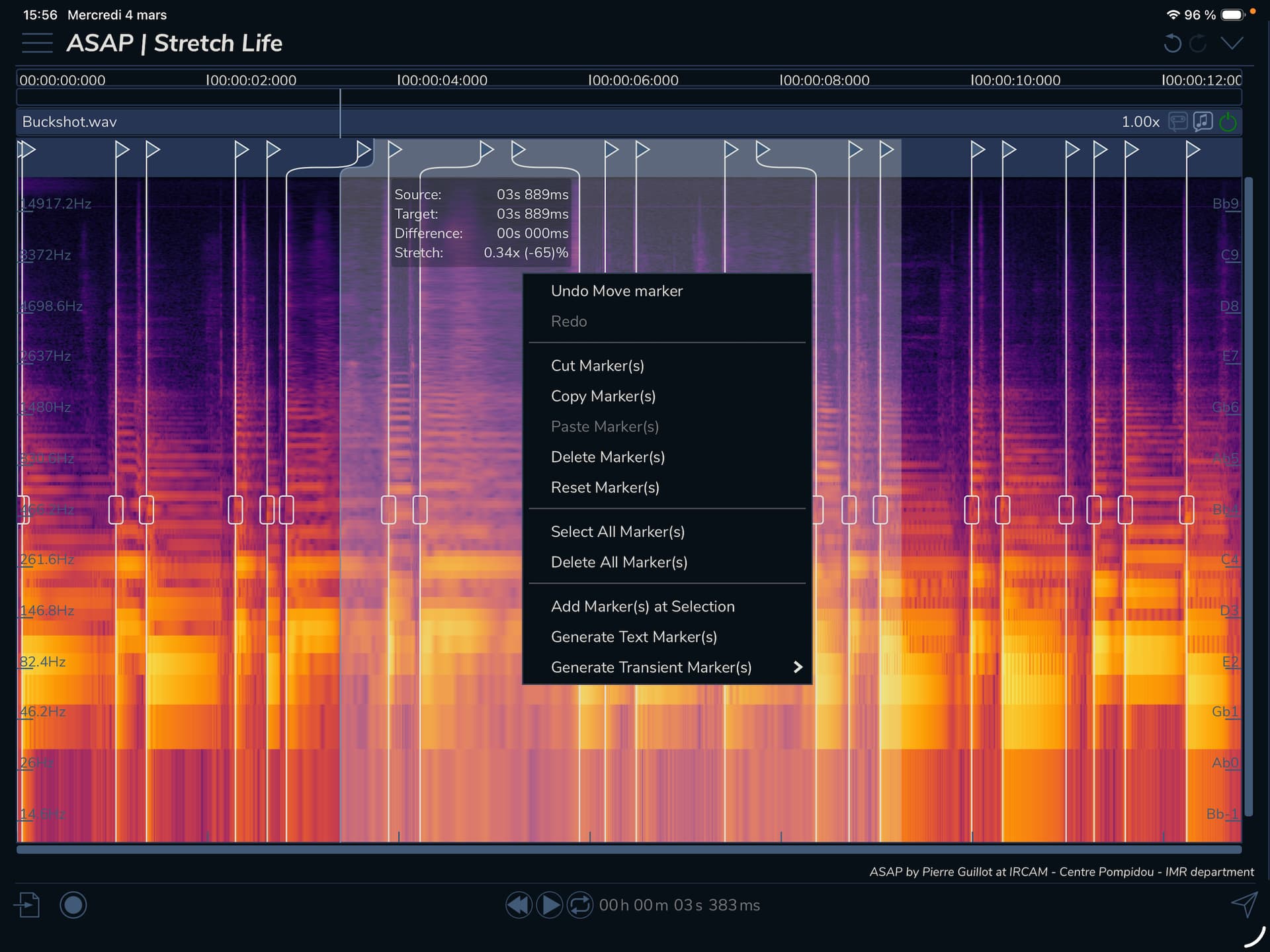
All three offer deep, precise controls, like markers in Stretch Life and point-by-point editing and formant ratio controls in Pitches Brew. These aren’t dumbed-down versions, either — it’s the full desktop feature set. Adding multi-touch controls, though, is a perfect fit.
They’re standalone apps. (There’s no equivalent of ARA in AUv3, anyway!)
Announcement: ASAP apps on iPad
IrcamLab apps on the iPad App Store
The full ASAP suite is available for desktop macOS, Windows, and Linux as plug-ins. While some ASAP tools are available free (with login), the three selections here are part of the paid ASAP. That means if you’re out of cash, own a Mac, and don’t own an iPad, you could download the iPad-native versions via the Mac App Store. You’ll just have to put up with the iPad interface rather than a plug-in.
There is a different workflow in the plug-in versions — ARA support is available, even. But I do like the idea of using AirDrop to send over a file, leaning back, and finger painting on spectra for a while.
Qu’est-ce que c’est? Fa-fa-fa-fa, fa-fa-fa-fa-fa, fa, better.