It’s an oscillator, a step sequencer, a modulation and envelope source, a quantizer (with custom tunings) — even a scope, thanks to its interactive, animated visual interface. Thorn Audio’s new Eurorack module can make anything from elegant, precise curves. It’s more than just another do-everything module. Now you’re playing with Splines.
I’ve been reviewing Splines since early beta testing, and it’s instantly an indispensable tool — a wonderful combination of the feeling of precise lab equipment, art class, and bending musical expression in time. It might be the first Eurorack module with a display that feels tactile in use, thanks to those satisfying controls and the ability to twirl your way through every parameter and node. (Like you can actually find some muscle memory, despite the display — think video game.) And yeah, I was one of the people cheering on the inclusion of different tunings for quantization. It’s just so many things you might need, from a signal visualizer to envelope maker, all in one.
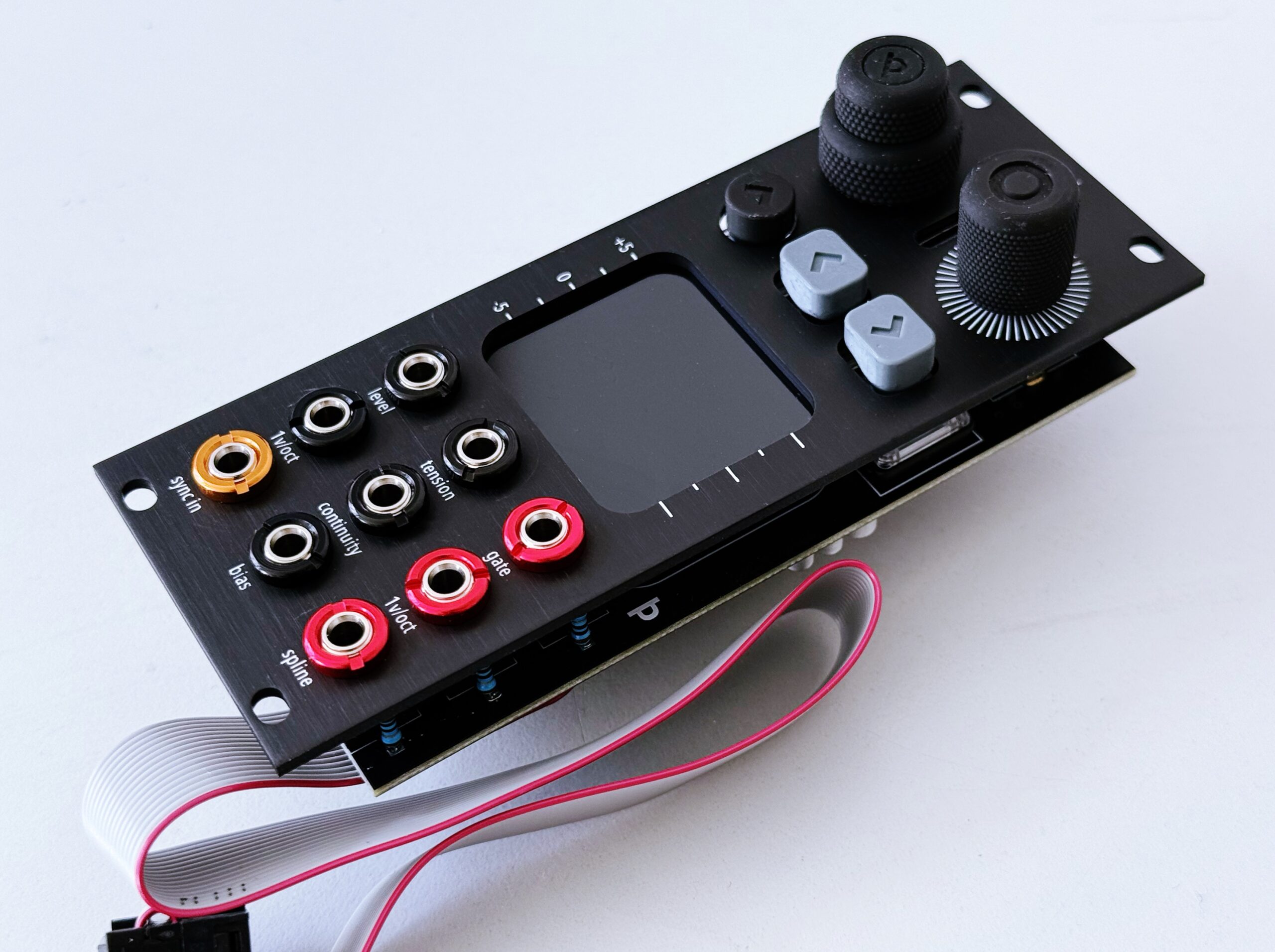
Engineer and developer Hallvard Kristiansen, long-time repair technician at Schneidersladen among other things*, has tackled Splines as an exquisite labor of love. Thorn already put out a beloved modulator called VCLFO. But VCLFO is all about big dials and fixed waveforms. The module debuting today has a visual, digital interface that takes that precision and lets you elaborate all kinds of new shapes and patterns using splines.
Wait — what’s a spline, and why is it so special?
Sponsors: Today’s post is brought to you by polynomial equations, the trials and tribulations of my high school AP math teacher, and the following envelope: weeoow-weeeow-wubba-wubba-werp.
A brief history of splines
Splines are a family of functions described by piecing together polynomials. And the idea of them is to create smooth interpolation between values, which becomes the basis of a wide swath of techniques from vector drawing to animation and motion curves. Using splines in Eurorack means a chance to create patterns and shapes intuitively and modulate and reshape them fluidly.
You’ve probably used splines at some point, whether you realized it or not — any time you add easing to points in a DAW or video editor, or make curved shapes with a vector drawing tool like Illustrator, you’re (typically) using splines. The ubiquitous pen atool (as in Adobe Illustrator) uses Bézier curves, which combine into Bézier splines. You might even know the Catmull-Rom spline specifically, named for computer scientists Raphael Rom and Pixar co-founder Ed Catmull. Computer graphics and animation were so new that Catmull was inventing a lot of the techniques he needed, and so it was that he teamed up with Rom in 1974 to publish a legendary document (for spline lovers, anyway) entitled “A class of local interpolating splines.”
It’s all about the nuance of the curves and how they’re controlled.
The main thing to know about the Catmull-Rom spline is its simplicity — you provide a set of points, and get a curve, with interpolation at each point. That means it’s typically what you learn first if you’re creative coding; see the curve() function in Processing. It’s pretty ingenious, actually: points on the curve are also control points.
But come on. You wouldn’t be so basic as to use a Catmull-Rom spline. (What’s next? You’ll tell me your favorite dithering is Floyd–Steinberg? Your favorite shading is Gouraud! How gauche!)
No, for true spline lovers, it’s all about the nuance of the curves and how they’re controlled. So Splines builds on the 1984 Kochanek-Bartels spline. This has three parameters — tension, bias, and continuity — making it a natural for building something you want to easily tweak and control with CV. This particular breed of spline was the invention of Doris Kochanek (of the National Film Board of Canada) and Richard Bartels (of University of Waterloo), and has been favored by software like 3D Studio Max and Newtek Lightwave. (To be precise, Splines uses a cubic Hermite spline with Kochanek-Bartels tangents.)
If you want to be convinced of the beauty of splines, there’s independent game designer and educator Freya Holmér, who inspired Hallvard’s research. (She has great topics like “why can’t you multiply vectors” and “lerp smoothing is broken.”) What’s a path? What do we mean by smooth? Those questions are as relevant in sound and music as they are in gaming and motion.
The hardware
To do all that spline processing, Thorn provides some terrific-feeling hardware — specs (beyond even what you need to know):
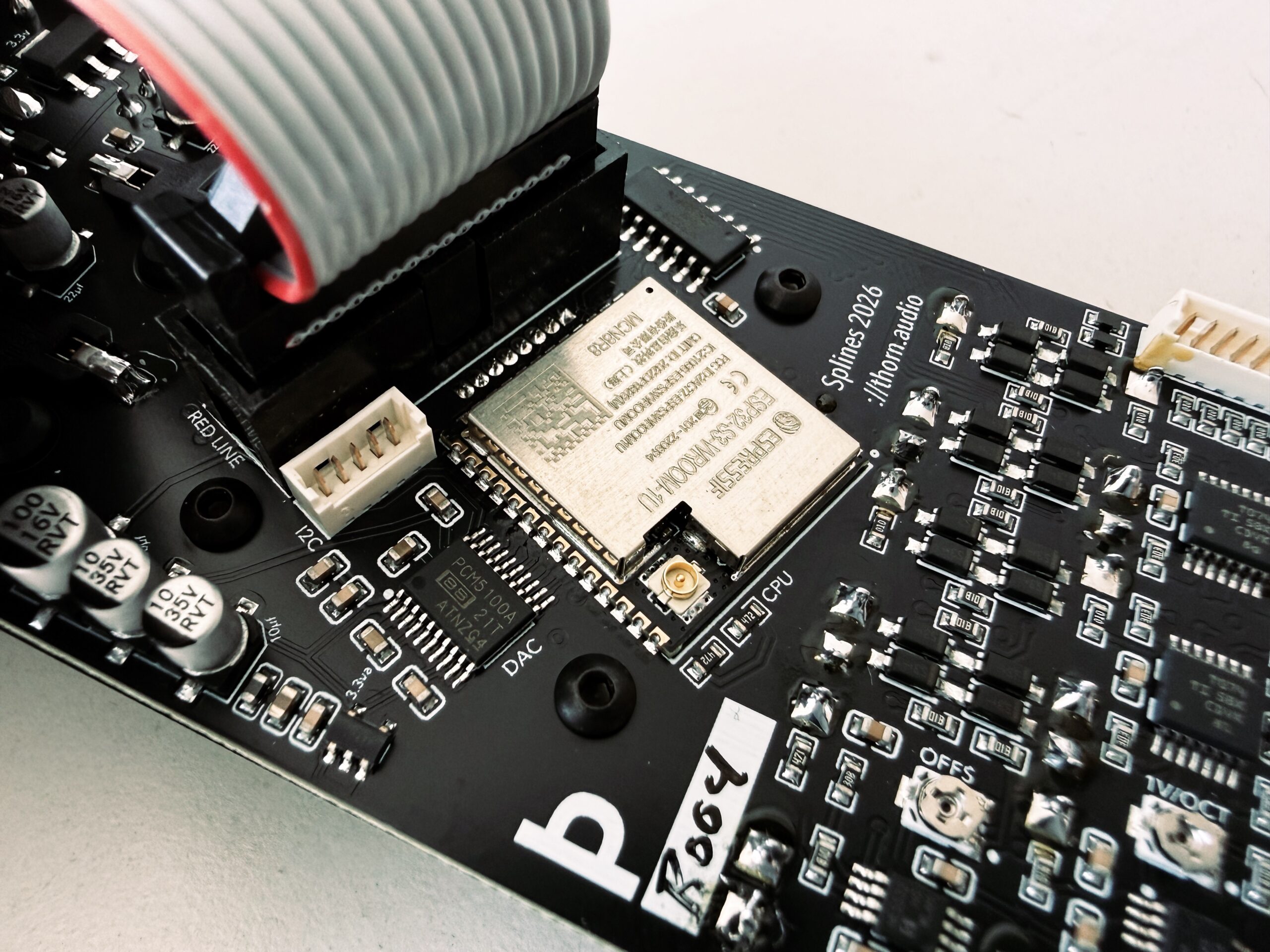
- ESP32 S3 brains (two cores, floating point and vector units, lots of RAM and flash memory)
- 1.8″ color LCD display
- 32-bit stereo DAC (output at 16-bit, 192 kHz) plus dedicated 8-channel 12-bit ADC (CV input at 1kHz, 12-bit)
- Regular save of the full device state every few seconds, so you never lose your work
- Satisfyingly clicky blue Kailh Choc v2 low profile key switches (swappable if you have your own preference)
- Front-panel USB-C for easy programming, updates, and data transfer
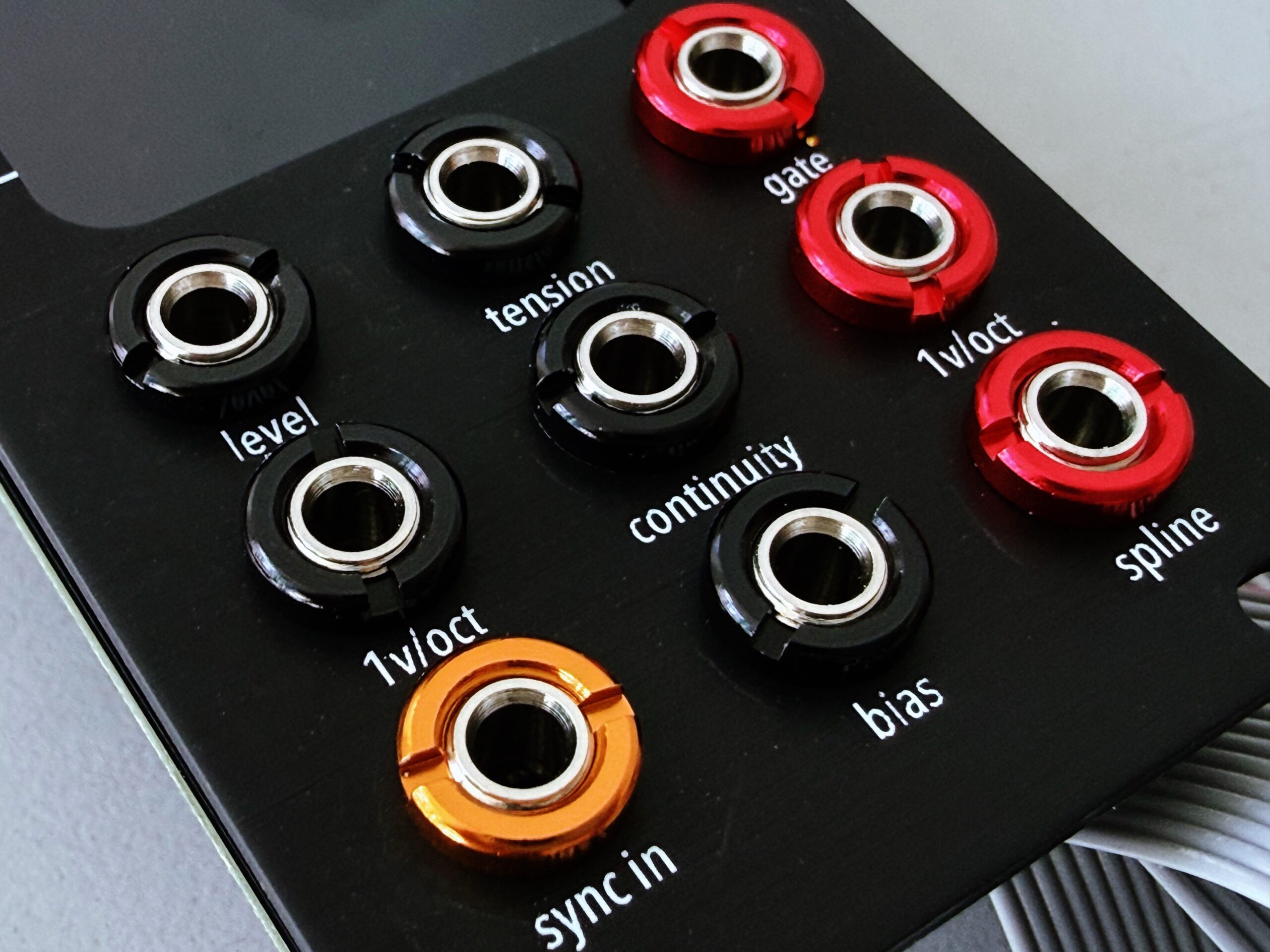
You have a 10HP module with expansive possibilities:
- 16 user-configurable points/nodes — X = time, Y = voltage, meaning this can be a step sequencer as well as an envelope or modulation generator.
- Tension, Continuity, and Bias. That impacts the severity between each nodes (tension), and the angle (continuity) at each node, plus the ability to shift the tension to the left or right of the node (bias).
- Zoom and scroll.
- Frequency, which can be quantized.
- Custom tunings and modes for quantization: Drag and drop Scala files onto the storage via USB-C (with space for about 30-40 files loaded at once)
- Output amplitude via level and CV input (meaning you don’t need an external VCA).
- Oscilloscope for each of the six CV inputs — meaning this all doubles as a scope for your rig!
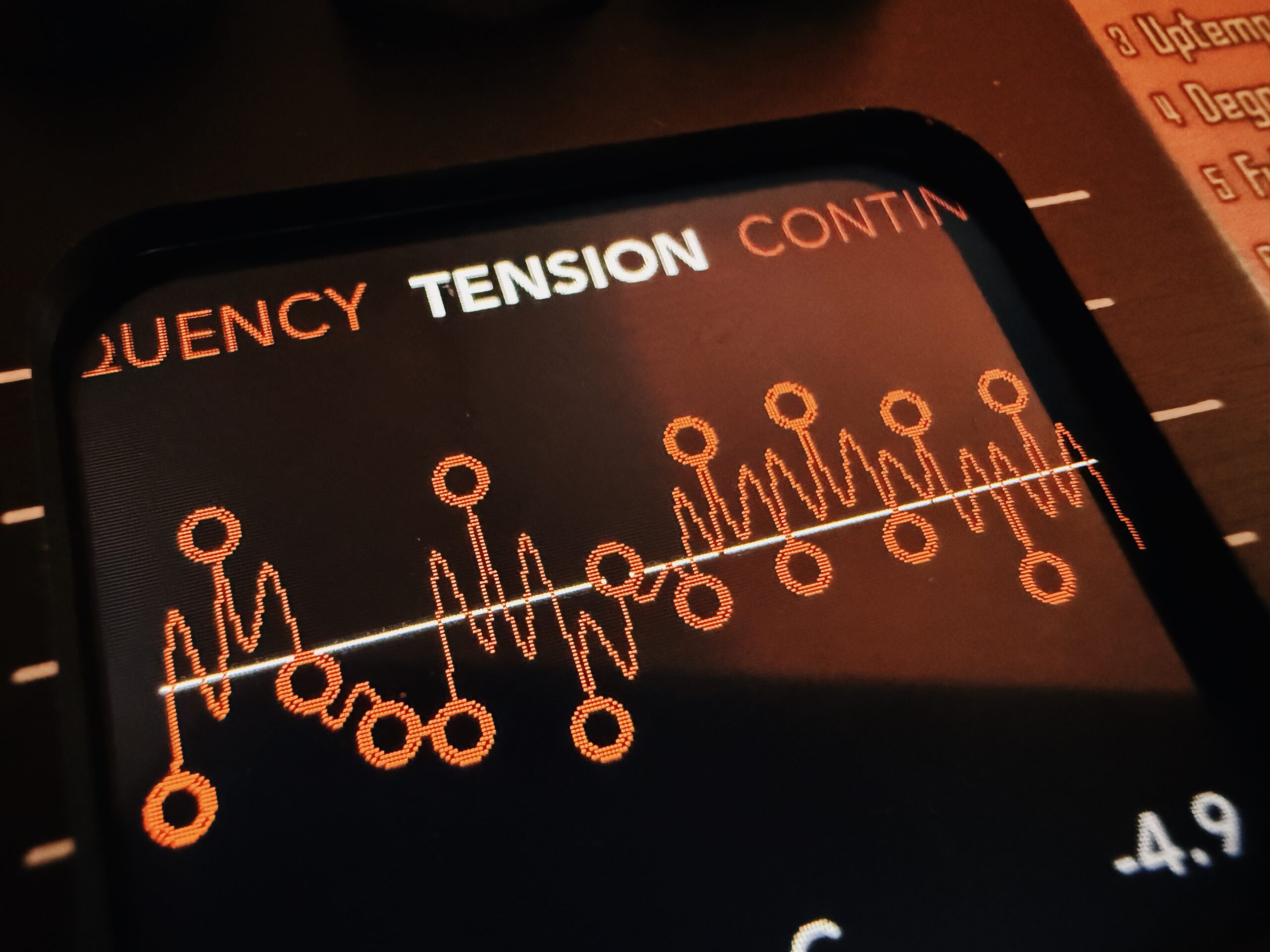
The power of splines
Designer Joni Caparas worked with Hallvard to produce a fluid, usable UI. All that math contributes to one goal: letting you tweak curves and shapes as easily as you can imagine them. In addition to frequency, tension, continuity, and bias, you can set other behaviors that reshape your curves, like:
- clipping — hard and soft
- wavefolding and wrapping
- rectify
- comparator (making your curve into square waves with different pulse sizes)
- bitcrush (reducing shapes down to 1-bit square waves and everything in between)
And remember, this can be an oscillator (by increasing frequency), so you effectively have a one-of-a-kind spline-based wavetable oscillator. You can use Splines in place of a VCA by patching in an envelope signal (from another module, or from another Splines). And it can be a step sequencer or LFO, each of those having the option of using an external clock or external trigger. You can use it as a tuner/quantizer with Scala support. You can make envelopes with it.
All that math contributes to one goal: letting you tweak curves and shapes as easily as you can imagine them.
While I love simplicity in modules, the truth is a lot are unitaskers. And then at the opposite extreme, some of them have a lot of capabilities but at the cost of a ton of menu diving and confusing mode switching.
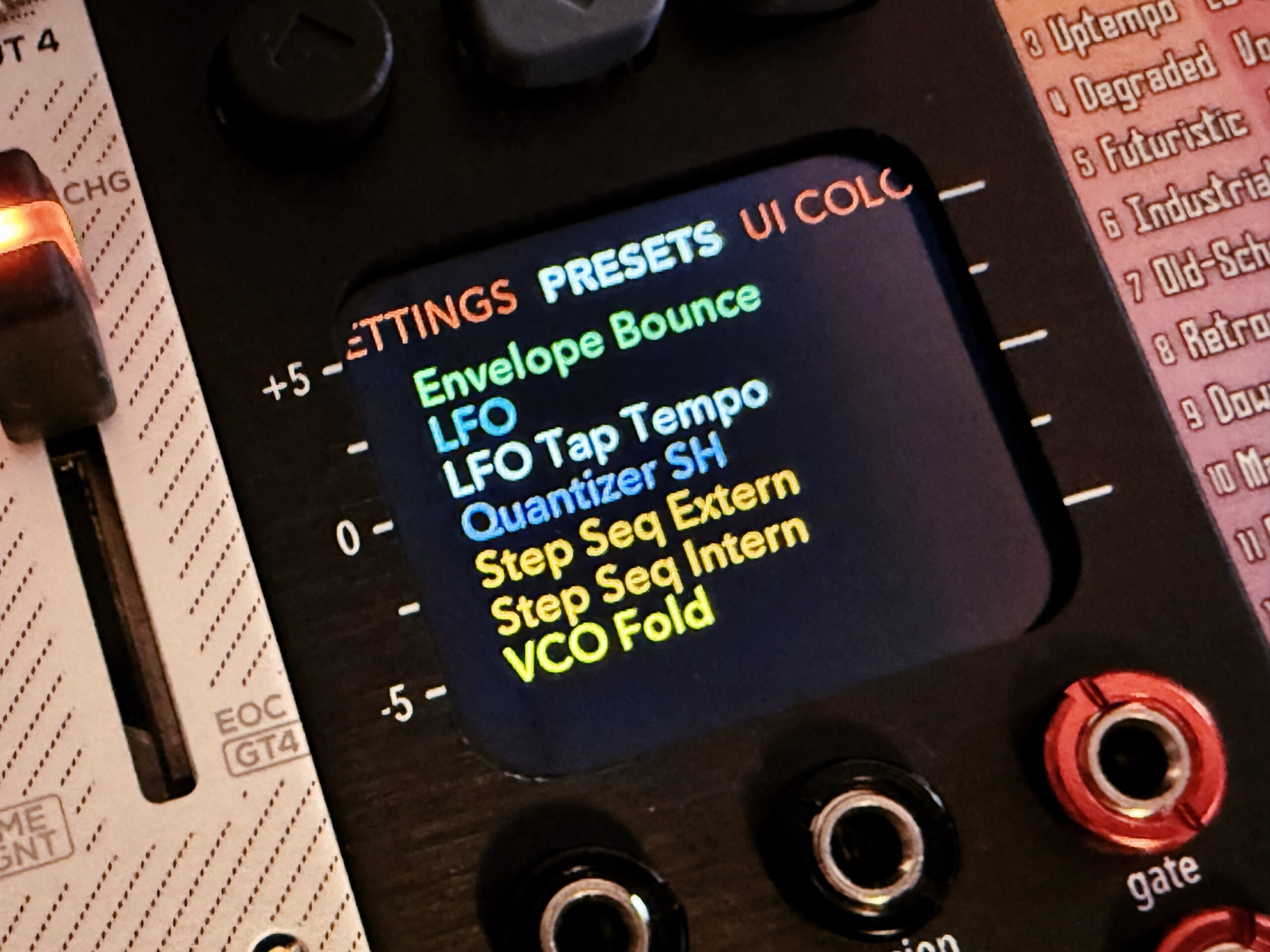
Splines is different: it’s a compact multifunctional that can produce complex structures (if you want) and perform a lot of tasks, but via a simple, flat menu system, lots of visualizations, and a few simple, easy to tweak, easy to modulate parameters. Plus, it’s like a really useful scope or VCA when you’re short one.
And it’s just incredibly addictive, because of how accessible the panel is. Every setting is a quick twist or press of an encoder away. Nothing is hidden. Want to change a node, or shape, or fold or squeeze your spline? You just dial in directly or patch in from other modules.
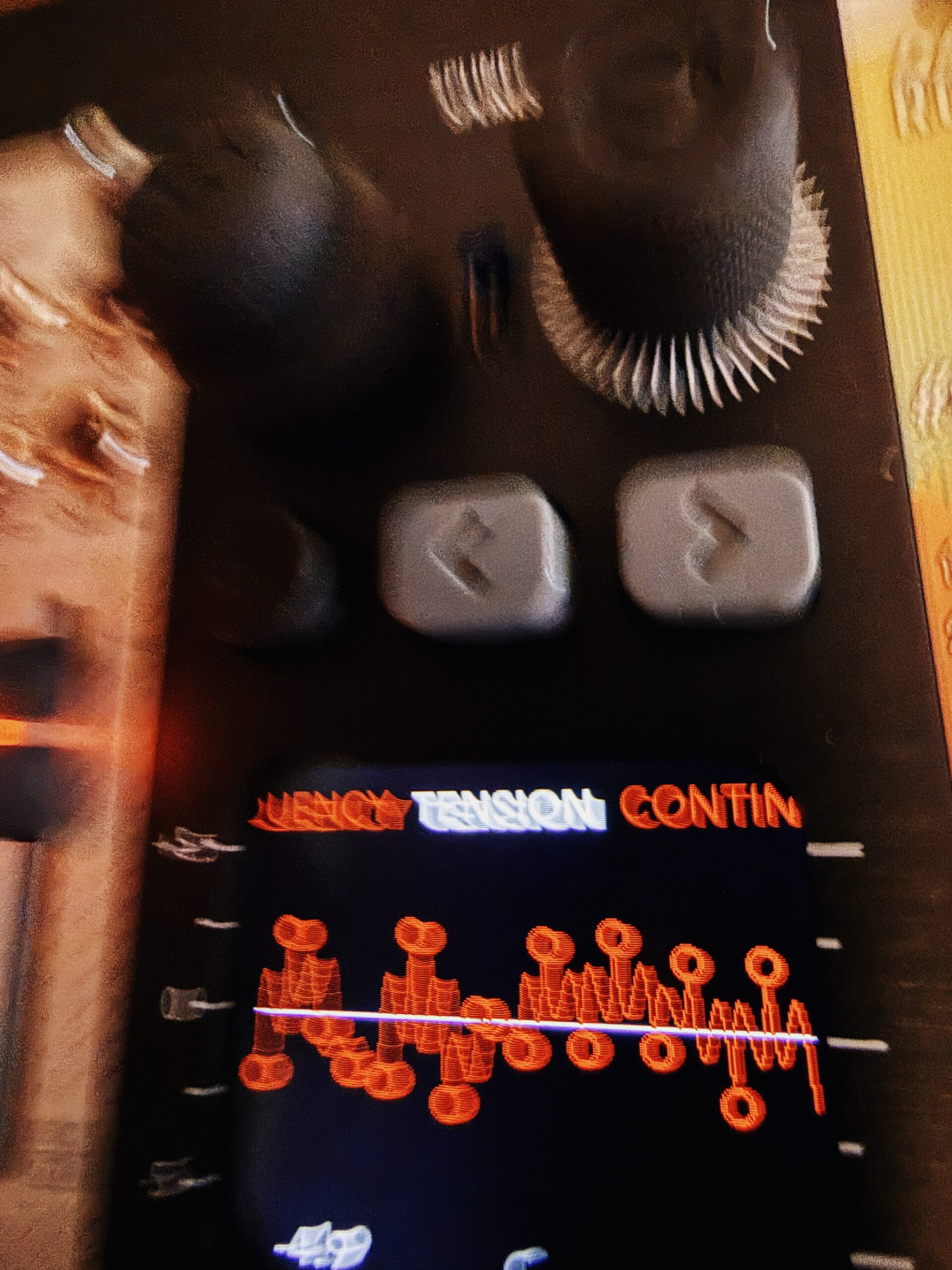
It honestly feels the way you really wanted modular to feel from the start. There have been other fascinating multifunctional modulars, ones that combine the openness of the digital with analog signals workflows — Ornament & Crime is a clear inspiration for this one. But Splines, thanks to its screen and its intuitive parameters, feels more like an instrument and is easier to see.
Find out more:
And there’s just too much to say and show on Splines, so expect more on this soon. (If you’re curious, I can also talk about Hallvard’s development process.)
* Disclosure: While Hallvard has long since quit Web dev, I’ve nonetheless twisted his arm into ongoing server admin work on CDM; without him, I’d be typing this into an IBM Selectric and mailing it to you as a zine. Okay, that sounds fun; we could still do that.
Addendum: Want to read a 1996 ASCII text narrative on interpolation, for the tool POVray? You don’t, but here it is anyway, written by Steve Noskowicz.