It’s been a long time coming. Audacity, the ubiquitous open-source audio editor now owned by Muse Group, reaches version 4 with a reworked UI and enhanced usability. Here’s a look at what’s new and a first run. And there is one fork to consider, too.
Version 4
There’s a lot of history here: Audacity has topped 100 million downloads in the quarter-century or so since it was launched. The software started as a largely community-driven project, but it’s owned by a new titan in the music industry, MuseGroup. That entity owns everything from the titular MuseScore notation software to publishing giant Hal Leonard. But Audacity remains free and open source, under a GPLv3 license.
The big news here is that Audacity 4 comes with a reworked user interface. It’s one of the most obvious set of changes in an upgrade in the software’s 26-year history. We examined an early preview last fall.
For many people (myself included), Audacity’s dated UI and often inconsistent editing behaviors held it back. That’s especially unfortunate, as Audacity remains an entry point for beginners and people wanting free audio software across macOS, Windows, and Linux.
Now, Muse are quick to say that this is not a “one-time overhaul,” but a “generational change for future releases.” They also mysteriously say that this is “another step in Muse Group’s strategy of building a connected ecosystem for music and audio creators.” What I’m pleased to report is, a) this is already far more enjoyable to use and look at, and b) you don’t have to deal with any of that “ecosystem” stuff if you just want a free audio editor to use right away without the hassle.
New, in brief:
- Updated UI (though with the ability to keep the old toolbar layout; see below)
- Split tool
- Freely drop clips (finally)
- Multiple clip selection, moving, trimming, stretching
- Group clips
- Gain envelopes (finally)
- Trim and stretch handles (actually the first thing I noticed, and this works really well)
- Per-track metering
- Markers and regions
- Loop region controls
- Direct sample editing
- Multiple workspaces/custom workspaces
- UI accent color, themes, and clip colors (basic, but attractive)
- Vertical playback meter
- Totally redesigned effects UIs
- MuseHub effects marketplace (see below)
- LV2, VST3, AU support, plus complete backward compatibility with Audacity 3’s aup3 files
And it’s free forever, bound by the GPLv3.
First impressions
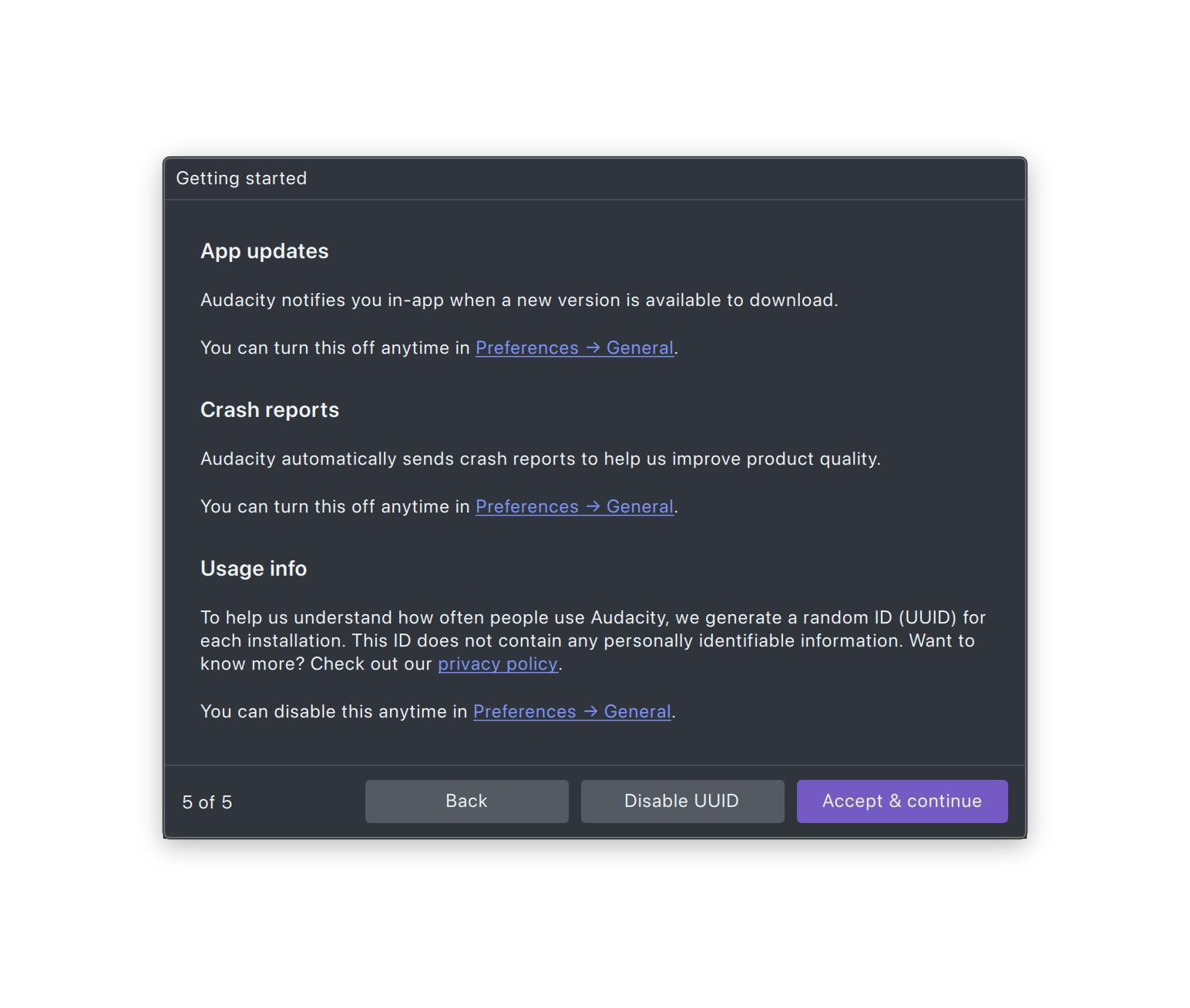
Now, I expect MuseGroup would really like me to tout their ecosystem, cloud sharing, and so on. But I know for a fact that many of you loathe all those extras. You can actually skip all of it pretty easily in this version, even if v3 felt a little naggy. For one, on the download page, just under the “recommended” Audacity from MuseHub version, there’s a simple application bundle. That also doesn’t require an internet connection to install, so, for instance, you can drop it on a USB key and hand it out during a workshop. You don’t miss anything, either, as you can go back and add effects and such later if you choose.
On the Mac, that’s a .dmg and Application bundle, like so:
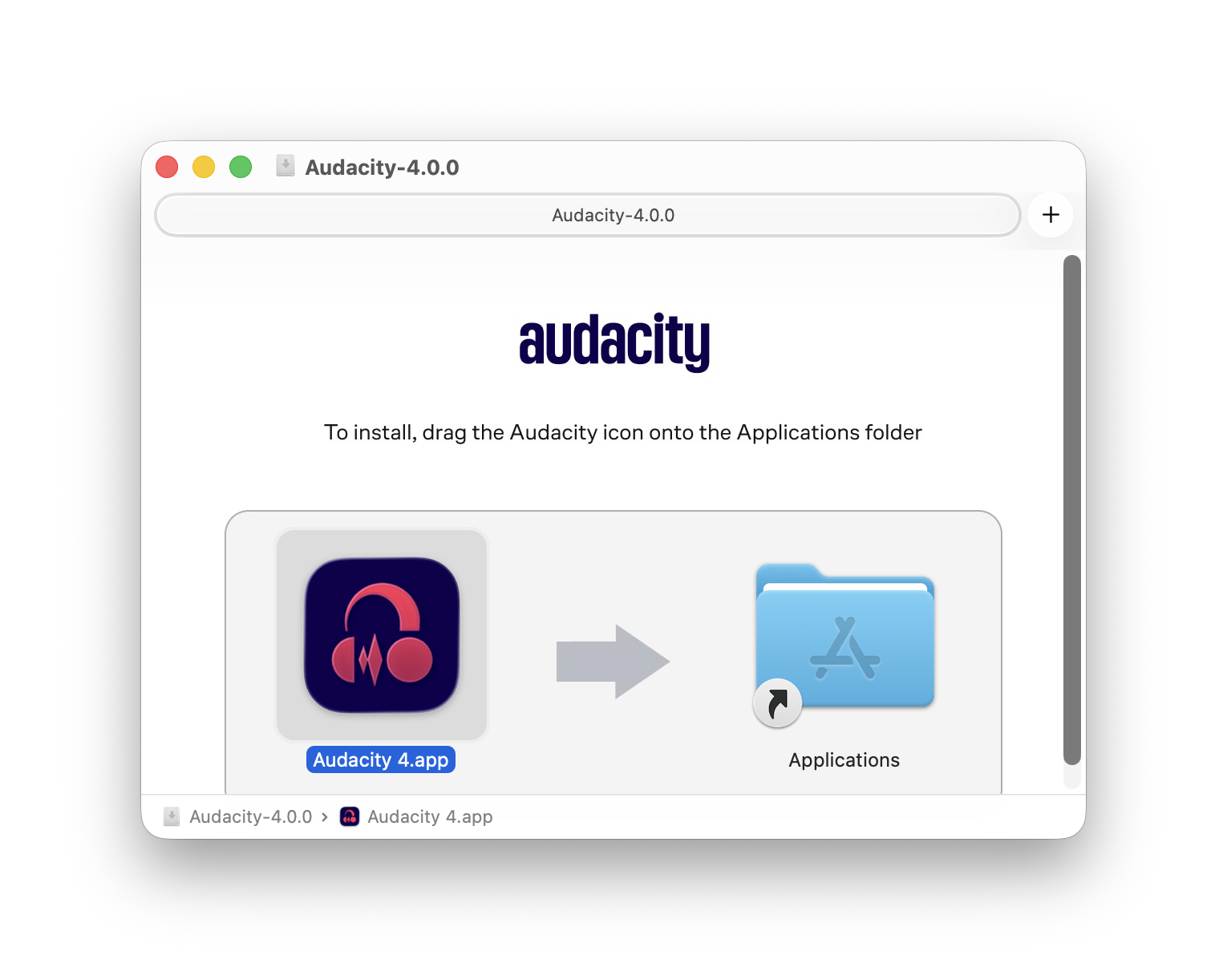
(On Linux, for now, you’ll likely download an AppImage binary with FUSE 2.)
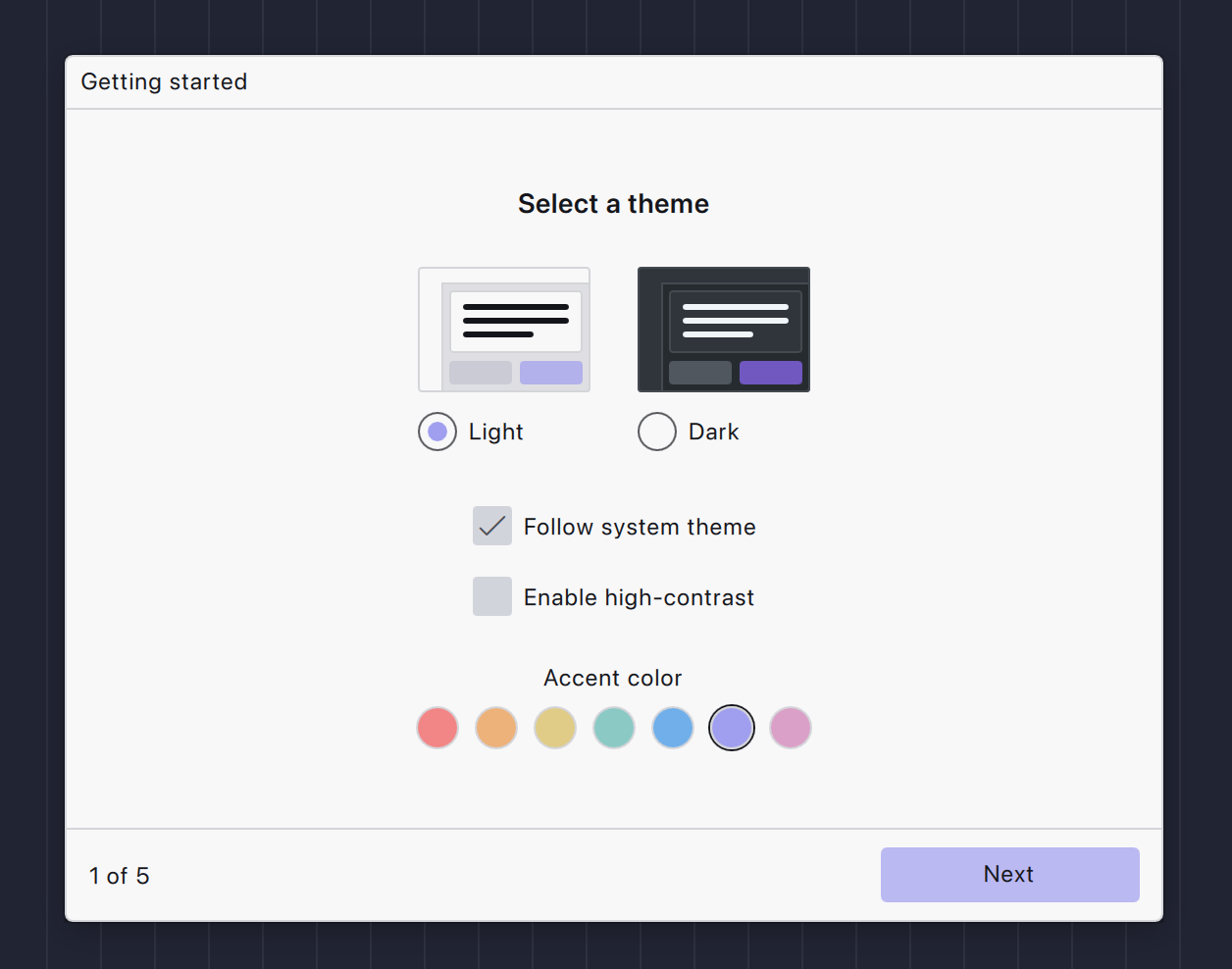
You can now choose a basic theme:
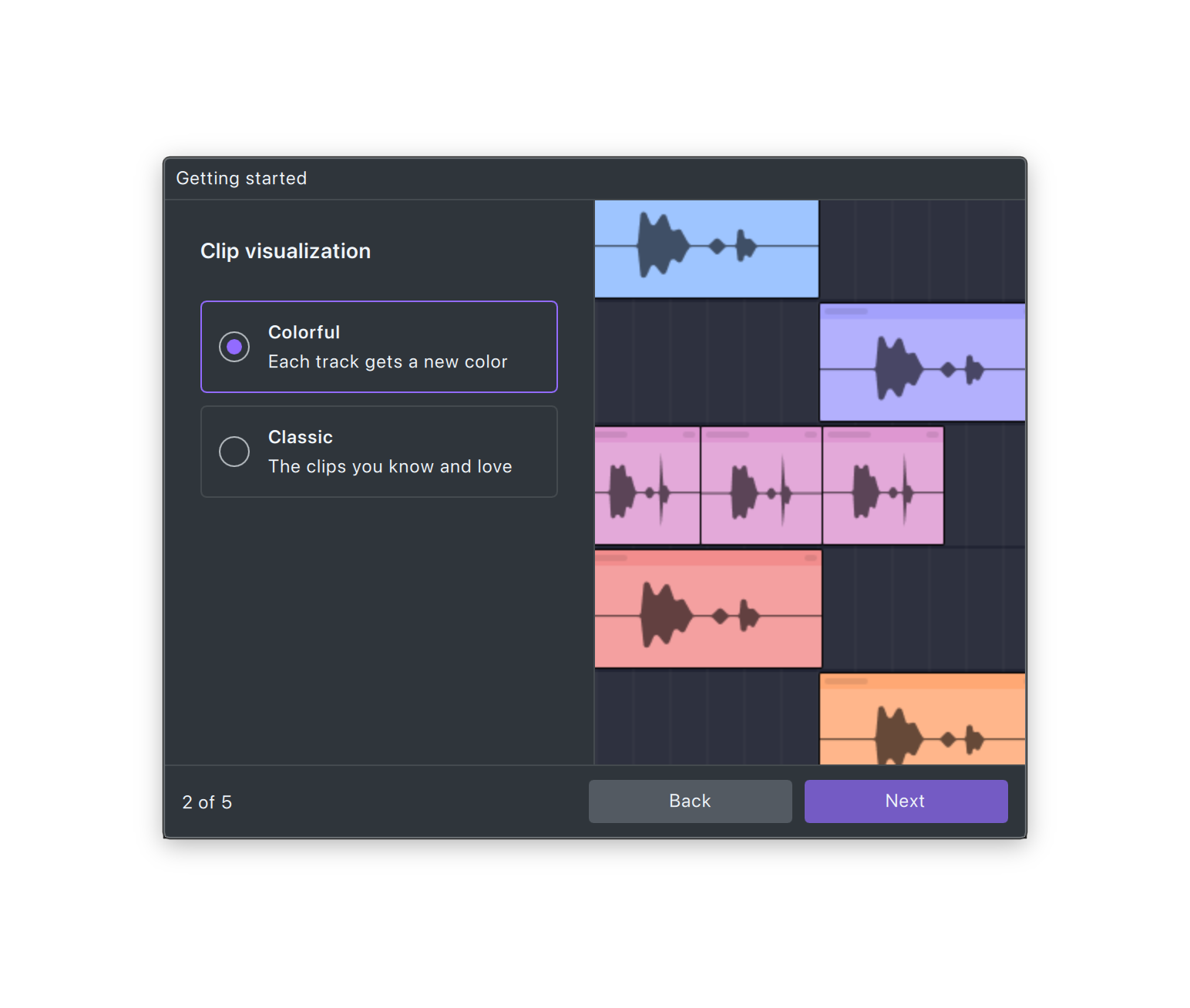
Clip visualization then can be automatically colored, which I found easier to keep track of while editing:
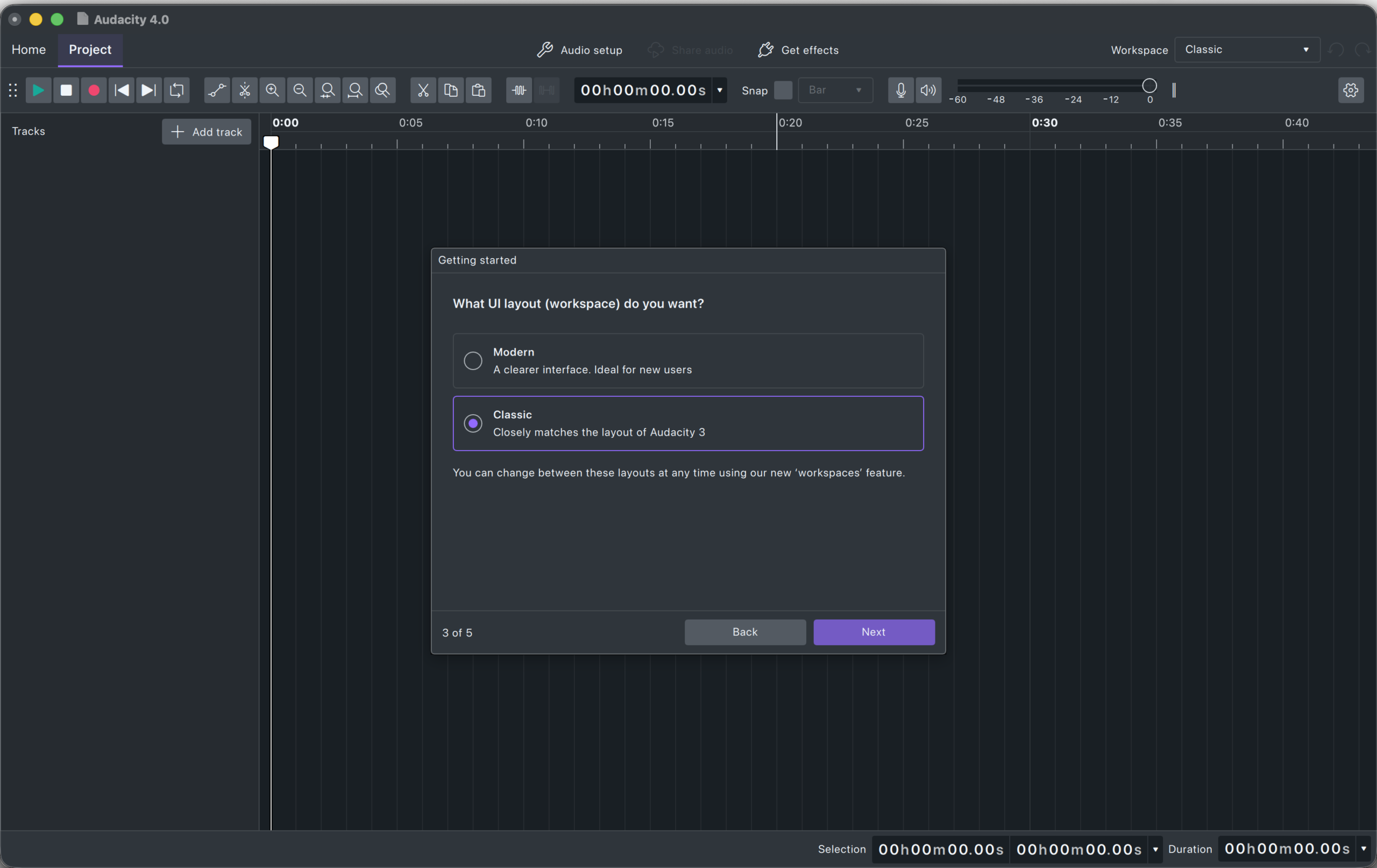
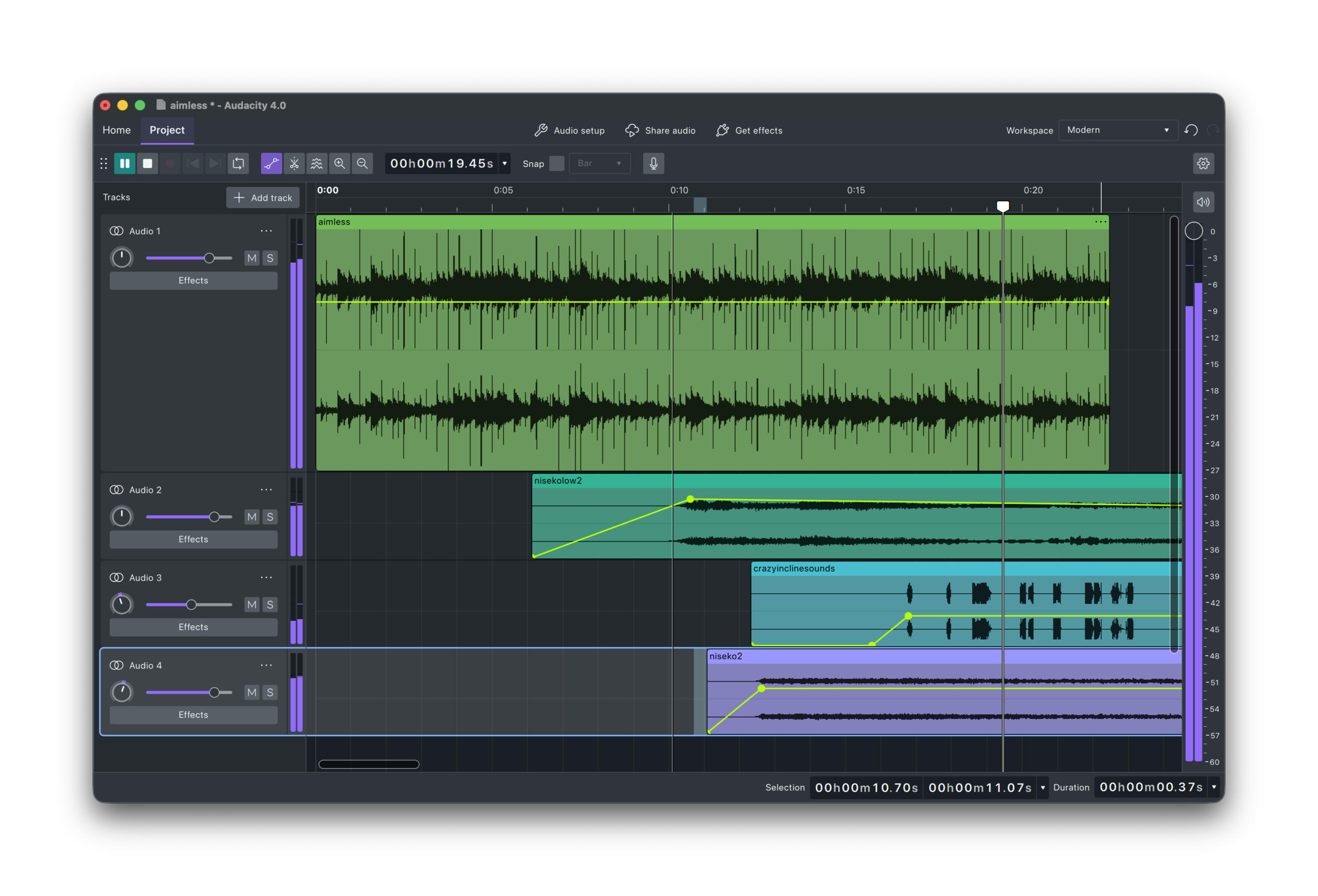
There’s a new “Modern” layout, which I prefer, as it puts the master meter vertically on the side of the screen rather than cramming it into the toolbar. You can revert to “Classic” if you want, though — all the other UI refinements and editing improvements still apply, so Audacity doesn’t go back to its fugly, clunky old self. In Modern mode, you can also customize which icons are on the toolbar, since some are left out of the Modern view.
This has been true for a while now, after some public outcry, but it’s very easy to turn off telemetry (reports back to the mothership). Even with it on, it’s anonymized.
And here you are: Audacity’s minimalist but ultra-clean UI. V4 is fast, too. (It’s built in Qt.) I was struck by how snappy it feels versus other proprietary (cough) software.
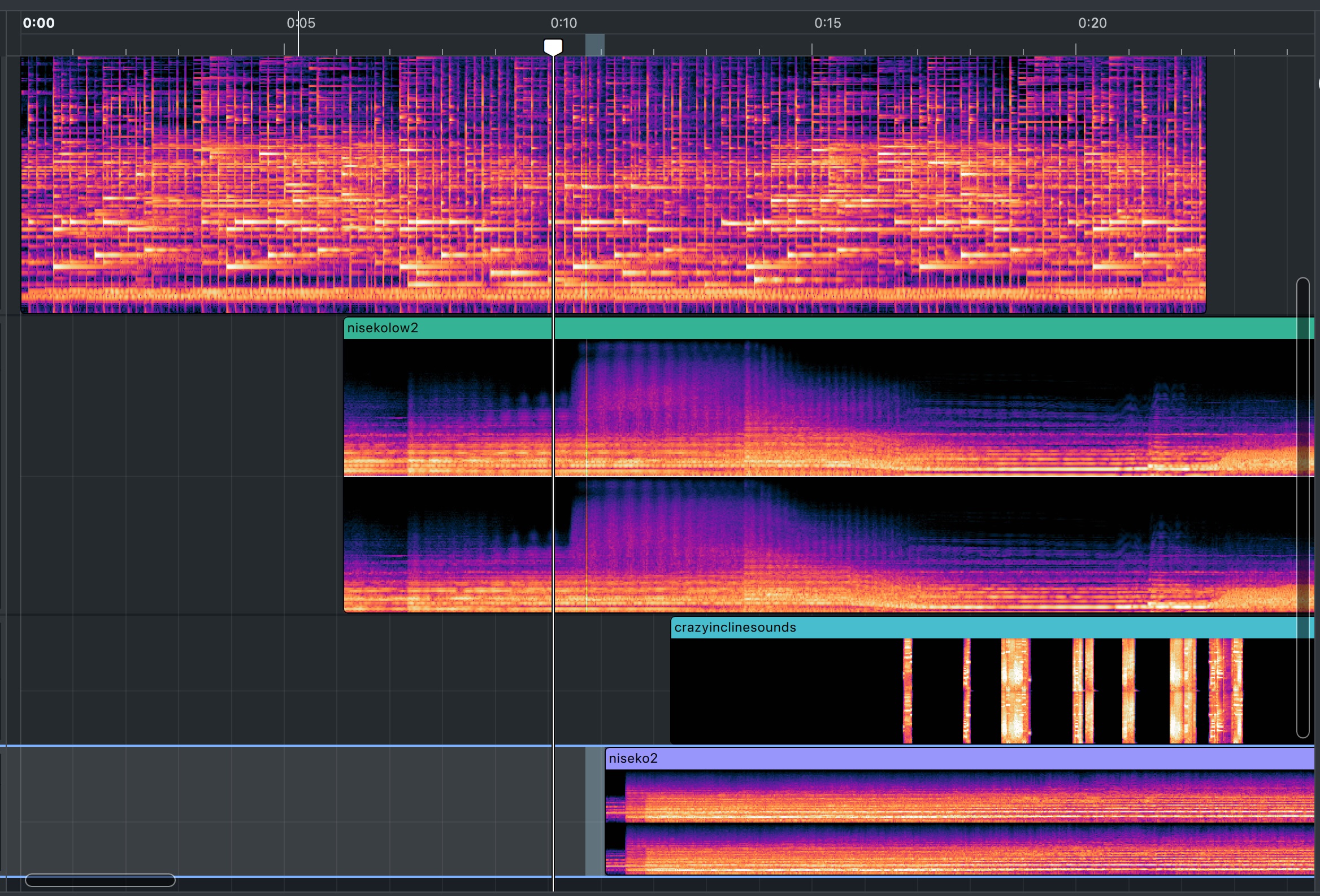
And there’s this great spectral view, too:
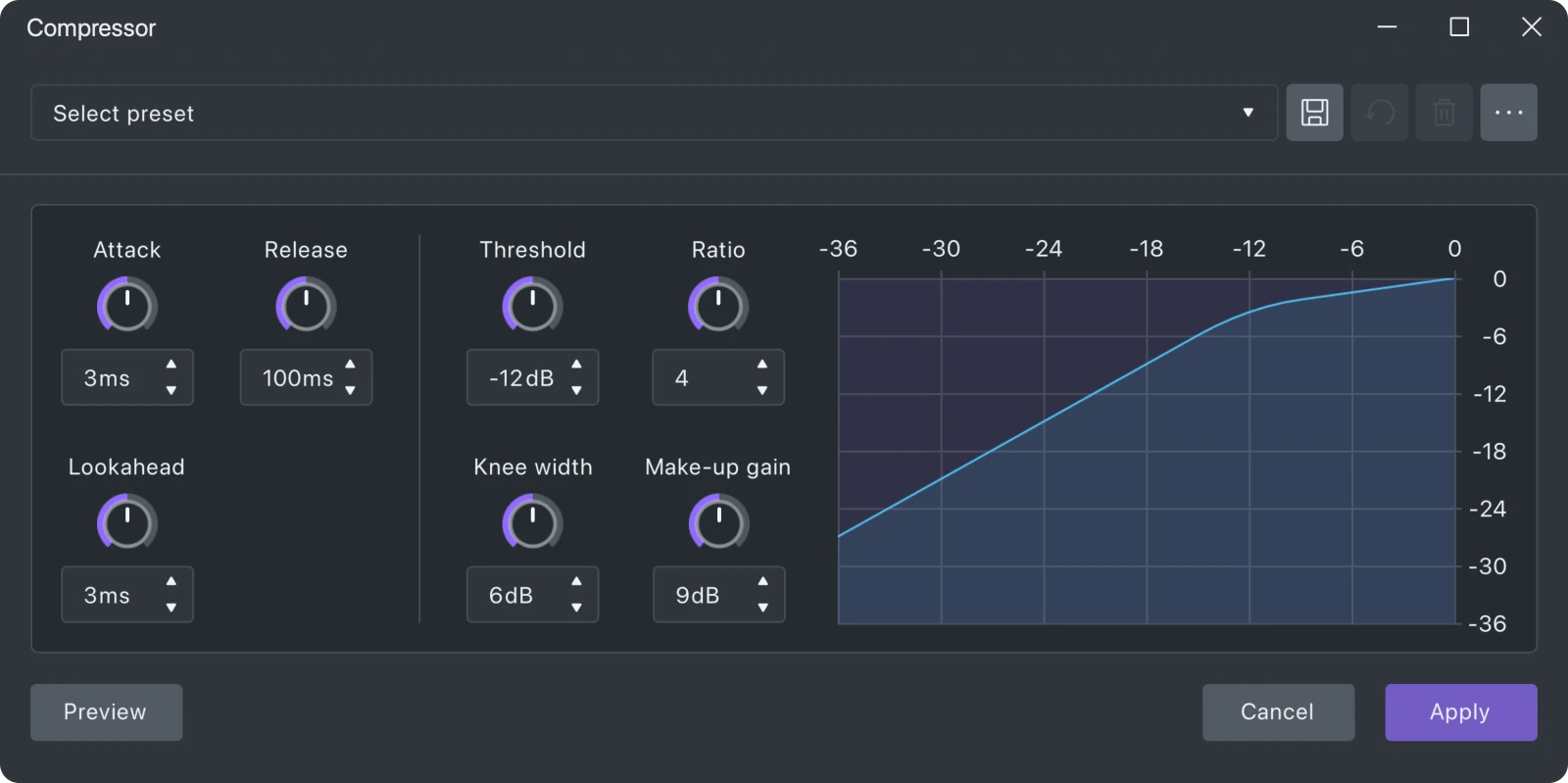
It’s long been Ardour’s built-in effects suite that made me reach for it now and then — even with their bare-bones UIs. Those have now been modernized.
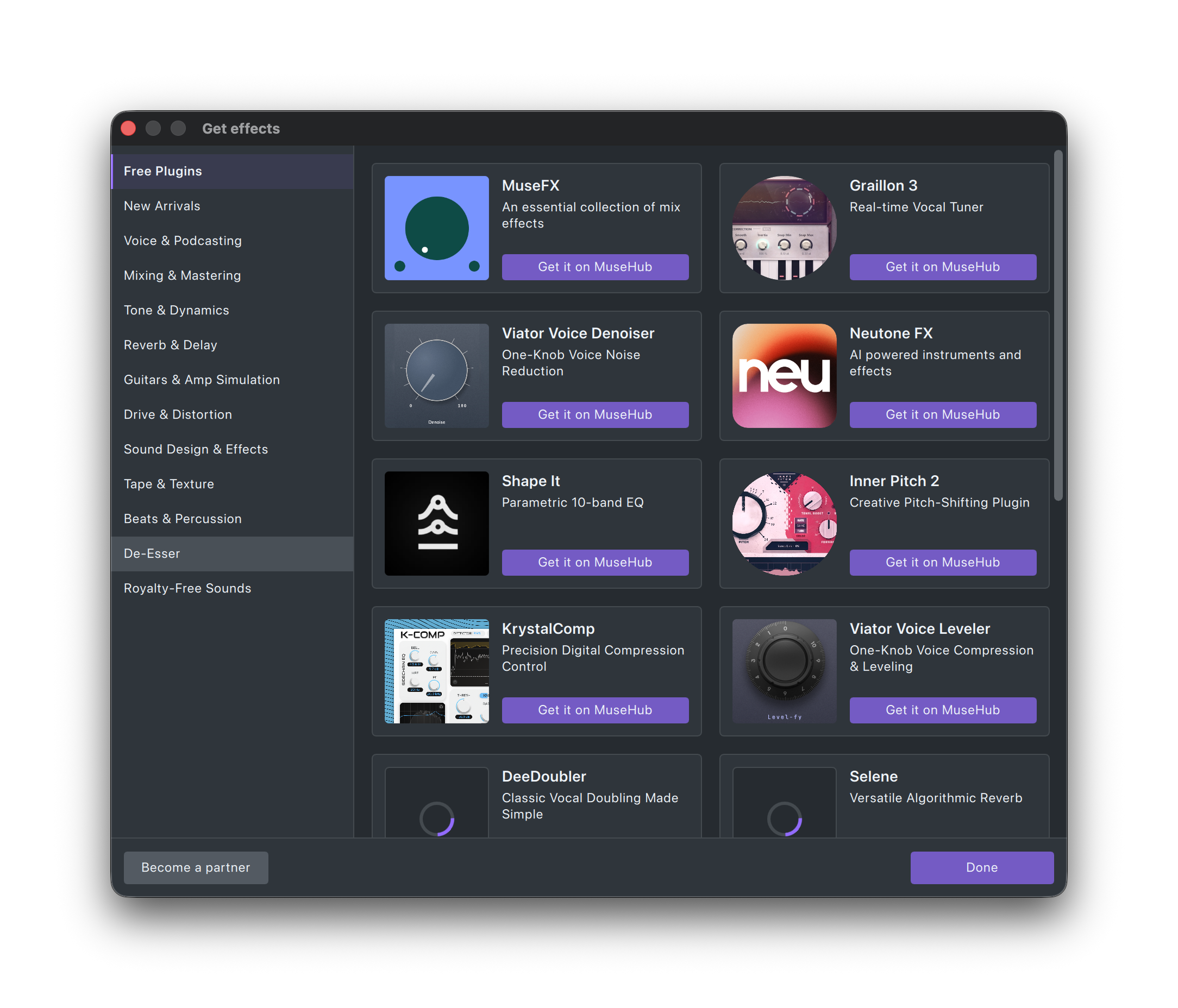
Some of the Muse extras actually are worth a look, especially for beginners or educational environments. So their new plug-in marketplace includes a lot of nice freebies for everything from music to podcasting — and since you can pick and choose what you want in this build, you don’t have the feeling of a bunch of crap getting pushed in. Just be prepared that this generally takes you out of the realm of open-source stuff.
Audacity is nowhere as deep as Ardour, the free DAW, and you should consider Ardour for a lot of the use cases offered by Audacity. But these are different tools; Ardour is a true DAW, and Audacity is a true wave editor. And I always appreciate a quick-and-dirty wave editor, and Audacity unique suite of tools built over 25 years of community work is still there. Audacity 4 makes a great companion to Ardour. Indeed, all the new editing improvements make it way easier to move back to Audacity for other tools without the dizzying feeling of nothing working the way you expect and a bunch of stuff missing.
It’s good news we have Audacity 4. And I am curious how they’ll build on the new UI framework. It feels spartan, to be sure, and I can imagine they can do more with functionality now that they have the foundations in place.
Note: I did find the plug-in validator was routinely crashing on my Mac, though I was able to click through those dialogs, get to the end, and use most plug-ins normally. I’m researching the issue and asked Muse for comment.
When you come to a fork…
Community users and open-source advocates have raised some red flags about Muse Group since the acquisition. Yes, it remains GPLv3 software, and that means free forever. But Muse’s own agenda goes beyond just open-source software, with all the talk of ecosystems. And free software is about more than just licenses and cost; a big corporate player means shifted responsibilities and control.
But Audacity is really the only game in town when it comes to mature wave editing with this full feature set, right?
Uh, well, so about that GPLv3 license…. that means developers can, and did, fork the software.
That project is Tenacity (including several other fork efforts that joined with them, Rebellion-style).
They’ve also done a ton of work on usability and functionality.
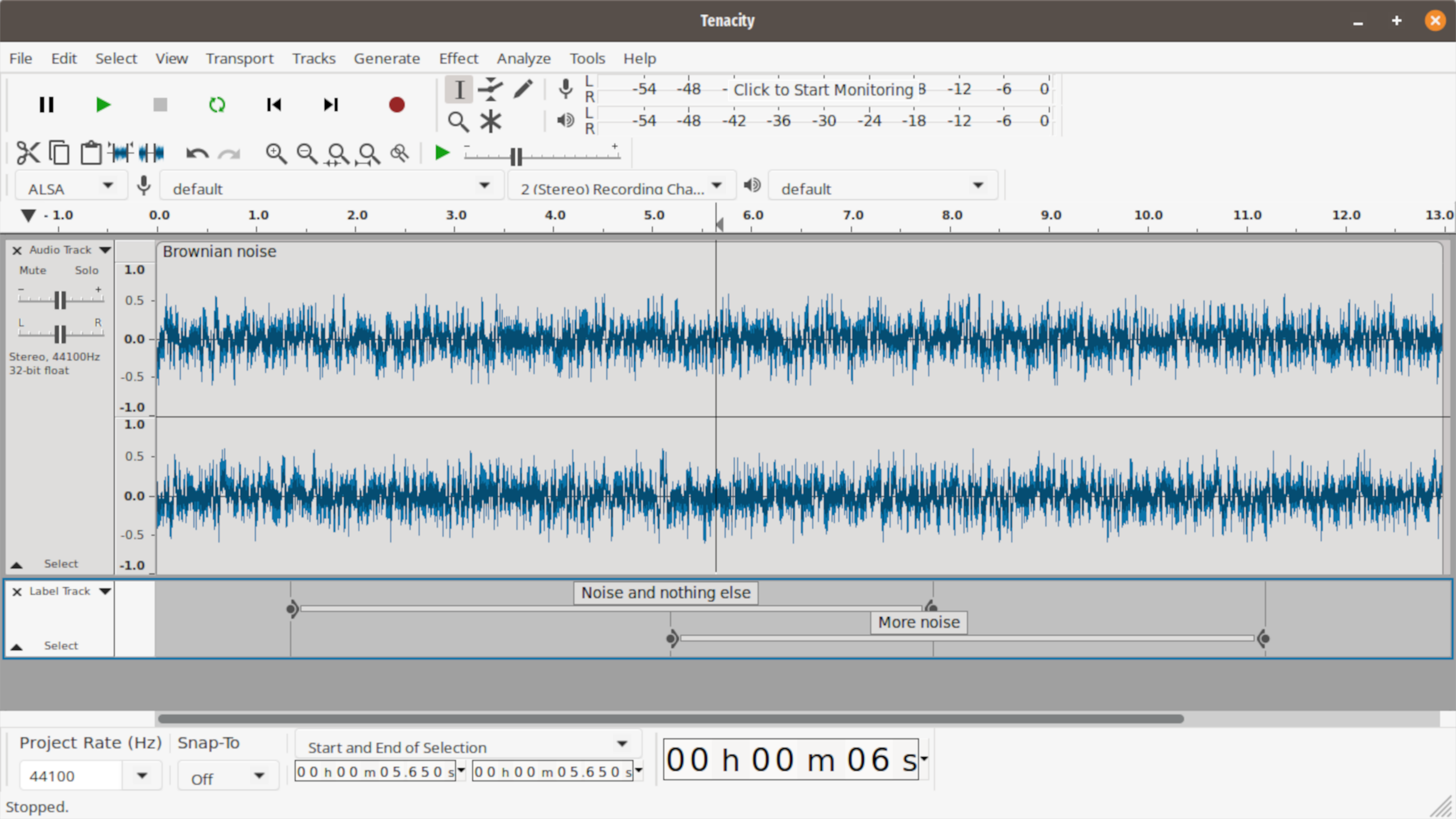
Tenacity, like Audacity, is scriptable, powerful, and accessible. In Tenacity’s case, you get a fully FLOSS application with none of the proprietary pack-ins. Like Audacity, it runs on Apple Silicon, Intel, and ARM (including ARM on Windows and Linux). And Mac binaries are back (they were absent for a while). Heck, it’s even in MacPorts. (We’re out of the beginner-friendly territory again, sorry.)
I mean, you know what I did, obviously; I installed both. But that’s me. In the end, it’s still the same core. I’ll be interested to see if Tenacity adopts any of the UI changes from Audacity 4.
I’m not complaining; this is excellent free software and the future is bright, whether via Audacity, Tenacity, or both.
Let us know what you think. Uh… sorry:
Linux users: Let me just use the example of Ubuntu. It’ll be a while before Audacity 4 hits a PPA, I think, let alone the universal repository. But LinuxCapable has a nice guide to installing Audacity on Ubuntu via various methods.