Music tech Software Step 1 Stories Tech
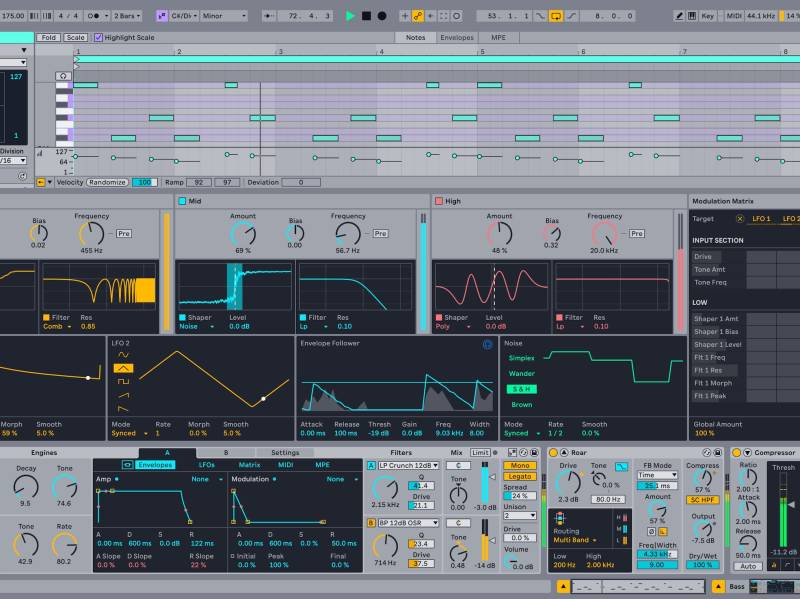
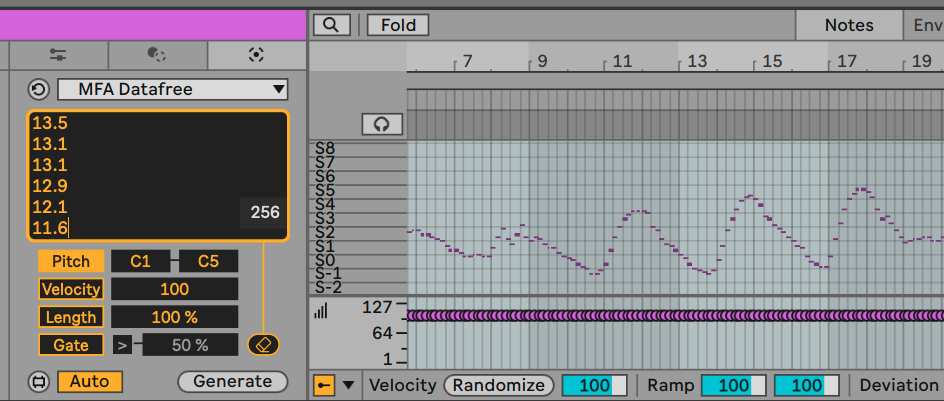
Sonify data in Ableton Live with a free MIDI Tool; weather data walkthrough
Now, raw data can be a musical source in Ableton Live 12 Clips — for free. Manifest Audio’s Datafree shows the potential of Live’s Generators, transforming any pasted numbers into music and sound. There’s a deeper rabbit hole to go down, but here’s a great way to start. Let’s try it with freely accessible climate data and make some weather-based melodies.
Read more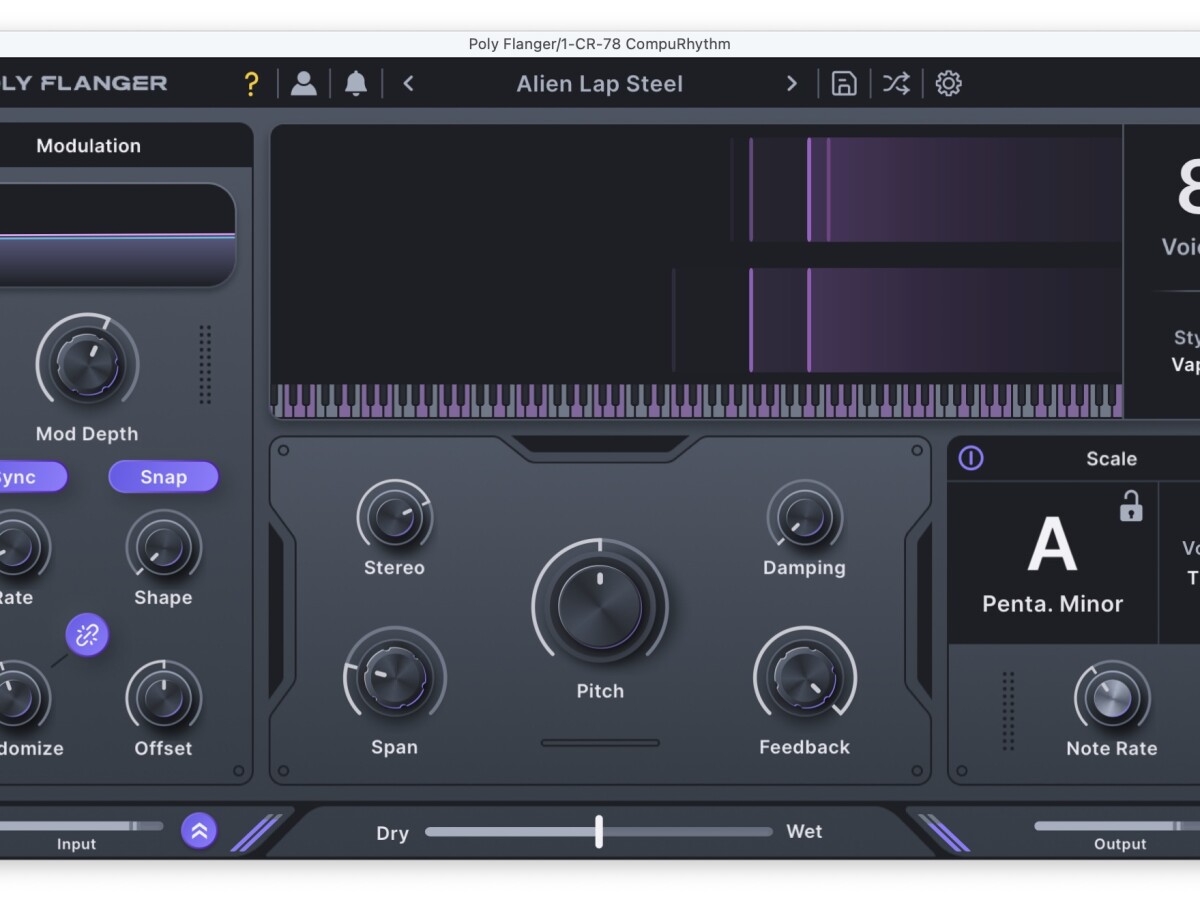
Poly Flanger: a guide to Minimal Audio’s new tunable 8-voice FX
Minimal Audio’s Poly Flanger is a “musical” stereo flanger — with tuning options, scale quantization, three modes, and 1-8 voices, plus deep modulation and timbral options. “Flanger” is accurate, but almost unfair — this is a deep 8-voice comb resonator that you can set in key with your project or turn into a liquid, sound-transforming, even glitchy beast. Here’s a deep-dive guide to how to get the most out of it.
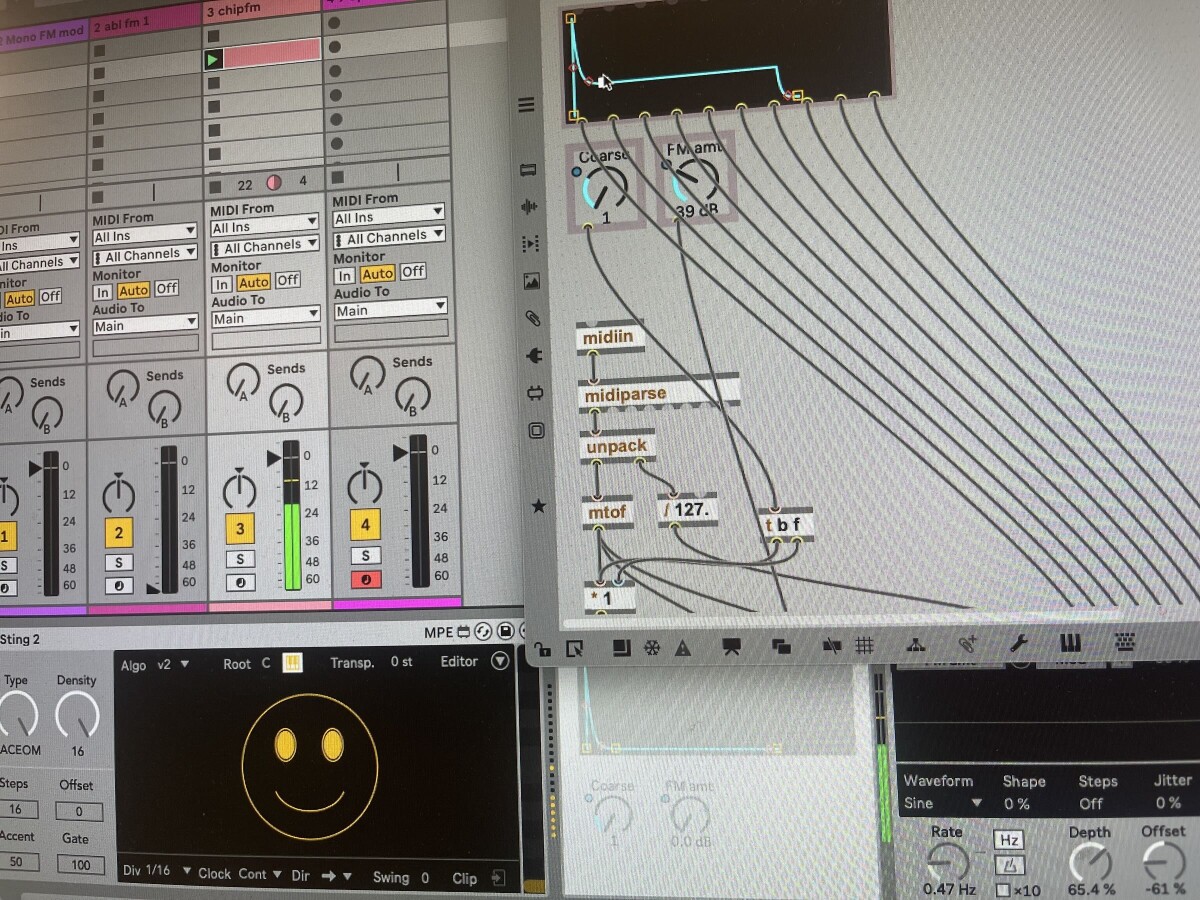
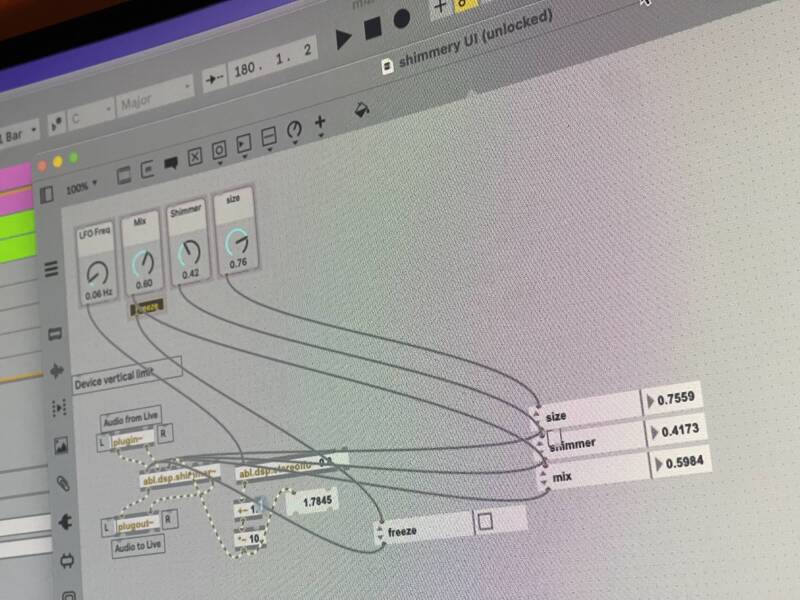
Guide: Creating instruments with Max for Live and Ableton DSP (pt. 3)
For the final episode in this trilogy on learning Max for Live and Ableton DSP Objects, we’re going to keep the focus on working fast. We’ll learn how to use Ableton DSP to prototype instruments quickly, play expressively, and hack them with some tricks and mods beyond what the stock Live Instruments provide.
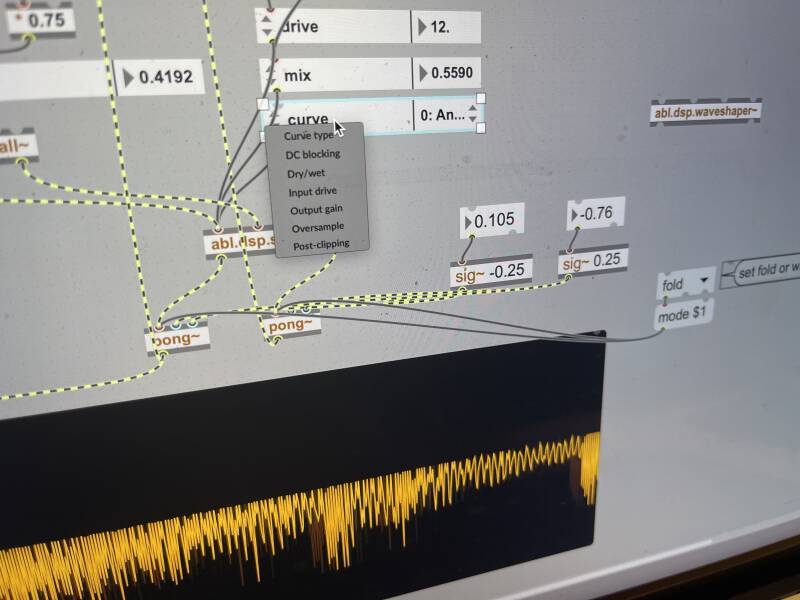
Guide: Create unique effects with Max for Live and Ableton DSP objects (pt. 2)
Peter Kirn - October 14, 2025
DIY + Unusual Music tech Software Step 1 Stories Tech