Chattering hyperreal vocal rhythms, delicate sparkling piano gestures, spacey pads — I’ve built a free bank for you for Baby Audio Grainferno. Here’s the download (direct download link), plus some tips on making your own sounds and banks.
Download and try now
Thanks to Baby Audio for partnering with CDM and helping support this pack and guide.
First, if you want to get straight to the download (Updated: new file, March 13)
CDM Grainferno pack (.zbaby file) – Download!
Samples are embedded in banks, but if you want to play around with these samples separately, I have a download that’s licensed under Creative Commons Attribution-ShareAlike:
If you just want to try these out, Baby Audio has a trial version of Grainferno, just as with all their plug-ins, available from their downloads page.
Product info: https://babyaud.io/grainferno
You can also buy a license on sale now via Plugin Boutique if you’re ready to jump in:
If you buy something from a CDM link, we may earn a commission.
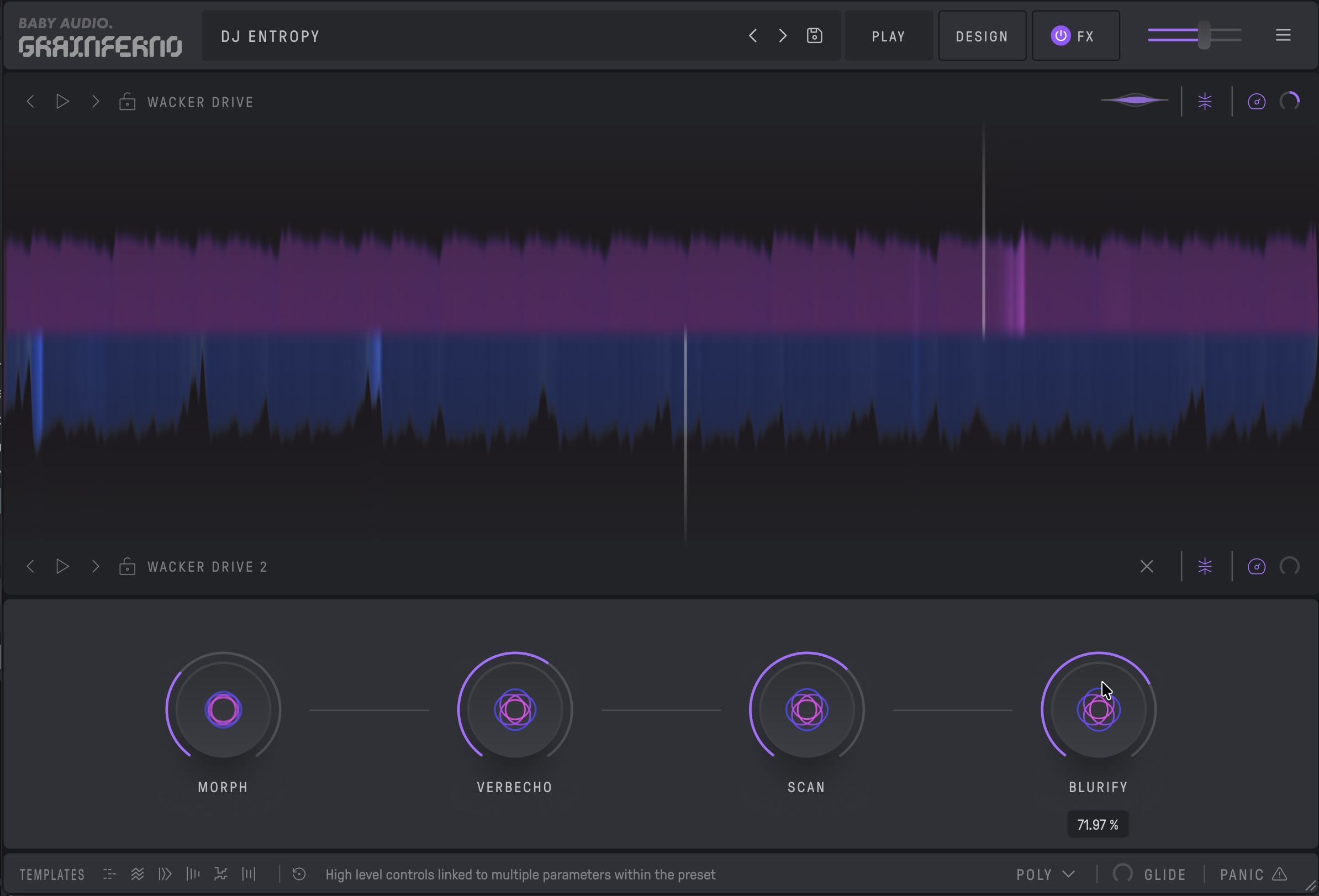
Tweak and play!
These patches are all set up with macro assignments, and pitch bend and mod wheel are mapped, so don’t forget to turn modulation up to see what happens. As with any granular patch, you can send them in very different directions — and of course, you can go under the hood and make something different yourself. (If you produce some music with these or modify the patches, I’d love to see/hear what you’ve done! Let me know!)
If you missed it yesterday, here are some of the sounds I was making. It’s all just this sound pack with no additional effects (apart from some light mastering):
Sound design tips
When you’re ready to go make your own sounds and banks, here are some tips.
First, do take advantage of this clever “mod” control in the three LFOs. Create an LFO shape first, then turn this up, and Grainferno will multiply the LFO shape upward, wrapping it back into the proper range (so don’t worry when you exceed the upper limit of the y-axis).
Wow, that’s hard to describe in words. Just try it — you get a ton of unusual modulation shapes.
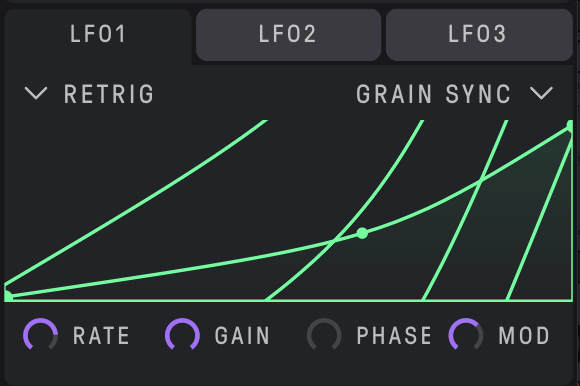
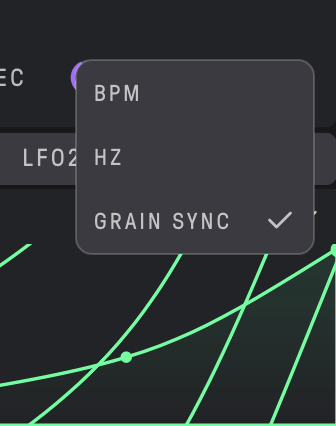
In addition to per-grain processing of filtering, compression, and blur — each of those with different modes — you can also set modulation timing to grain sync and not just the usual free-running Hz or clock sync. Put these together, and you have unique signal processing and modulation controls that other engines don’t provide — this is thanks to the deep optimization work Joel did, as he discussed in the article.
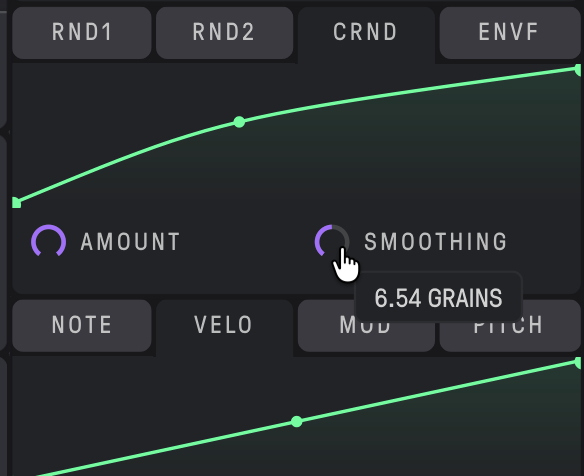
Also, check out both the different randomization types. CRND sends to all the linked parameters at once — useful if you want different parts of the sound fluctuating or flickering with that random source. RND1 and RND2 send different random amounts to each linked parameter, to maximize randomization and variety. And note that even smoothing here can be calculated by grain:
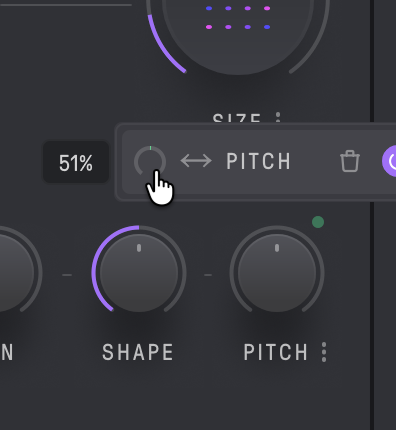
There’s no internal mapping of MIDI control, apart from mod wheel, pitch bend, velocity, and note — so no MPE, etc., though custom control changes, etc. you could map from your host. That’s still a whole lot, though. A tip on pitch bend: set to 51% for a single semitone:
Baby Audio talks about the ability to turn grain sources into “oscillators” by driving into audio rate, but you may not immediately know what they mean. Here’s a demonstration using one of the sounds from the bank. Basically, reduce size to a minimum and crank up the rate into the audio range:
Try the templates! For quick inspiration, you can use the templates — they’re the icons in the bottom left-hand corner. That gets you going with a bunch of premade modulation and settings, and they’re the kinds of things you’d be returning to anyway!

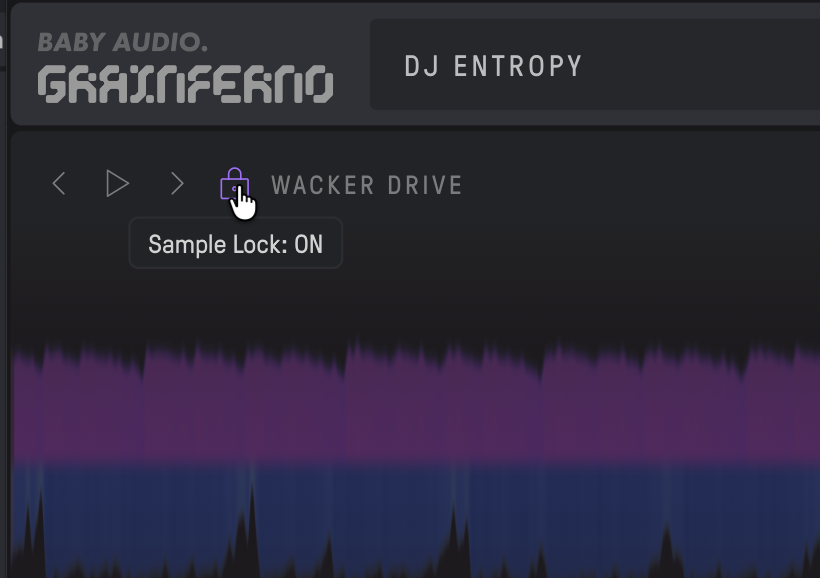
These will replace the samples, though, so before you touch the template, click the Sample Lock toggle at the top:
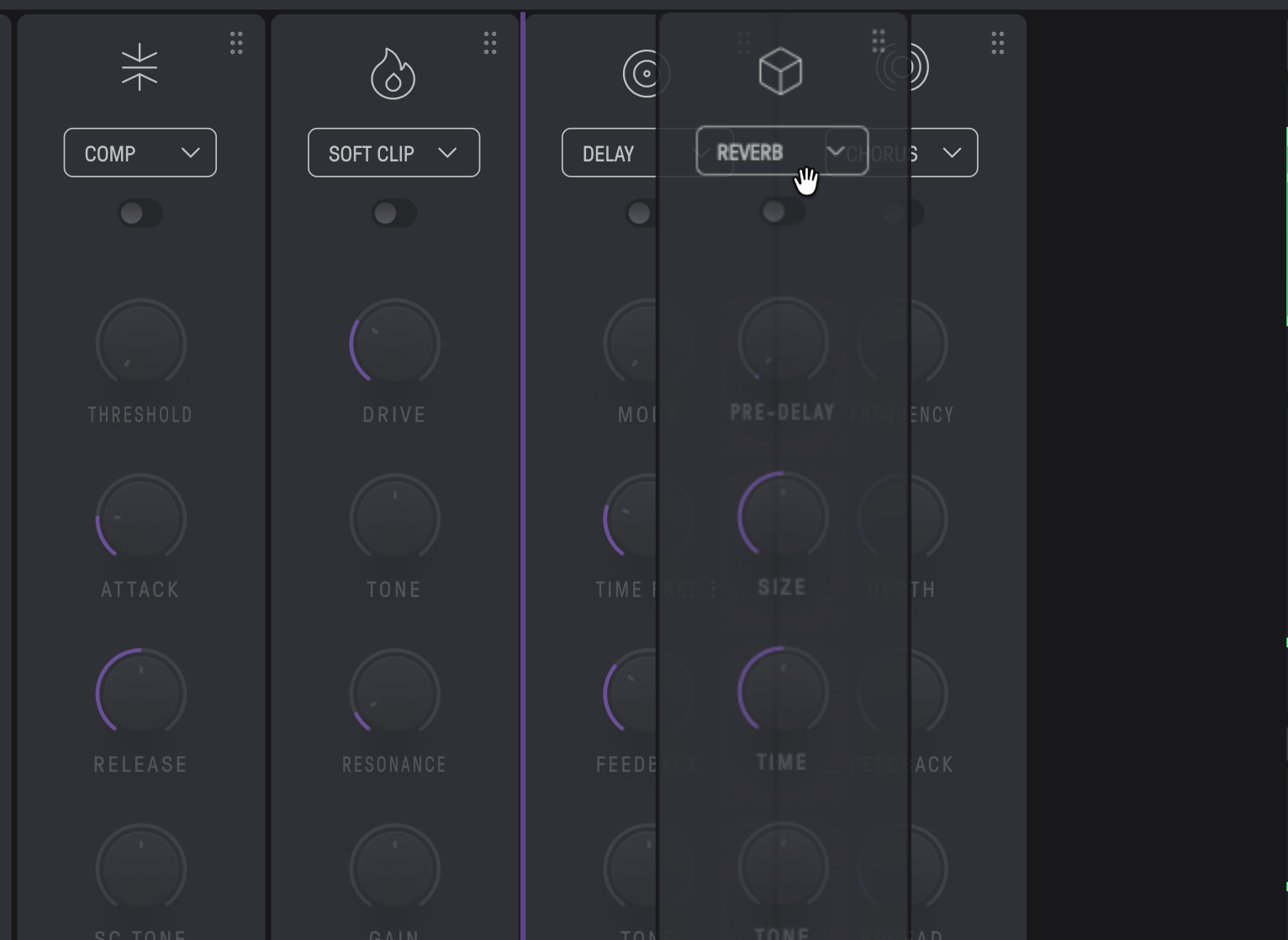
Don’t forget you can reorder effects slots! Drag and drop in the FX section.
When you’re ready to produce and save your own banks, one big tip: the sample name is derived from the filename! And you can’t change it, though you can go back to the file, change it there, and drop it in again — all the other values stay the same. Yes, yes, you’ll notice in my demo video from yesterday that I hadn’t gone through and swapped the files.
Also, be careful when overwriting files: filenames are case-sensitive (even though they’re displayed in all caps).
You can then easily create your own banks and saved presets.
One bonus tip: you can use the same sample in both slot A and slot B. You’ll see I do that in one preset — I’ll let you locate which one. Why? Because then you can use two independent playhead settings, via position 2.
And more video tutorials
Baby Audio has a dev tutorial going; part 1 is here already:
And you can watch Nick navigate the software, too:
Enjoy!
I should really produce granular synthesis t-shirts or something, just to show how some of us have remade our entire identities to think about granular synthesis all the time.
Plus the deep dive here from yesterday: