EPROM, the West Coast experimental bass and production legend, meets Minimal Audio’s Current with Memory Rites. Here’s a guide to exploring those sounds, whether the full flagship synth or the new Current Expansion Player.
This guide is produced as a partnership with Minimal Audio.
Seeing what an artist does with a synth is a window into the instrument’s capabilities — and how the creator’s brain ticks. I’m biased; I always appreciate that artist perspective. And EPROM’s name is a nod to the memory chip in the Oberheim synths, so instant cred here. (I hope to catch up more with EPROM soon — he’s been busy both solo and with the Shades duo with Alix Perez.)
I’ve written before about Current as the synth platform. It’s another case where we’re spoiled for choice in how much it can do. But that’s where EPROM gives us some fresh angles for approaching that open canvas.
Memory Rites comprises 60 patches across 25 basses, 14 leads, 9 pads, 6 keys, and 6 SFX, built into a playable instrument. Think angular, aggressive bass, evolving machine textures, modulating rhythms — you know, EPROM-ish stuff. It’s really like getting an experimental album and master class in patch design.
With the new Current Expansion Player, you don’t need the Current synth at all — and they’re still tweakable. With Current, you can dive into how the patches were structured and learn.
Let’s take a look at both. I’ll cover the basics with the player version — assuming you might not have seen Minimal Audio plug-ins before. Then I’ll point you in some directions for digging into the patches with the full version.
There’s one easy rule here: explore by playing — even if that means the computer keyboard and the knobs. Exploring the patches, it’s clear that they’re voiced to support just that, so even with the Player, you can quickly get your own sound.
Let’s get started with some sounds. Here, I’ve assembled a live jam. I placed eight different EPROM: Memory Rites on pads in an Ableton Live drum kit, made some tweaks, and couldn’t resist adding a couple of instances of their Wave Shifter plug-in for extra measure. That let me trigger and mangle sounds from a Novation LaunchKey.
Now, here’s how to navigate Memory Rites yourself.
Current Expansion Player guide
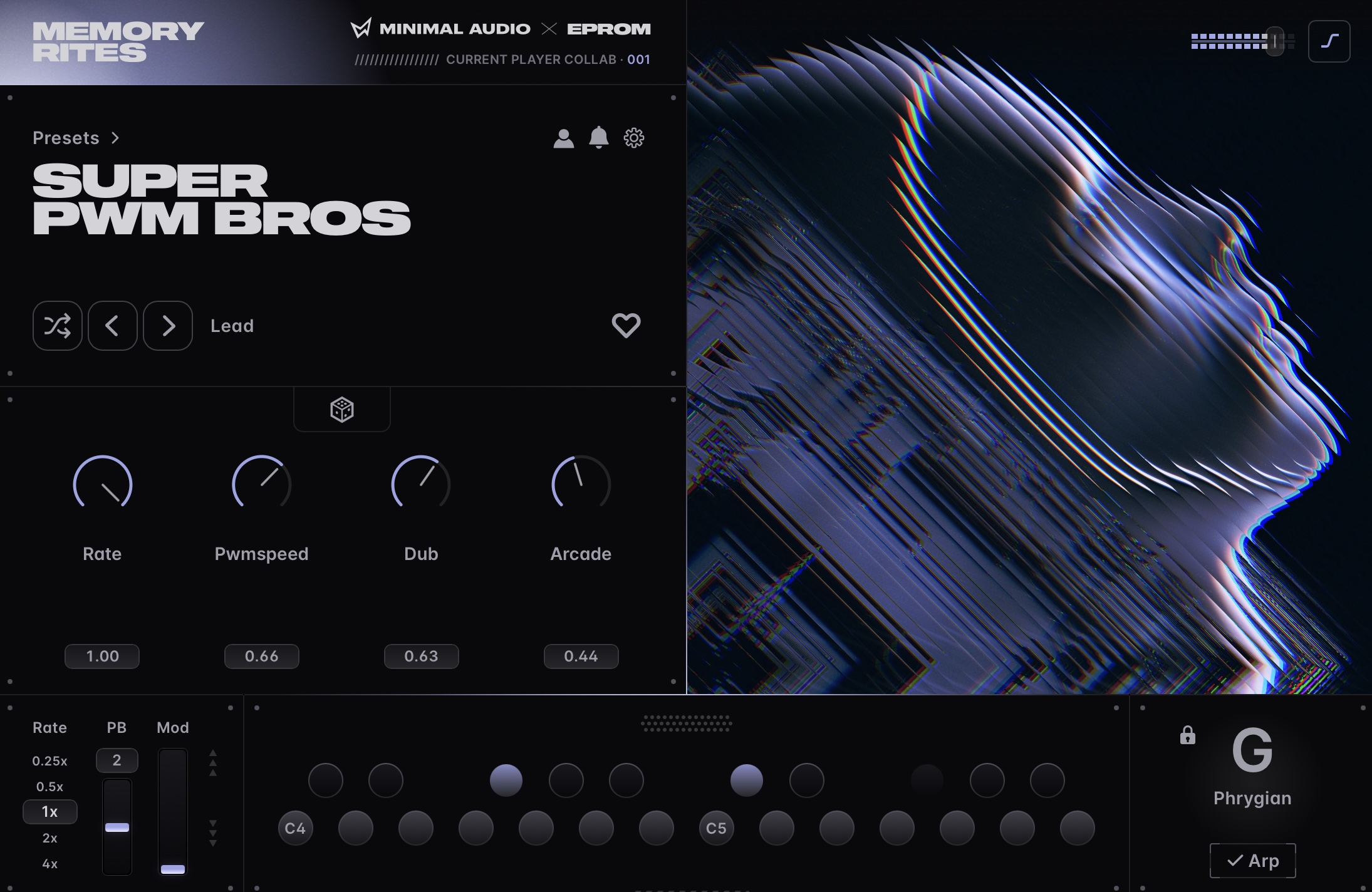
The Current Player gives you macro controls and a few options.
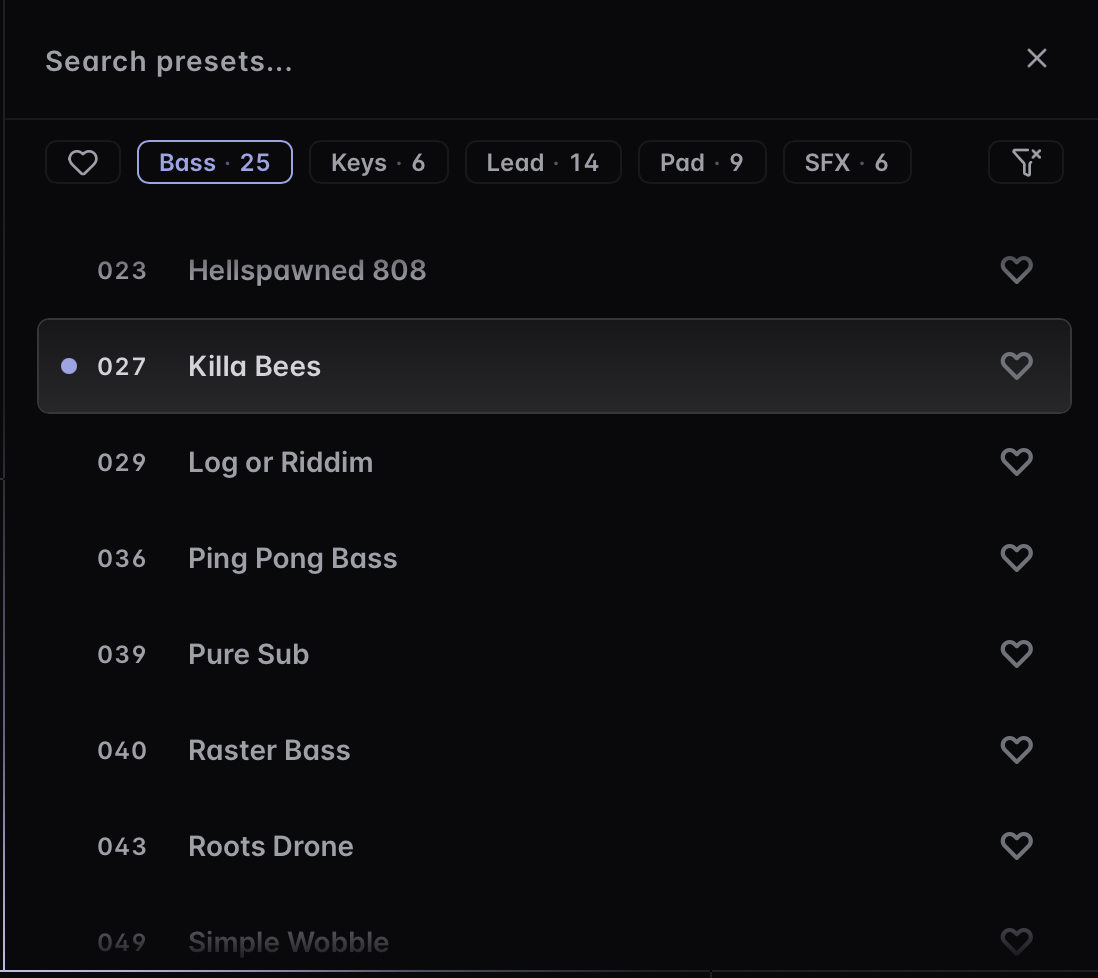
Browse through presets, or jump categories by clicking “Presets >” just above the name (the bit in large type). Clear any filters by clicking the triangular filter shape with an x through it on the right. (Oh no! Not the bees!!)
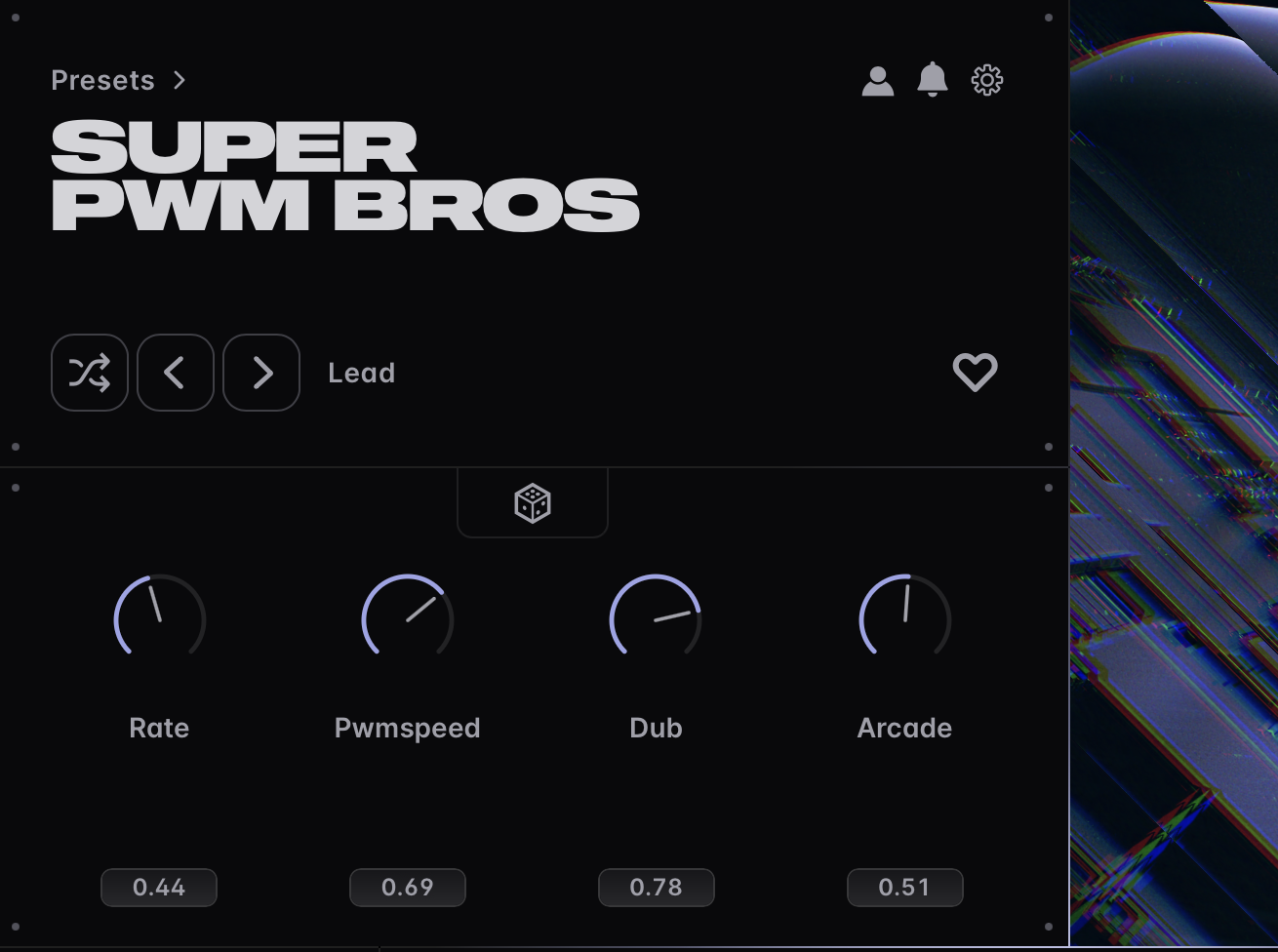
Each patch has four pre-assigned macro controls. EPROM’s personality really comes through here; each patch is unique, so this is your invitation to just start turning knobs. You can also randomize those four parameters with the dice icon in the center, which gets you some quick contrast.
Below that, you’ll find (LFO) Rate, Pitch Bend, and Modulation.
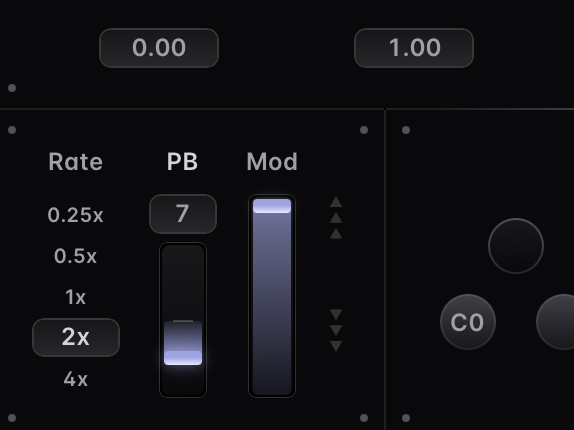
Modulation typically adds to an existing macro range — you can watch that animate in the UI.
Pitch bend range. The number above Pitch Bend (PB) lets you set a bend range — in the EPROM patches, extreme ranges are really effective.
Rate. You’ll need to try out Rate on each patch — depending on the patch, it may not be relevant (or it may have a subtler impact). Note that clicking a diferent rate retriggers the note, so you’ll want to set a rate and leave it. (Feature request! I’d love it if the Player let you change rates while playing, and maybe gave you a clue as to what you were modulating.)
EPROM has mapped other rates in some of the patches to a macro. And that’s consistent with how you tend to play patches as a producer/performer.
Here, let’s listen to a bass patch, Ping Pong Bass, with some different rates set to the LFO via the Rate control:
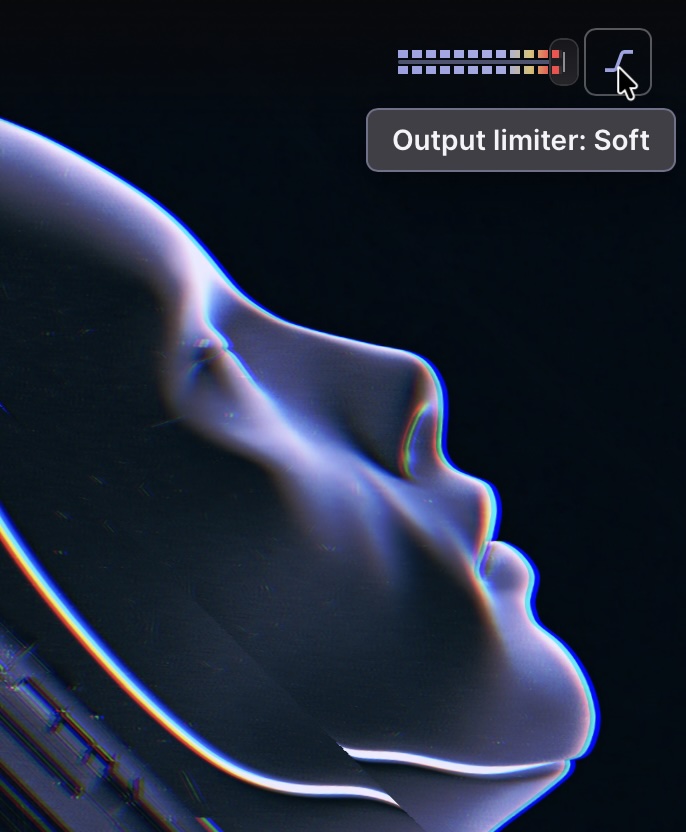
At the top right-hand corner of the UI, you’ll find an output limiter. This has three modes: off (darkened), Soft limiting (highlighted icon), and and Glue (highlighted background). Glue gives you some light compression. The effect is subtle on these patches, so if you want to hear the difference a little more clearly, you can go ahead and try moving the output gain so it’s in the red.
In Ableton Live, I wanted to have easy access to the macros, so I went ahead and mapped them. For Live, you right-click the plug-ins title bar and choose Group, then click Map and go through the four faders. That gave me easy access from my controller — in my case, a Novation LaunchKey. (Custom theme by Deafman.)
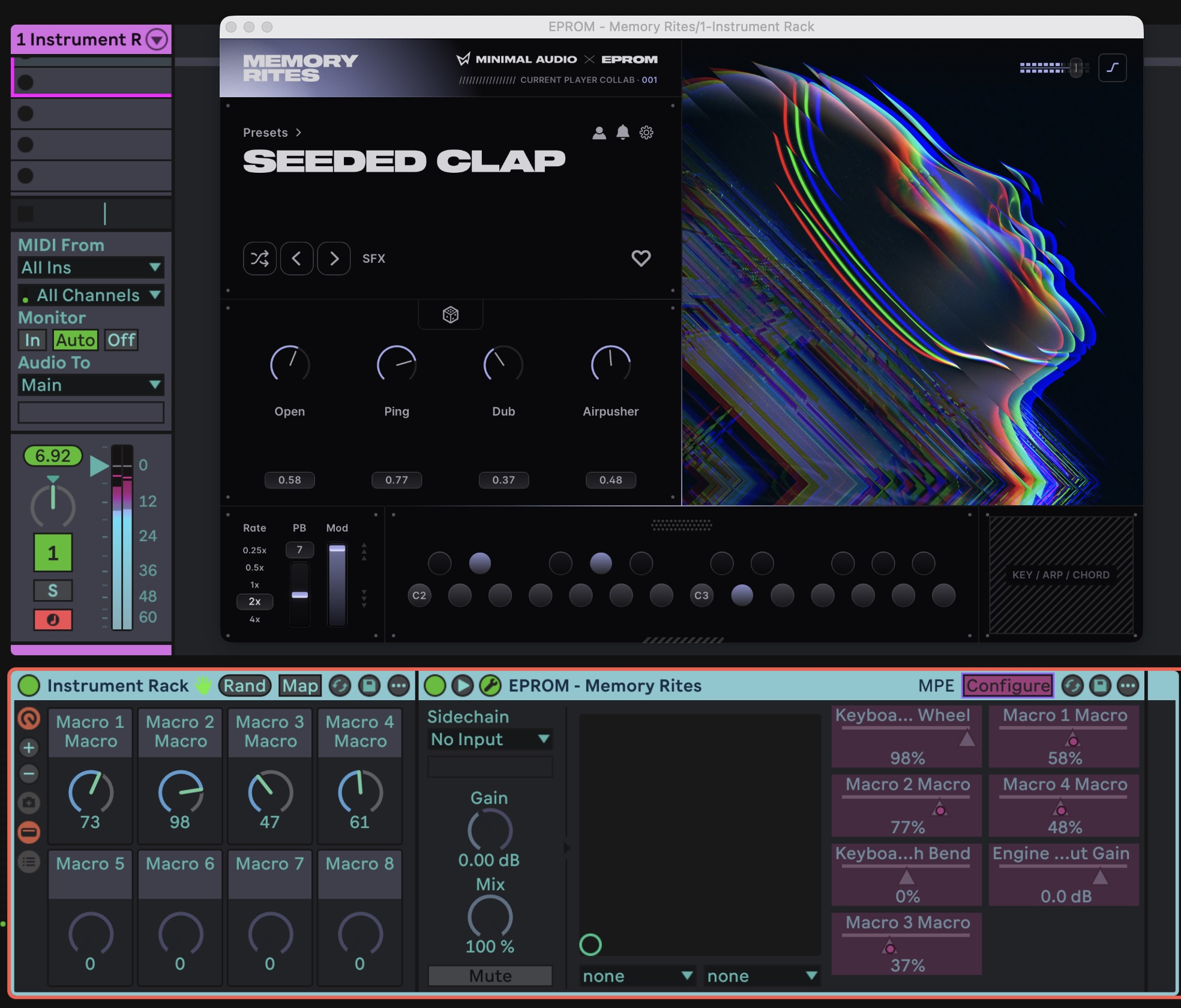
Exploring by playing
This really gets fun as you just pull up presets and start experimenting with the macros. So let’s hear a couple of fast examples. (Needle drop time here, really!)
Lush Grains makes use of the granular engine with a wide variety of very different sounds as you manipulate the macros.
Seeded Clap gives you some leftfield SFX textures you can push in all kinds of directions. (It’s a hybrid — wavetable + granular + sampled percussion — see below.) Watch how adding modulation tacks on additional value to the Airpusher parameter.
Super PWM Bros gives us a glimpse of the arpeggiator/scale mode. Again, though, you can drive things into textures and colors that might be totally different than you first imagine; it’s all flexible as far as genre.
Different patches will either show a placeholder in the bottom right, or interactive scale, arpeggiator, and/or chord settings, depending on what suits the patch.
Digging deeper in Current
If you do have a license for the full Current (via its subscription or lifetime license), you can dig into these patches, learn how they’re made, and use them as the basis for your own creations.
After you install, the full expansion appears in the Stream. You’ll probably go ahead and download all of them; they don’t use too much space.
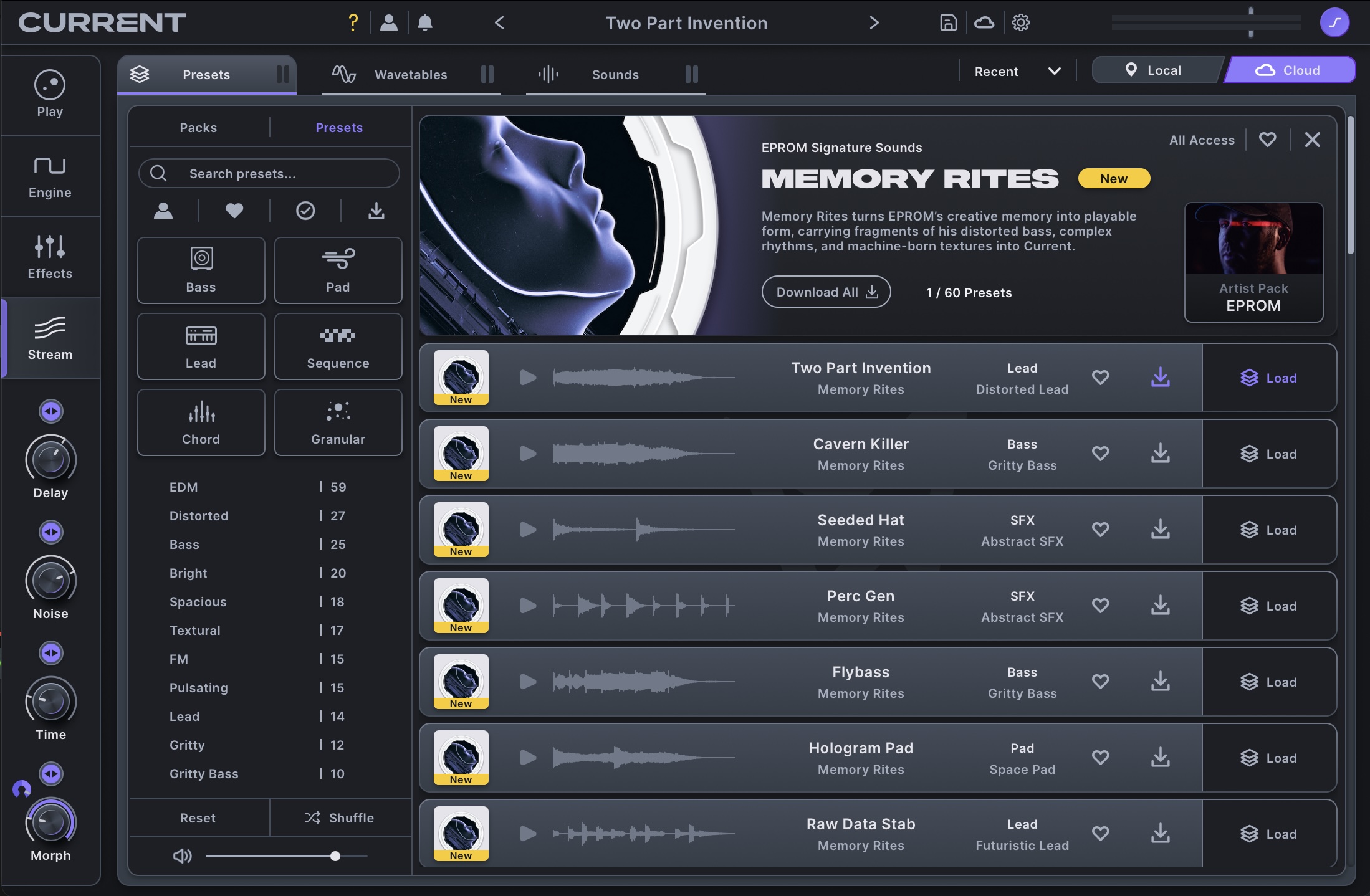
And wow, then you get a whole lot of options once you open them up. (And you still have access to all the macros and mappings, as in Current Player.) First, you can check out which sections EPROM used for each patch. What’s in Wavetables, Granular, and Sub? Where does FM/AM get used? Filters? What’s happening with envelopes, LFO, curves, and so on?
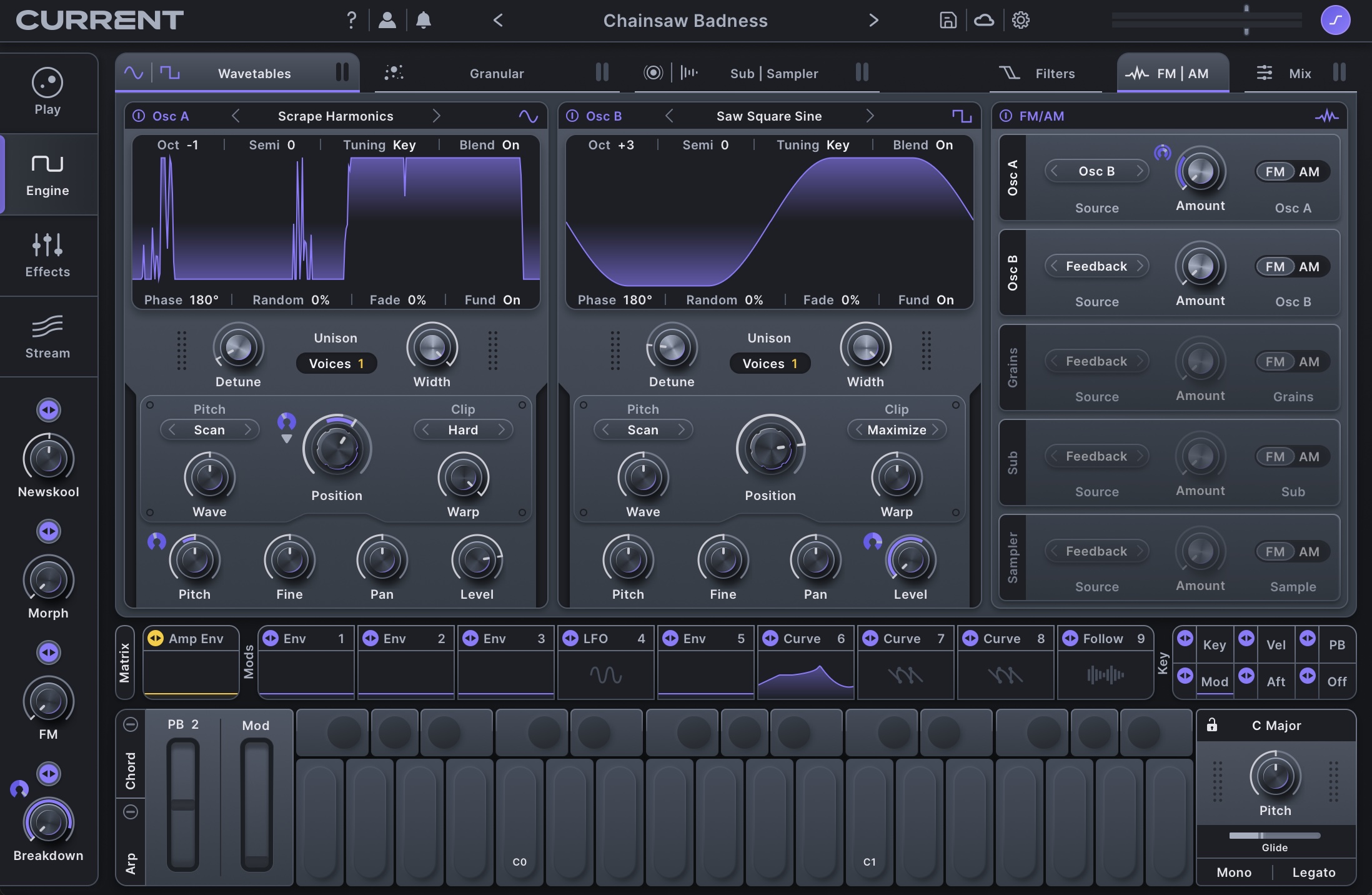
Here, let’s mess around with that Seeded Clap we loaded into the Player. You can quickly mangle this into completely different sounds, using the original as a template, and generally f***ing around.
Get Current
I’ll be curious how you use this one or if you want to see more sound design ideas with these tools.
You can get the Memory Rites Expansion for 29 US$/EUR (or via subscription, if you prefer). It comes with the standalone Expansion Player, with full access to the underlying synthesis and editing capabilities if you own Current.
Specs: macOS 11.1+ / Windows 10+, VST2, VST3, AU, AAX.
More on Current: