Get a phone, scan the world, make 3D models and scenes. You know the pitch, and it’s been powerful for advanced pros and visual hobbyists alike. But Epic’s own RealityCapture had fallen behind offerings like PolyCam, Luma 3D, and others. Now Epic is back, and we might have a reason to reconsider, with a rebrand, a mobile update, and some powerful features on desktop (Windows-only at the moment). Plus, the price is right: free for anyone with revenues below $1 million. Let’s look:
Okay, first for mobile users on Android and iOS, this isn’t just a rebrand, even if what’s now called “Reality Scan Mobile” is at v1.7, not v2. Last month Epic did finally patch a bunch of bugs and added some new features and updates. According to Epic, new in this version (both iOS and Android):
- Automatic object masking (Camera Control only)
- More images, better scans
- New image gallery features to make managing your photos easier
- Re-process any project
- Give feedback on project
- Updated Processing Panel
- New Settings Options
But the action is really on the desktop side. And that gets really exciting, provided you have a Windows machine with a CUDA 3.5-capable NVIDIA card. The specs are fairly modest beyond that, so what you’re getting is desktop-class work. (By the way, if you want to get into some fringe Mac emulation territory, yes, you can actually use Parallels and eGPUs.)
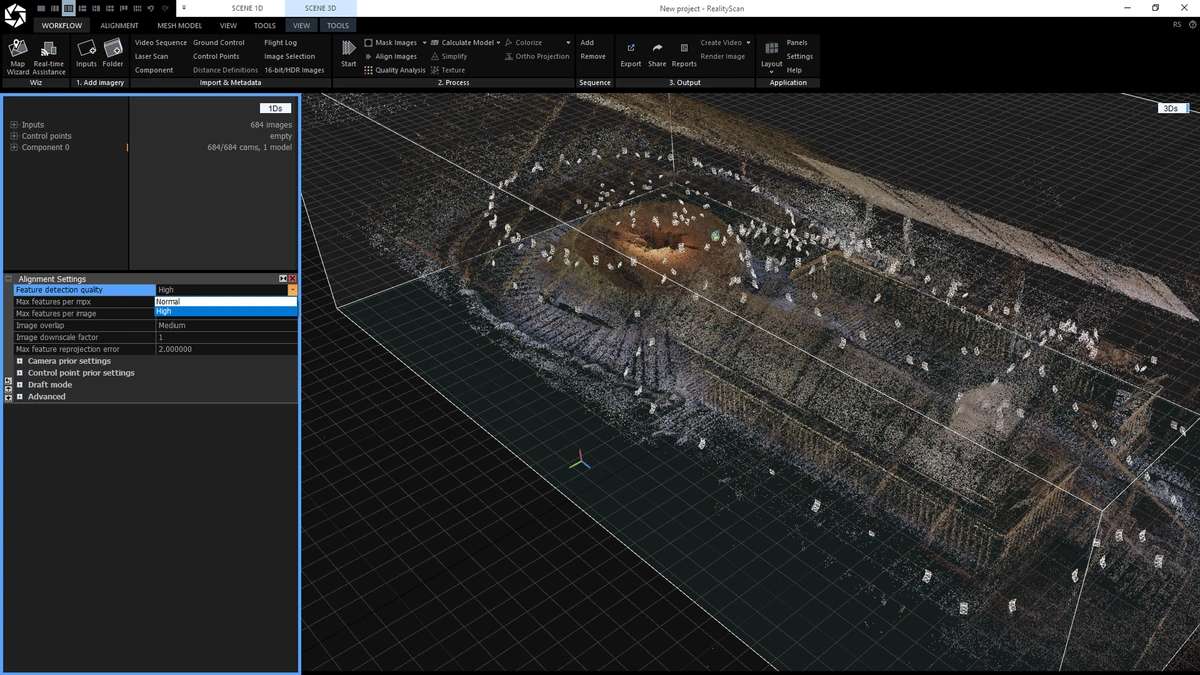
I’m going to take this as a good sign. The mobile 3D capture apps are great, but they hit a wall in processing capability on mobile hardware. That means offering some processing features in a way that’s sluggish to use, or sacrificing scan quality. So Epic’s strategy here suggests a way forward not just for Reality Scan, but the whole software area: leverage that desktop AI power. It’s also just frankly easier to do some of this processing on a big desktop display, anyway. (Of course, if some Apple-centric dev wants to get deep into their chipset and make this work on an iPad, go for it!)
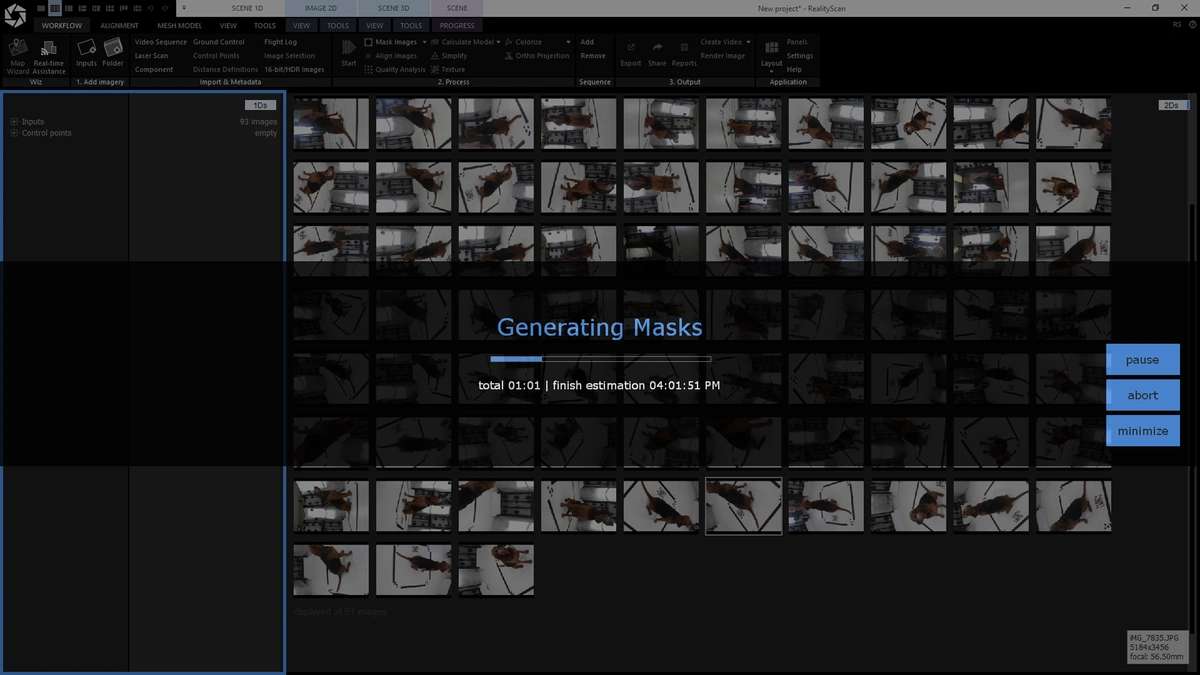
New in this version:
- AI masking that uses a pre-trained segmentation model, so you can more easily get your object out of the scene
- Smarter alignment (a big issue with past versions)
- Aerial LiDAR support — yeah, if you’ve got the equipment (or can rent it), you can now process it on a pretty modest Windows PC and a free app
- Quality analysis with heatmaps for analysis
There was already a RealityCapture Enterprise license and presumably an associated pro user base for the tool, which gets migrated here. I’m assuming y’all are getting this news from someone who actually lives in the 3D modeling world.
But just as with Unreal Engine, because Epic has gone for a free license for most individual users, small teams, and artists, I’m sure there will be a ton of creative uses here. This also serves as a nice bridge between 3D modelers, hobbyists, and real-world scans–a nice alternative to a lot of the AI-only approaches, which do tend to cause issues with the models they generate.
RealityScan 2.0: New release brings powerful new features to a rebranded RealityCapture
Digging around the updated RealityScan site, you’ll find a bunch of other resources, from CLI interfacing to sample scenes like a Mars rover dataset.
I don’t think any of this is a replacement for talented 3D models and pros. I love that you can abuse these tools creatively and people who would never have touched the field in the first place can experiment, punk-style. For artists, that always opens up the possibility of writing a grant or getting a commission and bringing more skilled modelers onboard.
And even though Epic didn’t touch the Mac, I could imagine someone will do something like this with Apple’s hardware and APIs. Let’s stay tuned on that. (That said, Epic, c’mon, Linux builds? Ever?)
I’d also give the mobile app another try. A quick test suggests that these various tweaks ironed out the bugs that made earlier versions unpleasant to use. And it’s free. On mobile, it makes sense to have a couple of tools installed so you’re prepared for different situations.
Let us know if you’re using this stuff. And yeah, if you make an AV show with a bunch of glitchy scanned models, I’m so there for it.