If you’ve got an Ableton Move, you can take advantage of its public beta today, too, just by connecting Move to your computer. And this is a huge release: in addition to other new functionality, Audio Tracks support warping clips and live-processing audio.
This has the power to turn Move into a serious pint-sized powerhouse, so it’s funny that this news isn’t spreading a little faster. All of this is thanks to Audio Tracks, a new track type and the logical follow-up to MIDI Tracks. Add samples or record audio, and Move uses a warping algorithm so you can keep clips in sync with your global tempo, or change tempo and pitch independently. It’s not the full-blown desktop warping experience yet, but it is probably exactly what you wanted from the Move hardware — more on that soon.
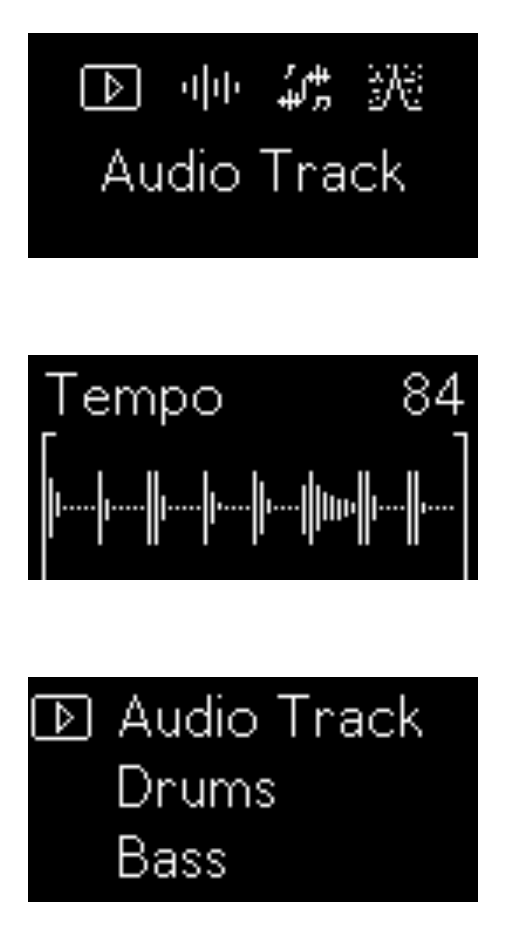
Audio Tracks can also live-process sound, so you can use Move as an effects box, too. That works with the existing analog and USB-C connections, plus now you can use Ableton Link Audio. (Move only sends Link Audio — either from individual tracks or the main out. But apparently, while it can’t record, it can live-process Link Audio inputs — which does sort of imply recording may be a feature down the road.)


Audio effects processing gets a boost in this update, as well: there’s Erosion, complete with the under-the-hood updates for stereo width, a noise blend parameter, and higher-quality interpolation. And you get Auto Shift, the younger Ableton effect for pitch correction, transposition, and pitch shifting. (Auto Shift, of course, has both the power to correct and to creatively screw things up!)
As you may have guessed, this is all thanks to Move’s internal engine syncing up to changes in Ableton Live 12.4. That means the sets you create in Move 2.0 (currently beta 1) will require Live 12.4 on the other side.
The cool thing is how easy it is to try the beta: just connect via USB-C or even WiFi, and head over to http://move.local/beta.
See the release notes for more and let us know what you think:
https://www.ableton.com/en/release-notes/move-1-beta
And for more detail, check the Live 12.4 coverage: