Mario Nieto’s Novagrid opens up sequenced volume, pan, filter, and bitcrusher effects in plug-in form. And while that may sound a bit familiar, Novagrid has some tricks up its sleeve. If you like animating sound, you’ll definitely want to take a look.
If you buy something from a CDM link, we may earn a commission.
Mario Nieto’s other creations focus on generative MIDI plug-ins, with delightful interfaces and musical outputs. There’s Harmony Bloom, a dazzling polyrhythmic pattern maker with spinning visualizations, and Chord Generator, a surprisingly precise MIDI tool that’s full of variations. Those two run as AU and VST plug-ins, but also as standalone versions and iPad apps. (You might also check his vintage Max for Live devices?ISO=cdm, available as a bundle – some really fun stuff in there.)
Novagrid is a four-lane modulation sequencer, which almost sounds vanilla by comparison. But it’s as fanciful as the others when you dive into the details.
Here’s a jam with some piano samples that were lurking on my hard drive — I might have to turn this into something:
Now, first, I’m a huge fan of sound-animating tools. Often, these can sound dreadful if you pull up an overly rambunctious preset and drop it on any random track — it can get too extreme. But I find these plug-ins wind up being most useful when you build simple patterns from scratch, or pull back on wet/dry, or start with plain material that needs some action — or a combination. It’s safe to say I’m now collecting these for just that purpose. There’s Arturia’s Efx Motions at the maximalist side, which, like Novagrid, is essentially a multi-effect with independent modulation lanes. Or there are the more focused tools in the Sinevibes Dynamics Collection, four dedicated plug-ins that you can use independently or together.
Let’s get into what sets Novagrid apart. First, it has four modules — volume, pan, filter (with multiple filter shapes), and bitcrusher. Each of those has its own dedicated step sequencer, but you can also gang any of them together. That’s a really clever solution, because it keeps programming simple but still allows you to do polyrhythmic combined effects.
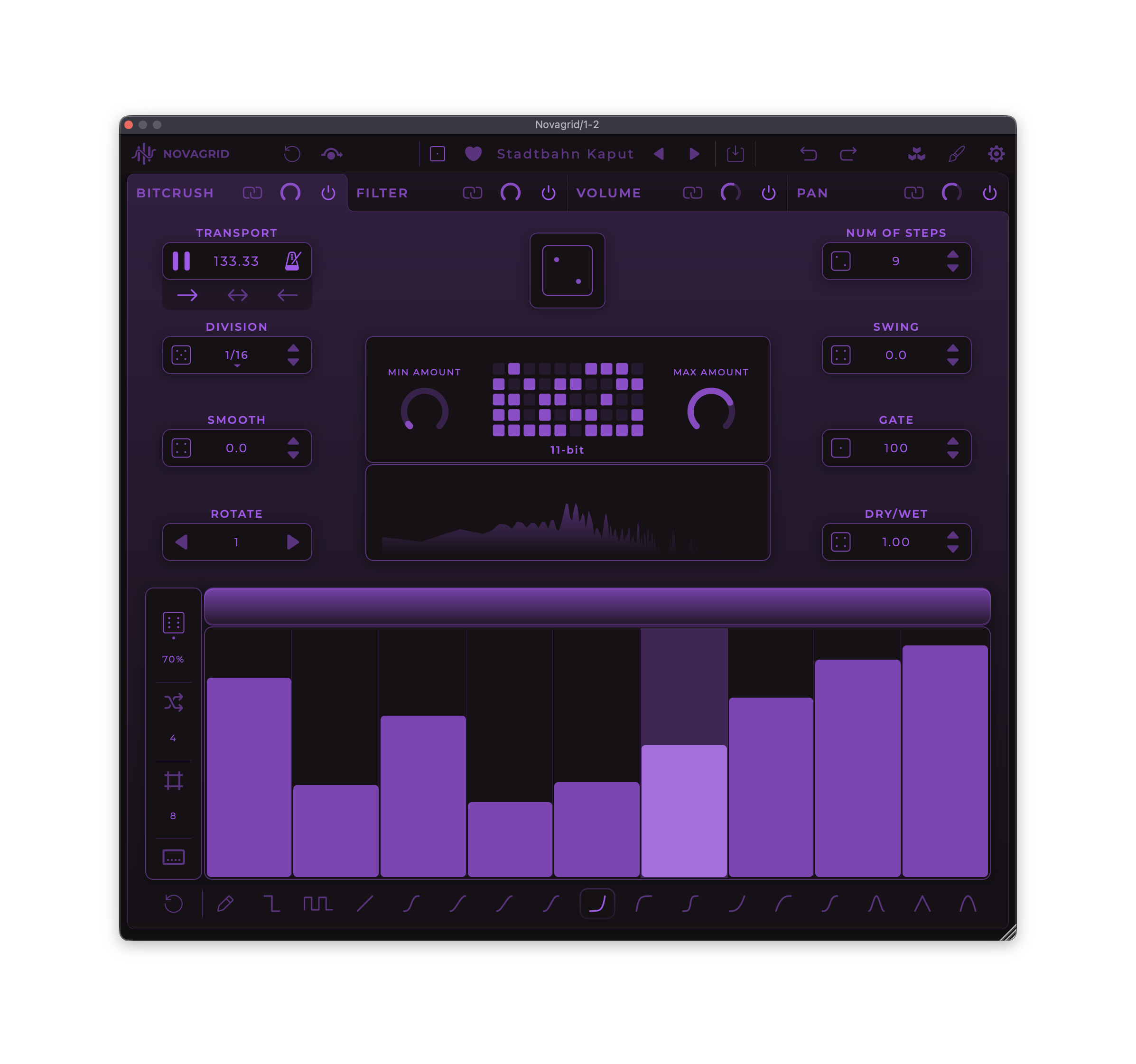
The step sequencer interface is detailed and feature-packed but dead-simple to use. Unique to Novagrid, there’s a set of drawing tools for quickly sketching in particular shapes (like ease in). You get the usual synced options; there’s no free-running mode in ms (too bad), but you can also run an internal clock at a different speed from the host. But you also get per-sequencer swing, gate length, direction, and step number, each with its own randomization trigger. There’s smoothing, too, which you can set all the way down to zero for some IDM-ish cuts ‘n clicks sounds.
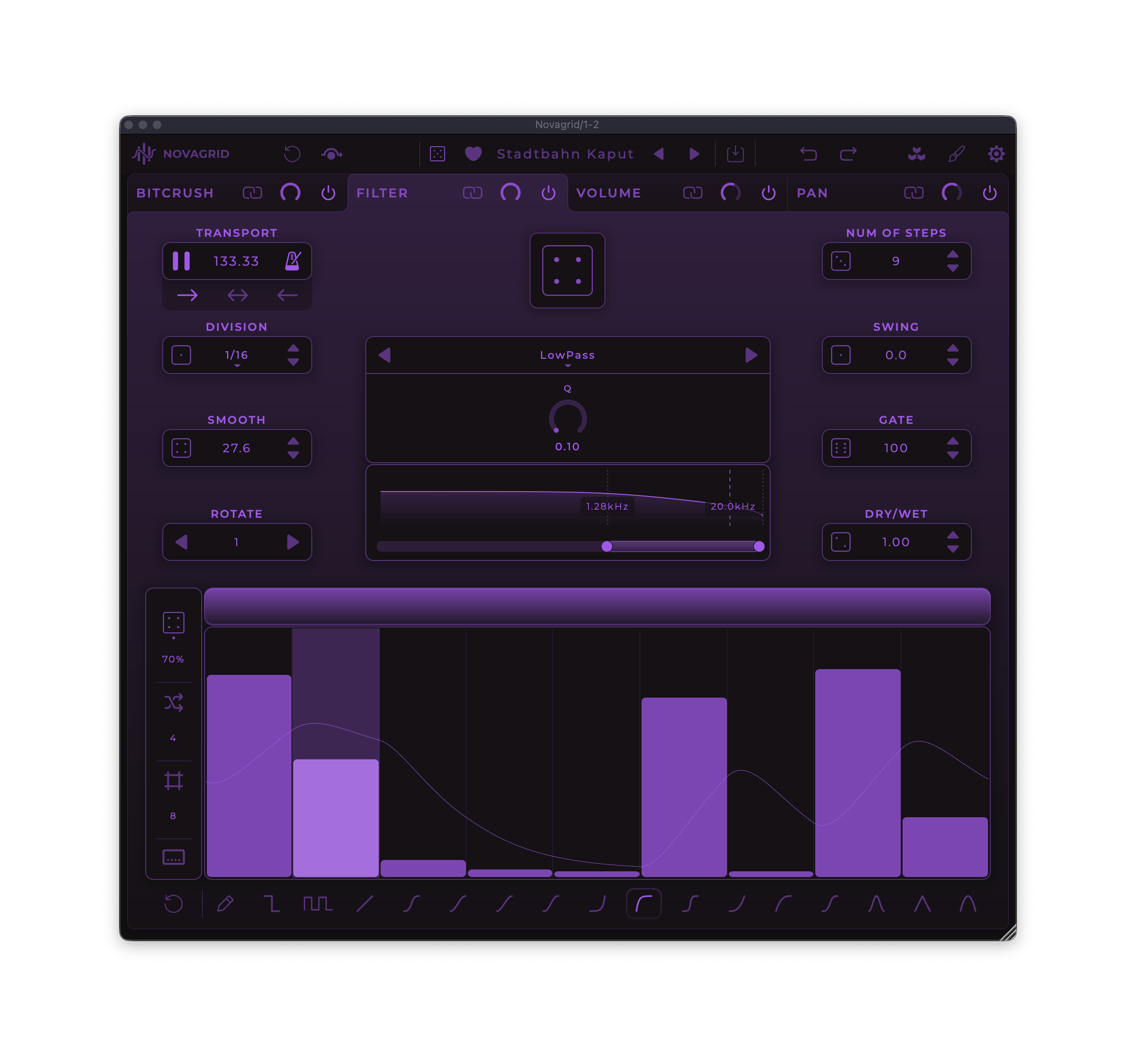
As you dig into the step sequencer, you’ll also discover you can control randomization density, grid options (including disabling the grid), and more. You can even determine whether you’re targeting individual lanes or all lanes at once.
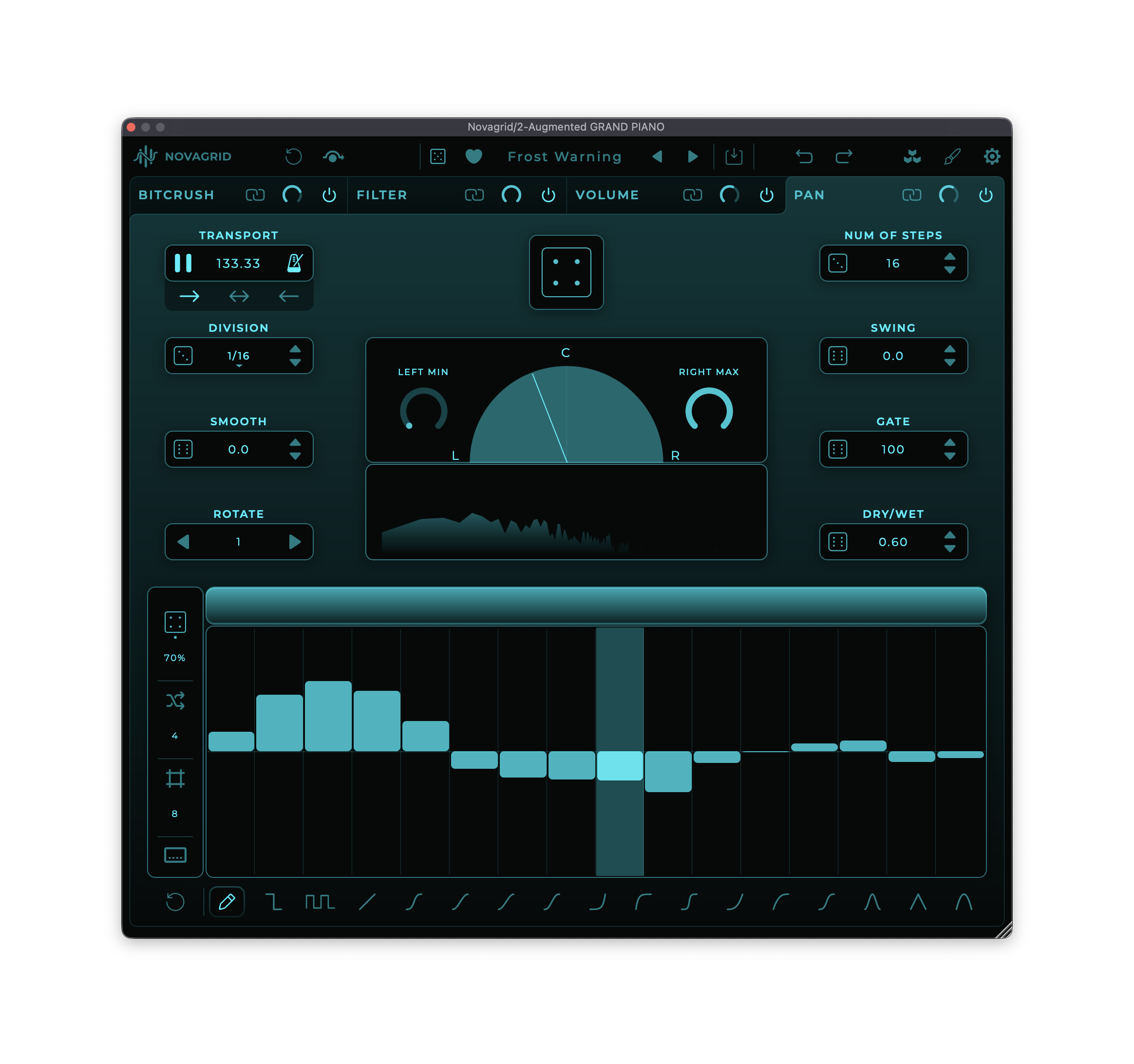
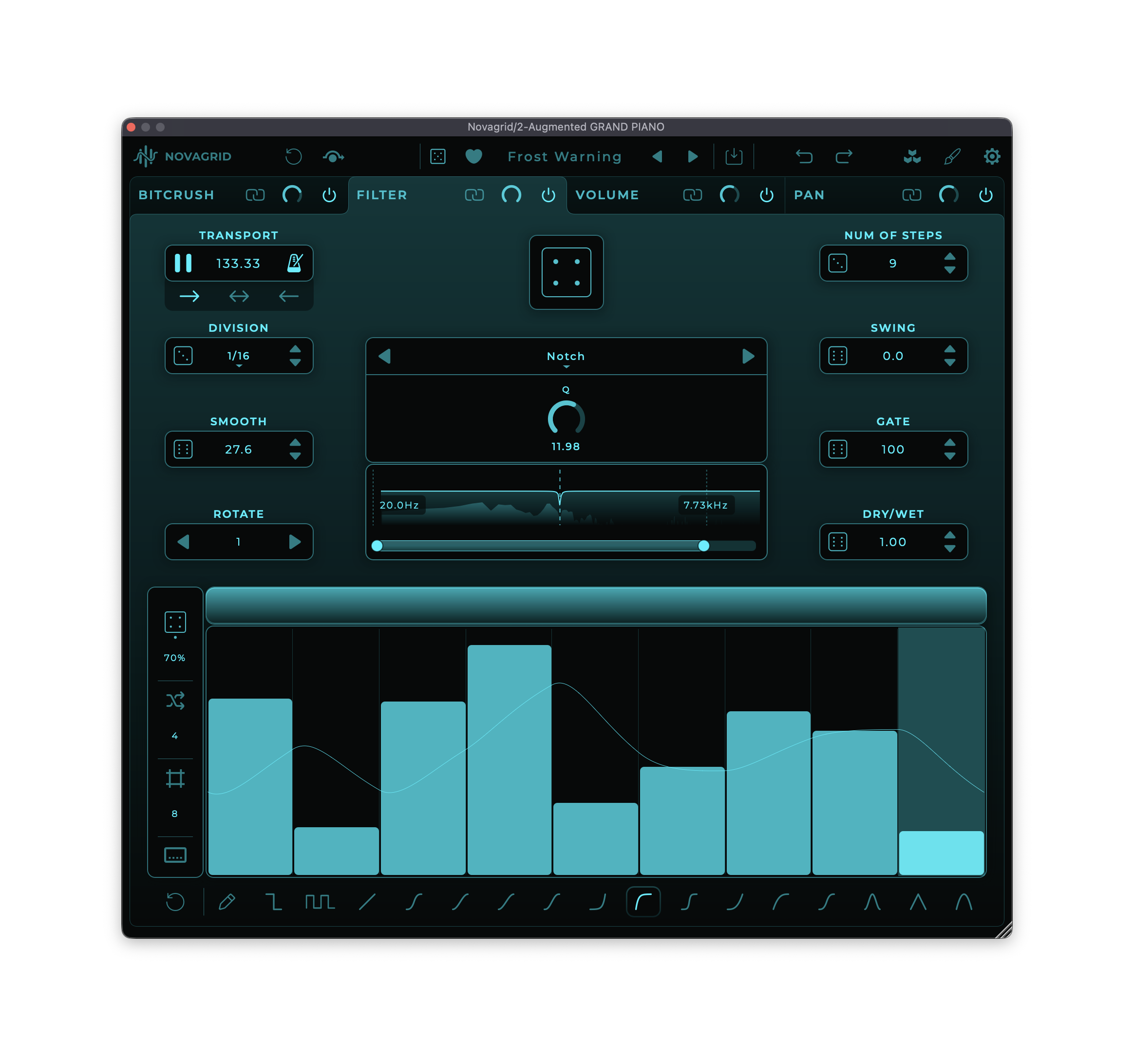
“Fiendishly clever,” I think, counts here. I love Arturia’s Efx Motions, but apart from being the most expensive of these options, its extensive feature set can sometimes slow you down, and the envelope plus step sequencer can make you forget what you’re even sequencing. This isn’t quite as fast as swiping through steps as I have praised in Sinevibes’ plug-ins, but I’ll also credit Mario’s paint-style tools. It gave me nice MetaSynth flashbacks. (Kids, as your… actually, just read their site.)
The filter has all the usual varieties, but Notch, Peak, and especially Vowel give you a lot of range. (After playing with Absynth, I really want some comb filters, though!)

Filter types.
And then most of all, there’s the inclusion of a bitcrusher. You can set low and high ranges, easily accessible on the main panel. (I had to dig into Efx Motions because I distinctly remembered doing that there and — yes, you can, but it’s via the range you set when you target it with a modulation source, so having readily accessible dials that can be mapped via MIDI and automation is still a useful thing.)
Conclusions
I mean, as I said, I’m starting to really love this category of plug-in. With a little nuance, you can add some depth and texture to material as well as radically reshape it. That can be truly genre independent, too.
Sinevibes and Novagrid share some ideas about quickly mapping sequences and keeping a clear interface on screen at all times. They sound completely different — Sinevibes’ envelope and filter models behave totally differently than Mario’s. And you get two different takes on the interface.
Efx Motions remains by far the most powerful of my favorite tools in this category, and it’s got every imaginable bell and whistle from sequencers to envelopes to Euclidean generators to a deep bag of tricks — it really is the multi-effect cousin of their Pigments synth.
But — that assumes you actually want all that power all the time, where you practically program the track in the effect. If you want to quickly create polyrhythmic effects, the simple four-lane architecture here is tough to beat. And it’s at a price that you can easily pick it up (including if you own one of the others here).
These are all great tools to have; they instantly add motion to any material without much fuss, whether you want that extreme or something subtle. But I’m glad to see Novagrid added — and can’t wait to see what ideas Mario has next.
Available via Isotonik Studios:
More reviews (hey, it is an addiction/collection now):