For a limited time, you can grab UA’s 610-A and 610-B models for free, emulating tube amps, transformers, and EQ circuitry in software form. That includes both the UAD Native version you can run anywhere, plus the DSP version that integrates with their Apollo hardware. Here are some details.
The Universal Audio 610-A and 610-B are some of the better-known channel strip circuits. That’s the Ray Charles and Elvis channel strip we’re talking. And if you have a sense of deja vu, UA’s been doing software versions of these for a while — they debuted in 2014 on the Apollo. (I reviewed that series at the time.)
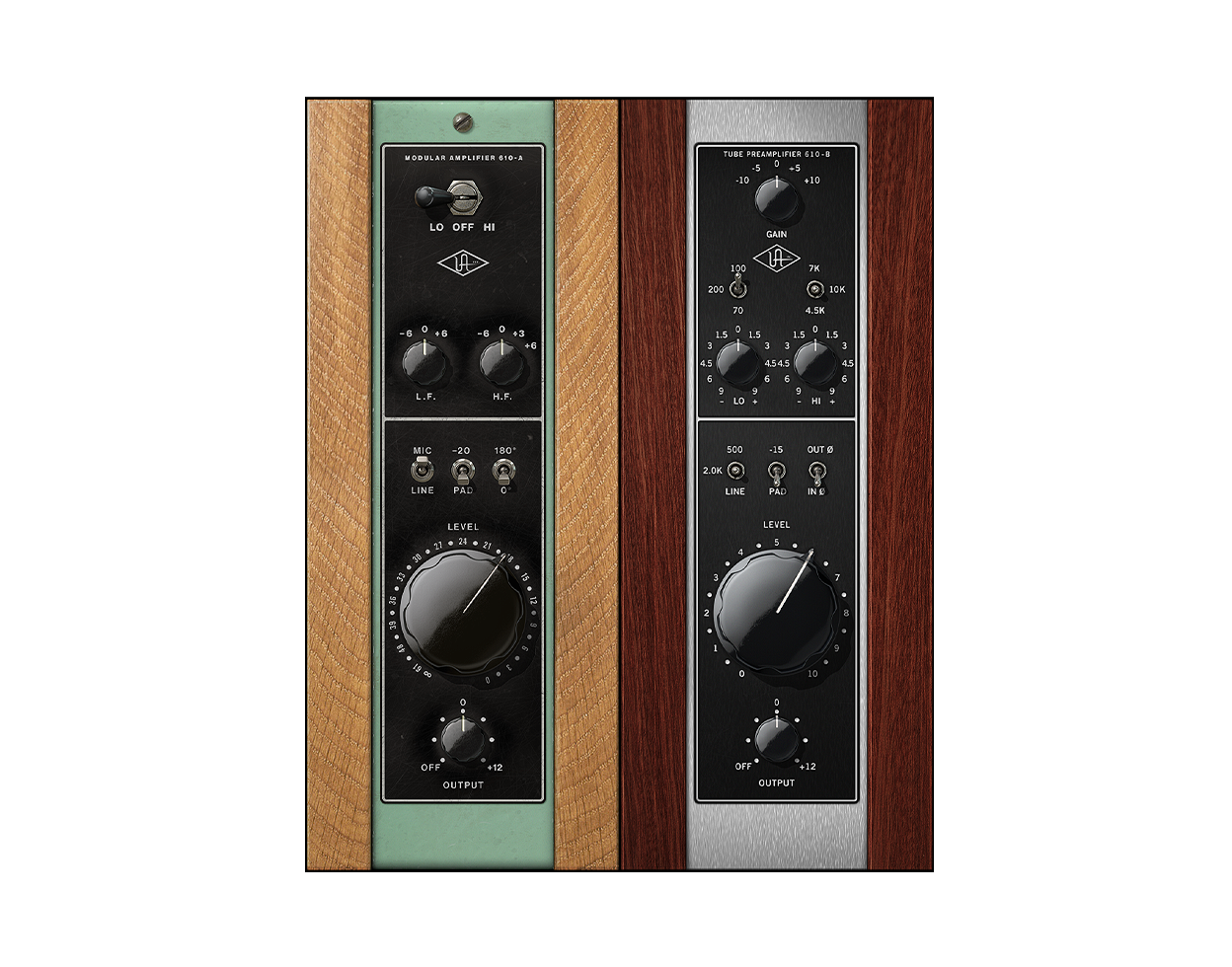
These are eminently usable channel strips in the design alone, and, whereas a digital channel strip gives you a clean, uncolored signal, having the 610 in your arsenal means presence and warmth are always available on demand. That is what I still like about UA in general — their modeling is just really good, and it can be fun to add those studio-tested characteristics in in-the-box productions, even with electronics. (I have just one rule — A/B the results.)
UA tells me this is the same DSP code you’ve gotten on the other 610 models — so software “native” on the CPU or DSP on UA’s own proprietary hardware, it doesn’t matter as far as sound and functionality. If you do use them on the Apollo hardware, though, you get some additional features in the form of Unison, their technology for integrating the software models with the behavior of the hardware preamps. That does require DSP, because it allows you to “reconfigure the physical input impedance, gain staging response, and other parameters of Apollo’s mic preamp hardware to match the emulated hardware’s design characteristics.” That is, it adds control of impedence, gain response, and some nuanced details of the preamp to interact with the software model.
The free deal now, though, gives you a license for both versions. No Apollo? No problem; use the native versions. Got an Apollo, or pick one up later? You’ll have the DSP version ready to go, with the native version to fall back on.
What’s required to get it:
- Log into your UA account if you have one, or —
- Create an account and fill out a short survey
- Use UA Connect for installation
UA 610 Tube Preamp & EQ Collection
More on the software from Plugin Boutique:
Universal Audio Plugins at Plugin Boutique (many on sale now)
If you buy something from a CDM link, we may earn a commission.
And here’s a vintage review from SonicState.