Note 2.1, the iPad and iPhone app from Ableton, might not strike you as a big update. But new ways of working with Clips, Warp Markers, and a refined UI (Landscape Mode!) can make Note way more usable.
I’ve been working with beta builds of 2.1, including the release candidate. It’s available now on the App Store for iPad and iPhone.
Note has really grown on me. Rather than trying to be a full-blown DAW (see Logic and Cubase), it really is a sketchpad. It’s fantastic for making quick, fresh melodies or beats, especially because you can pull them into the desktop version of Ableton Live later on, including through Ableton Cloud. Then you’ve got your big display and all your third-party plug-ins back at your Mac or PC.
But there are three things about the 2.1 update that make me come back to it a lot more. First, it’s now natural to flip your phone between landscape and portrait modes, because Session View now works in landscape. (That tall Session View was driving me nuts; I don’t know about you.)
Second, the ability to bounce MIDI Clips and add them to your User Library now makes Note play a whole lot nicer with other iOS apps. So you can sketch out a groove, for instance, and bring it into another tool. Now if Ableton will just let us sample from other apps into Audio Tracks, I’ll be in heaven. For now, it’s fun to sing parts into there.
Oh and third — Warp Markers. Heck, yes.
Here’s what’s new:
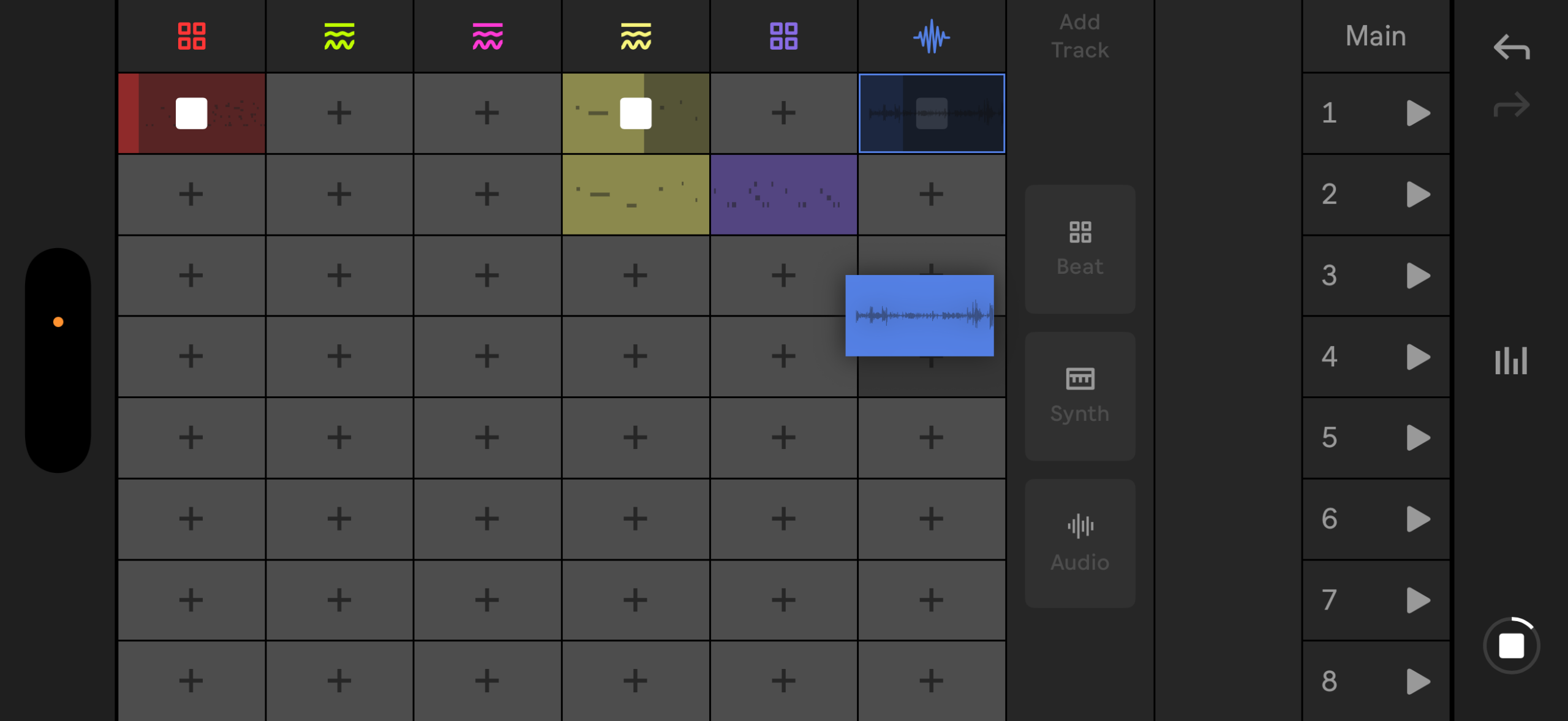
Landscape View on iPhone. Session View and Audio Track View now work in landscape. Tilting your phone regularly is a great way to expose controls; it now feels really natural.
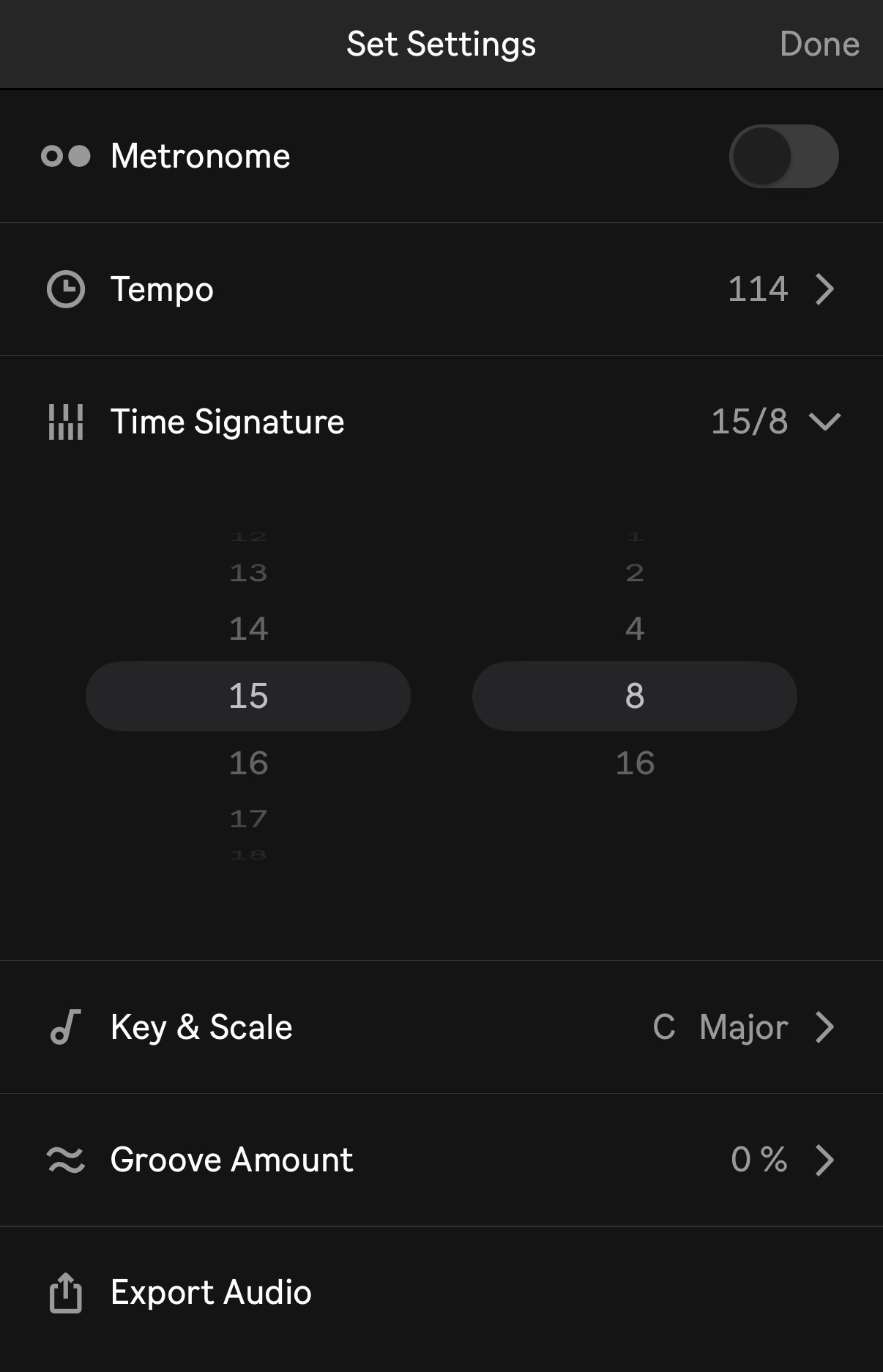
Time Signatures now include arbitrary time signature options.
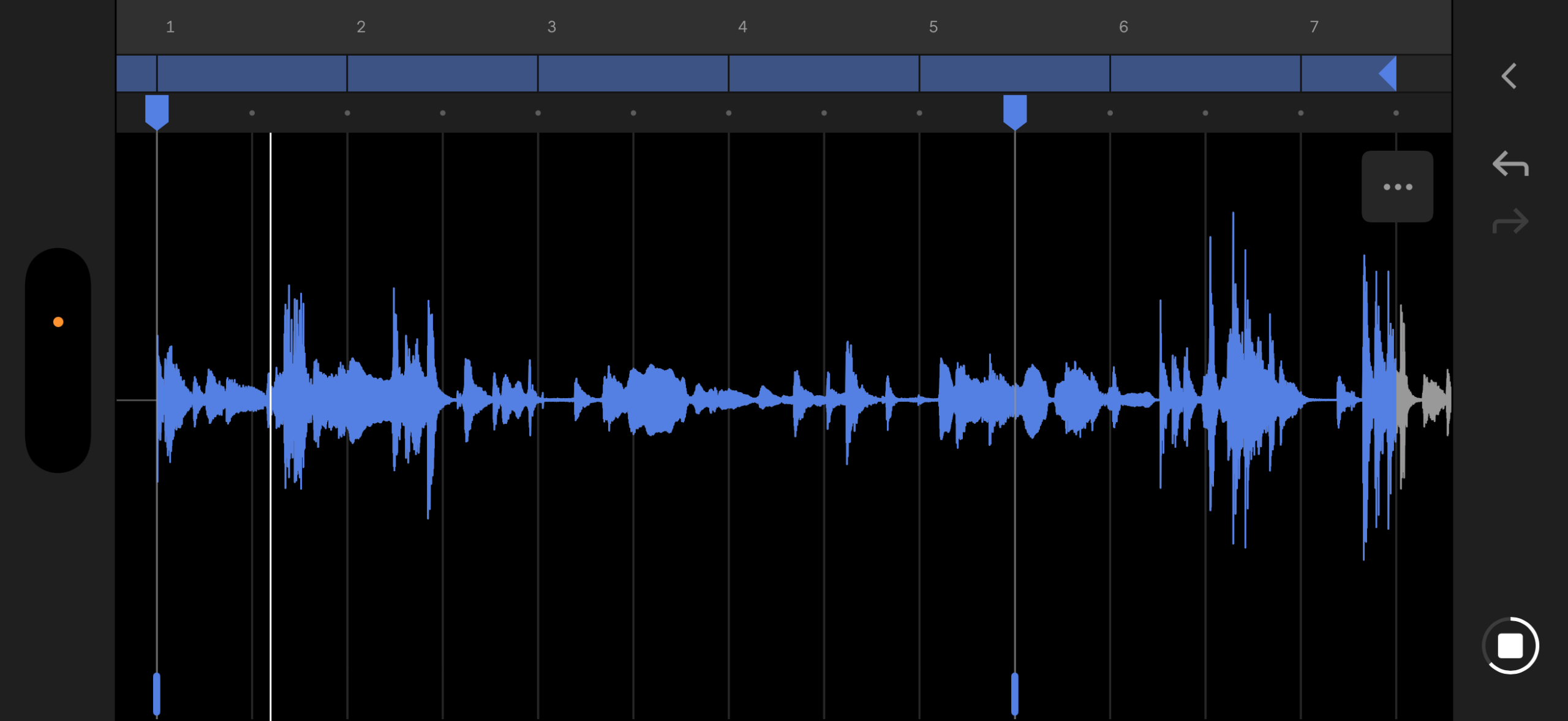
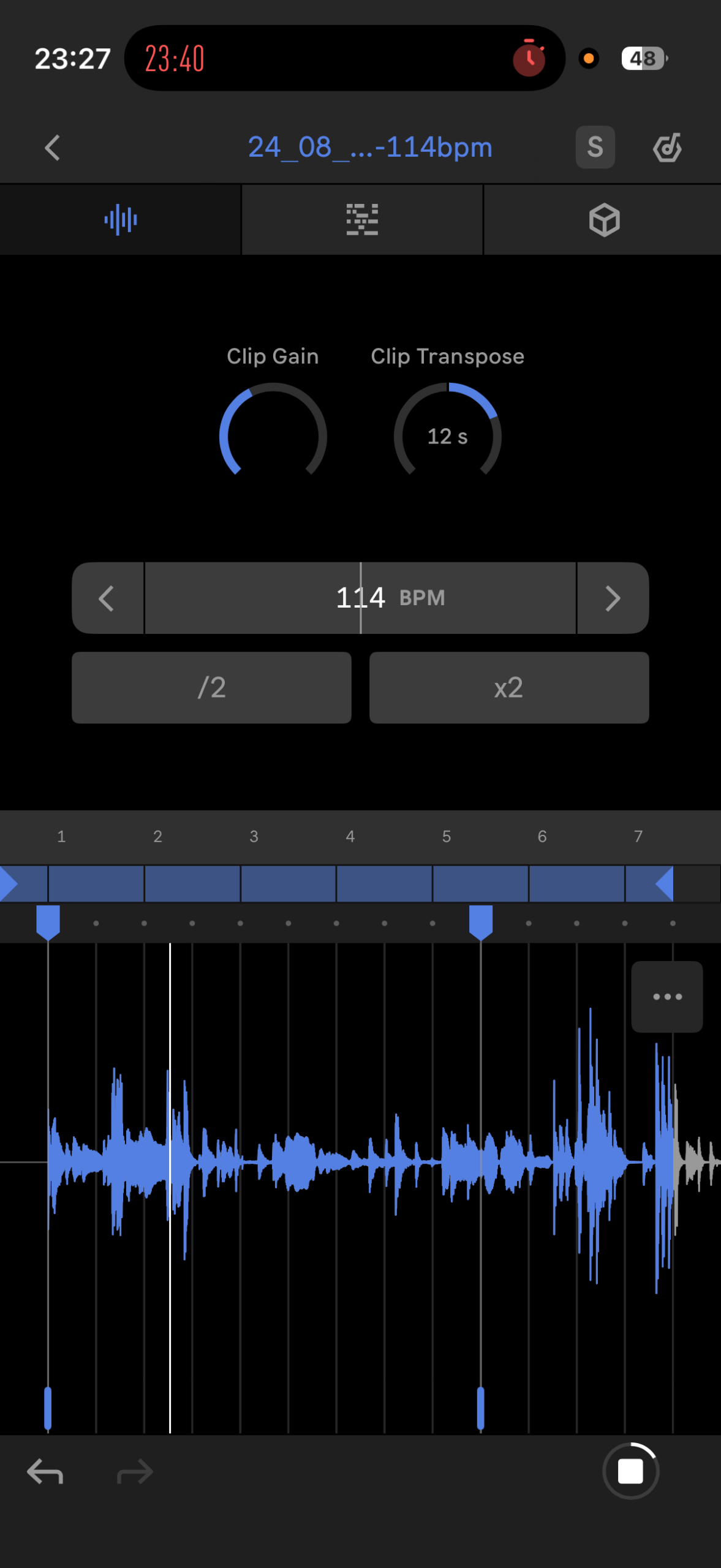
Audio Warp Markers are in the audio clip editor — right above the waveform. And since you can bring your work into Live desktop, this also means you can keep your warp markers with you. (See also Ableton Move.)
Bounce MIDI Clips. This is a little hidden — you bounce MIDI Clips by copying from a MIDI Track and pasting in an Audio Track. Step 1 — copy MIDI, paste into the Audio Track:
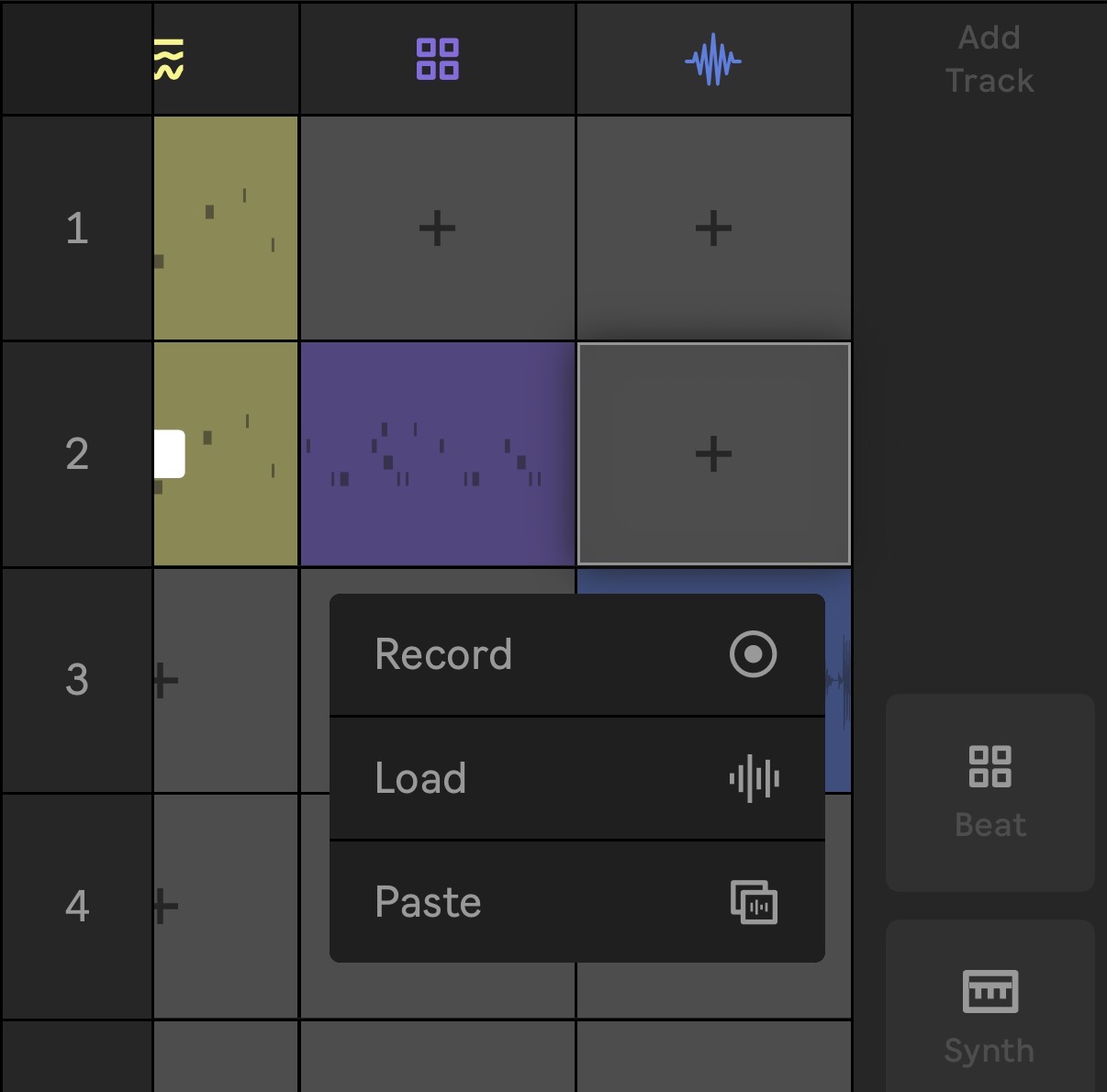
Step 2 (it’s really fast):
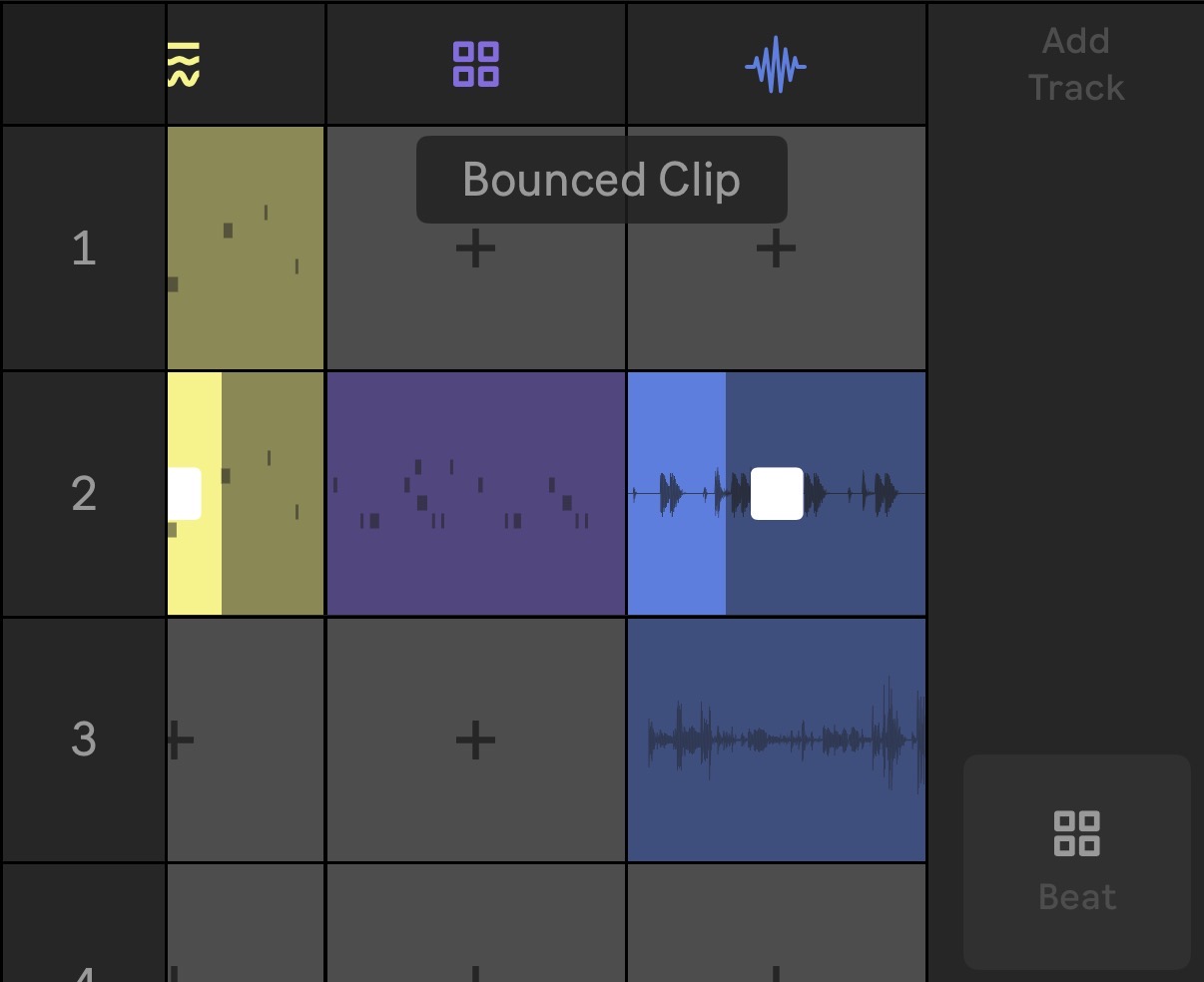
That’s a great workflow, because now —
Audio Clip recordings can be saved to the User Library.
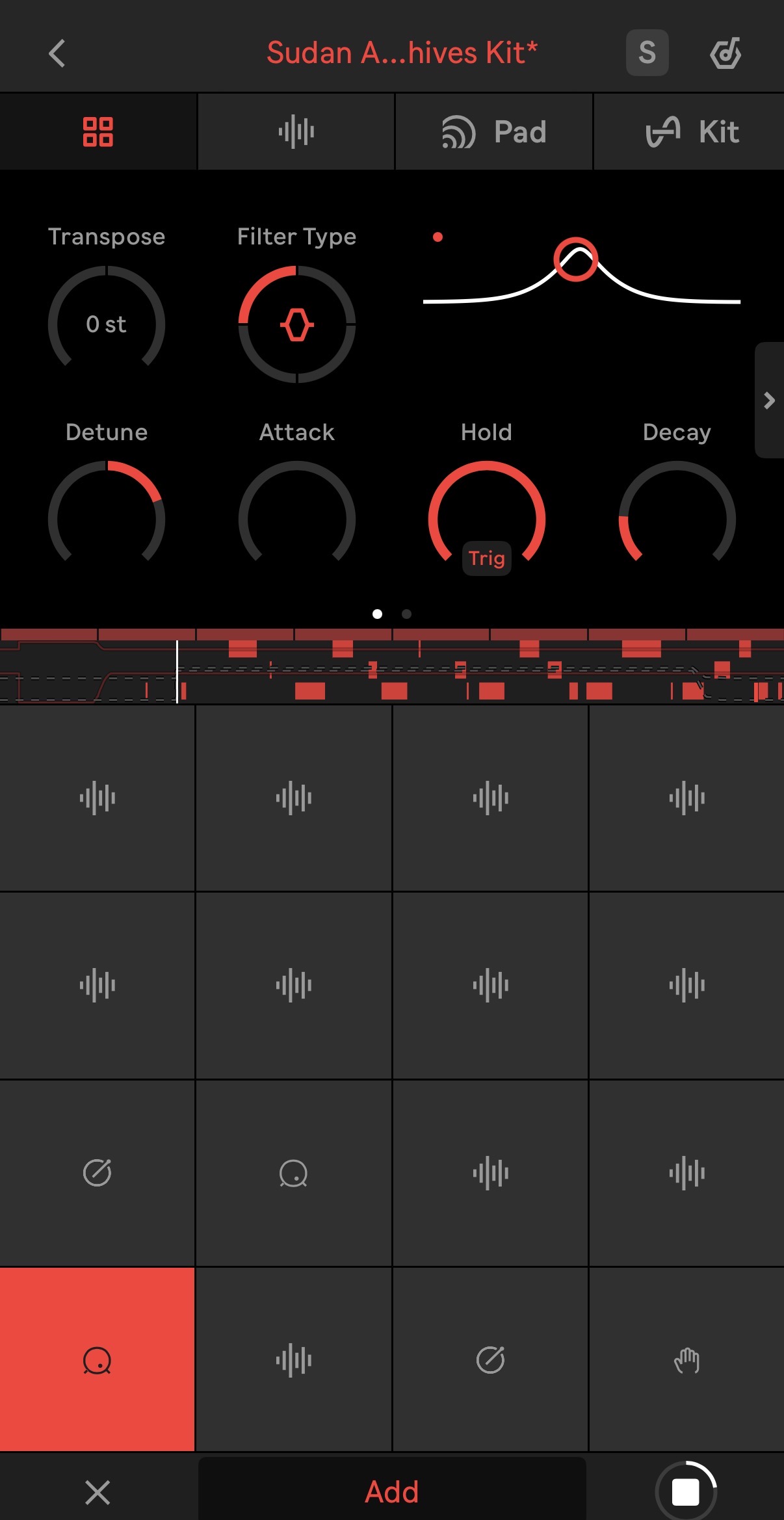
Sudan Archives and BADSISTA have new presets and samples. (These sound terrific, too.) That’s a great source of inspiration rather than Yet Another 909 (love you, Roland, but sometimes some new spices are needed)!
Tap bars to set loops. You used to have to do this via a context menu; now you can just do this on the loops themselves. There are a bunch of tweaks where you don’t need to learn how something works; it’s just already there where you’d expect it.
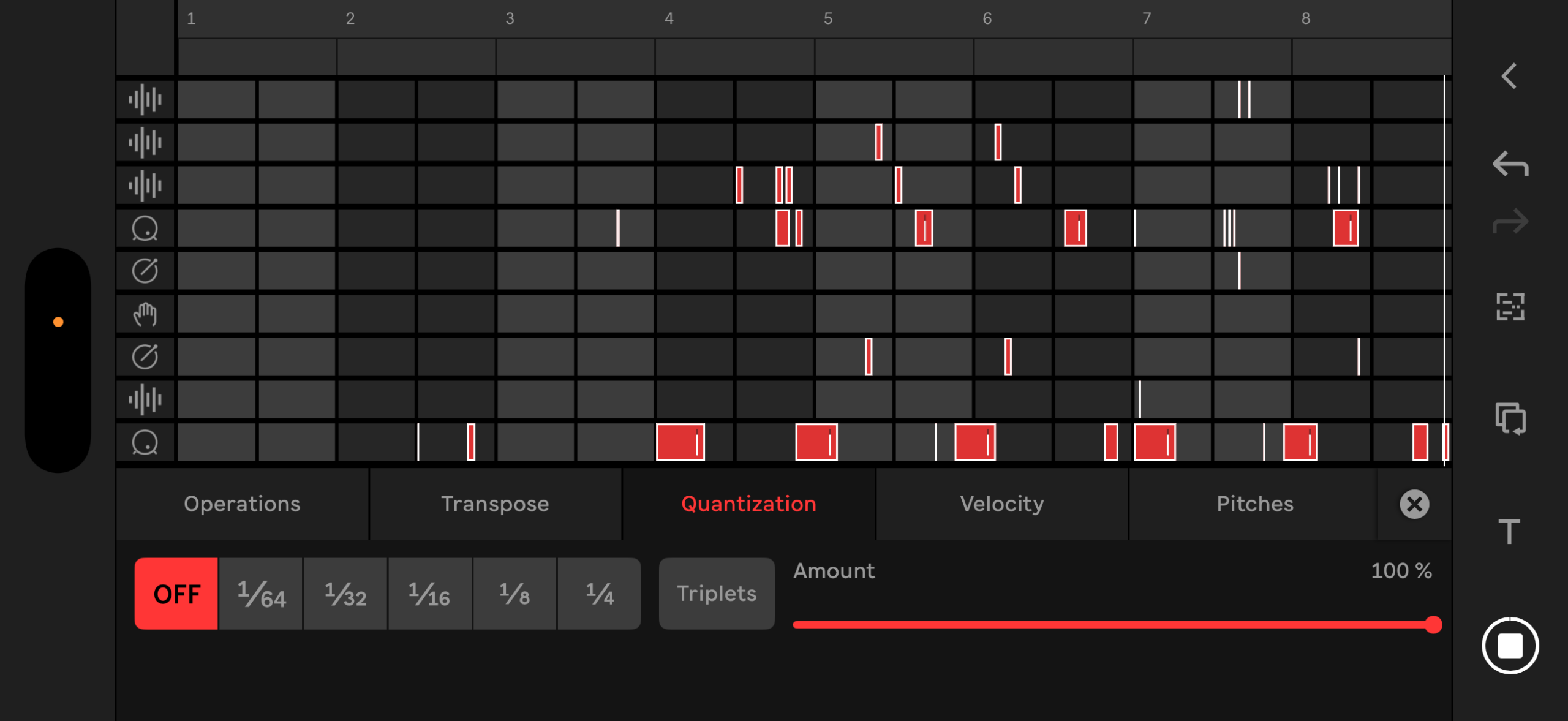
The piano roll is now playable.
All that, and there are a bunch of UI refinements; there’s just more visual feedback, labels are improved, and interactions make more sense. And there are a bunch of fixes.
It’s hard to describe, but this is the first version of Note that really clicked for me. There’s no single feature you can point to; a lot of it is the stuff that’s buried in the changelog. But by making those tiny refinements, it shifts the app from one you pick up and then sort of lose track of to one you keep using.
And for me that makes Note a terrific mood enhancer. Our phones are such depression and addiction generators. Having Note around is the opposite: you can find yourself smiling right before falling asleep making a quick satisfying drum loop before nodding off. Do this instead of doomscrolling through the day, seriously.
I also see some indications that bigger things could be coming to Note. I’d really love to see Ableton make Note an app that plays better with other iOS tools — even inter-app audio would be great, before we start talking about AUv3 plug-ins. And I’d love to see more Note – Move integration. The refinements and engine improvements here could lay some groundwork for all that. Here’s hoping.
And all of this seems a far better use for the supercomputers in our pockets than anything the big tech upgrade cycle wants for them.
Oh yeah, about time signatures- well, now that I’ve written this, I need to do something in Note in 15/8. One of my all-time faves:
Andrew is not really on-topic, though, so here’s Sudan Archives, even if we’re back in vanilla duple land. They’ve got some great new stuff, but I’m partial to this older track: