Gear Music Music tech Software Tech
On 303 Day, acid bassline love abounds, and some freebies, too
Roland is fairly quiet on this 303 Day, but in the maelstrom of terrible news, it was a relief to see the Japanese music community out in force. This is what we really strive for: a world where we can just make bassline noises all day. Here are some highlights, and even some free Max for Live love if you need some acid therapy.
Read more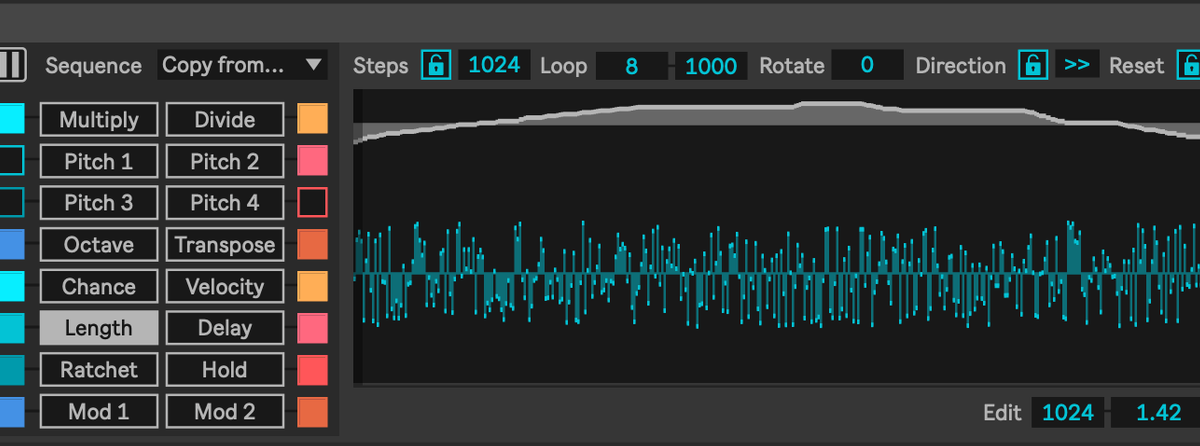
Polyfold from Manifest Audio lets you paint with polymetric patterns
A 1024-step, multilane polyphonic sequencer sounds overwhelming. But the latest Manifest Audio polymetric sequencer, Polyfold, offers a palette of various patterns and shapes that you can deploy across that vast canvas, easily and quickly. It opens up sequencing in Live 12+ Suite, free from the usual constraints. It’s a compositional playground, with full MIDI and OSC (!) support, for music and visuals alike.
Peter Kirn - February 26, 2026
Motion Music tech Software Tech

Breaking: cave-like reflections in Robert Henke’s free Lanzarote Verb
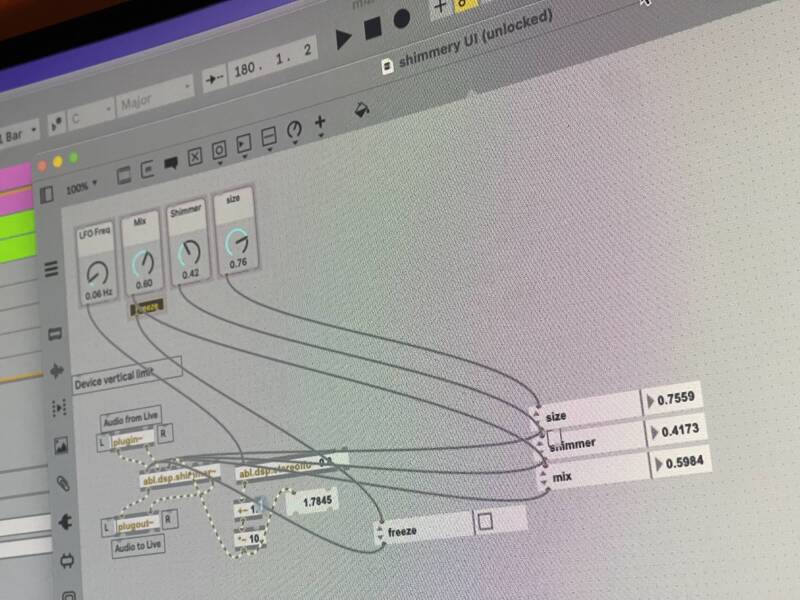
Surprise! We get a second free Robert Henke device for Ableton Live Suite, built in Max for Live. And this one is inspired by 60s techniques of Andy Moorer and Manfred Schroeder, and eminently hackable if you’re ready to dig into the patch. It’s “not exactly a realistic room simulation.”
Peter Kirn - February 16, 2026
Music tech Software Tech
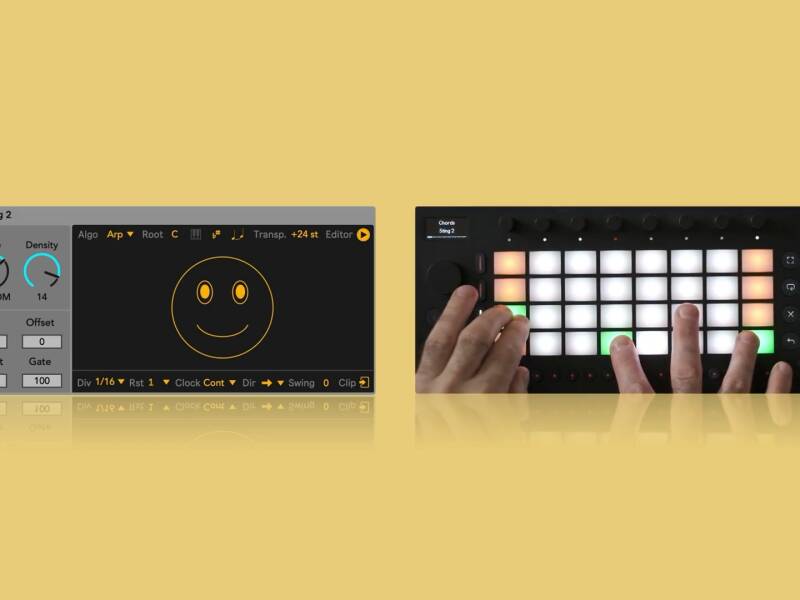
Sting 2.1 makes the most fun pattern, arp, acid maker even more funner
Peter Kirn - January 15, 2026
Music tech Reviews Software Tech

Boxing Day: get those xmas freebies and be serenaded by an Atari ST
Peter Kirn - December 26, 2025
Deals Music tech Tech
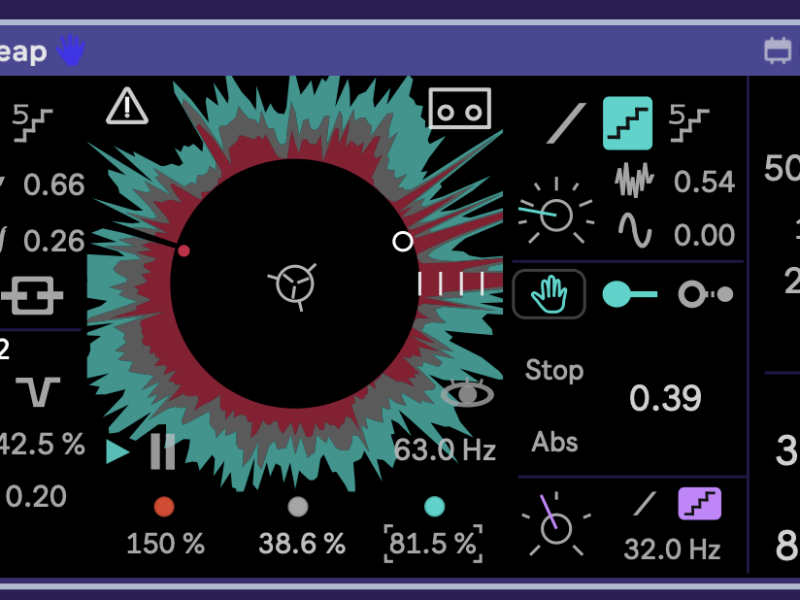
Mudjaq TapeLeap, a freaky tape/lo-fi looper that can blink, be broken
Peter Kirn - December 11, 2025
Music tech Reviews Software Tech