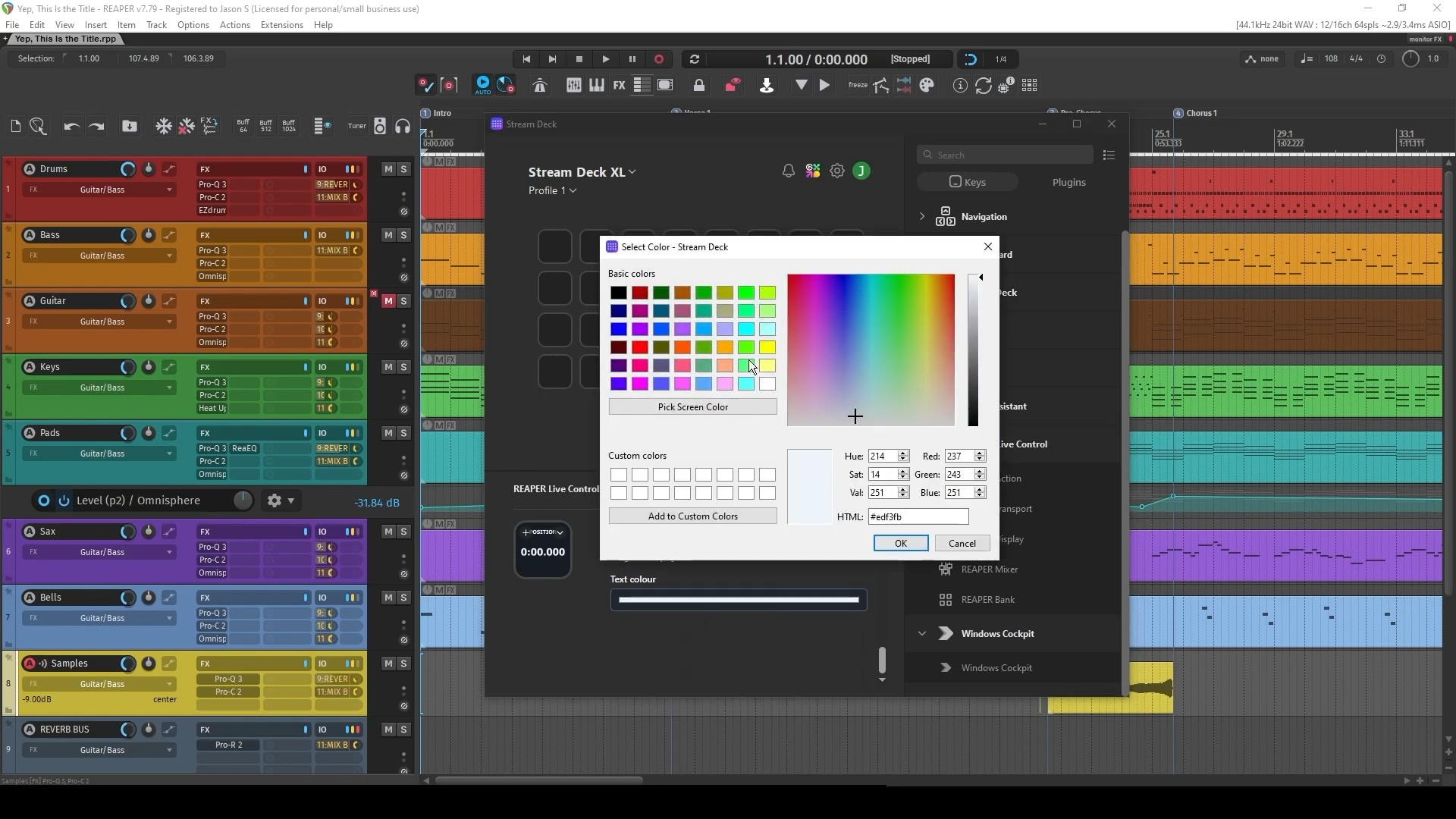
Elgato’s Stream Deck, a push-button desktop controller with interactive color keys and software shortcuts, has quietly become an ideal DAW accessory. Take, for example, this thoughtfully designed addition from Granite Coast Studio for the inimitable Cockos Reaper.
Jason from Granite Coast Studio writes us, “The goal is to replace the usual layer of hotkeys, MIDI and OSC setup with direct action discovery and live state. It loads the REAPER Action List, including custom actions and scripts, reads REAPER icons, and shows live transport and mixer state.”
Now, of course, being the obsessive person I am, I immediately started poking around for other DAWs, too — and you’ll find plenty around the marketplace. (Dear readers, found any that work for you?)
But Reaper is totally ideal for this application. You get actions, transport controls, project info (tempo, position, etc.), and mixer shortcuts, all with full-color options. This is about the nicest implementation I think I’ve seen for the Stream Deck (or, indeed, elsewhere).
Oh, and I guess the dream of the Apple TouchBar lives on, only … this has tactile feedback and full functionality.
Full features:
- Live Play, Stop, Pause and Record feedback
- Song position, measure, beat, time signature and BPM displays
- Tap Tempo
- REAPER Actions and Custom Actions
- Registered REAPER Scripts
- Automatic REAPER toolbar and track icons
- Custom PNG icons
- Track Mute, Solo and Record Arm
- Volume and Pan controls
- Track banking
- Custom colors, text and icon sizes
- Automatic detection of standard and portable REAPER installations
- Windows and macOS support
€15.00 on the Elgato Marketplace:
REAPER Live Control
This thing could be really addictive, for sure. And you can pick up a Stream Deck for around a hundred bucks.