Korg’s NTS-3 is an absolute joy — a cute, pocket-sized, inexpensive kit that you can load up with custom effects. But that gets even more interesting once you add Sinevibes’ library of effects. And now you get one especially created for the X/Y pad. I’ve been testing a prerelease build, and this is a return to everything that I love about kaoss. And oops — here’s the perfect pocket live/DJ effect.
It’s funny how little Korg talks about the NTS-3 or its expandable effects. But it’s wild to be able to run desktop-class effects, including those you custom-load, in the palm of your hand. You do need to figure out a way to power this to get around noise — more on that topic separately. (Basically, do not plug it into your computer’s USB jack, or it turns into an oscillator. Some power adapters are fine, depending on how you plug in, or you can be really safe and connect to a power bank for ultimate mobility and minimal noise.)
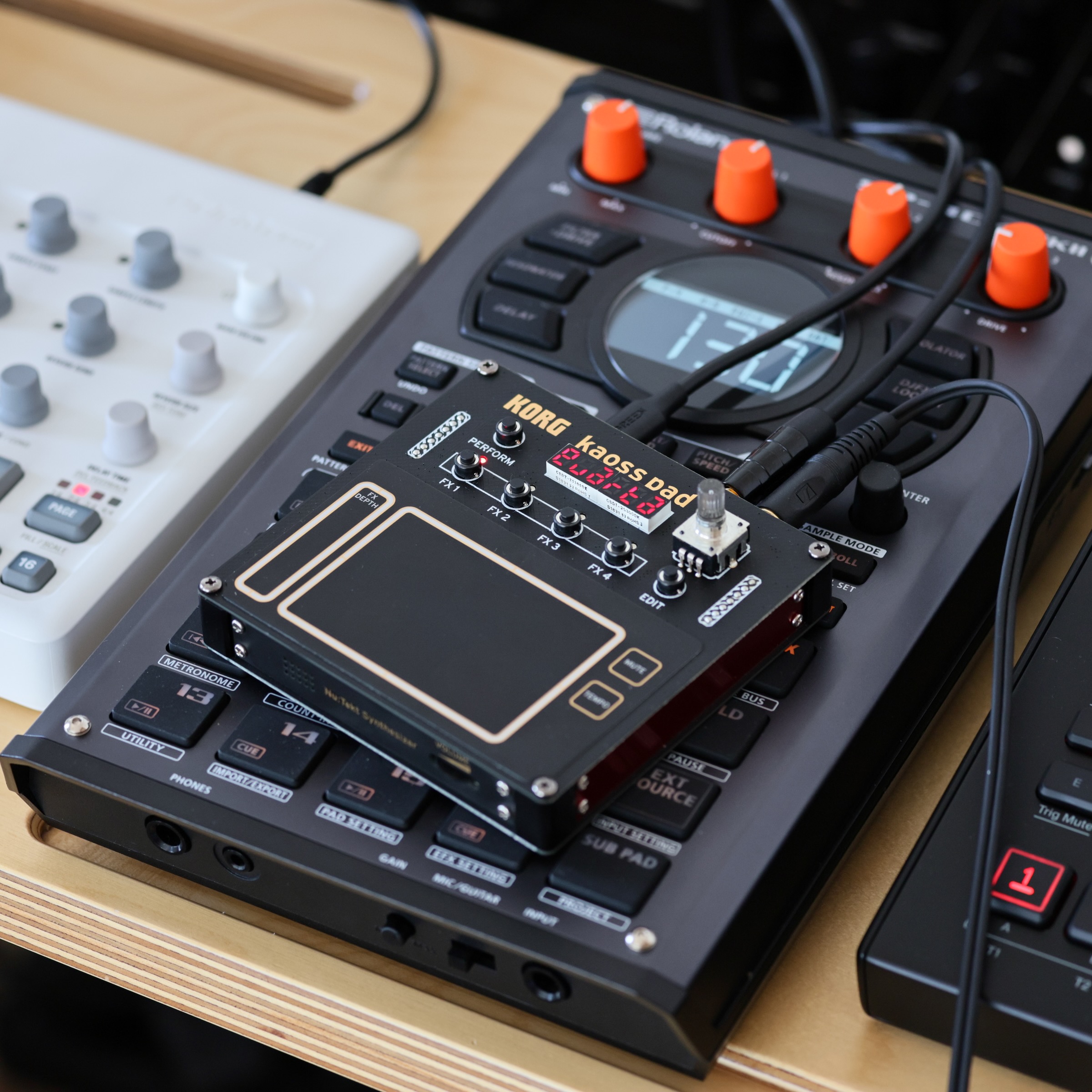
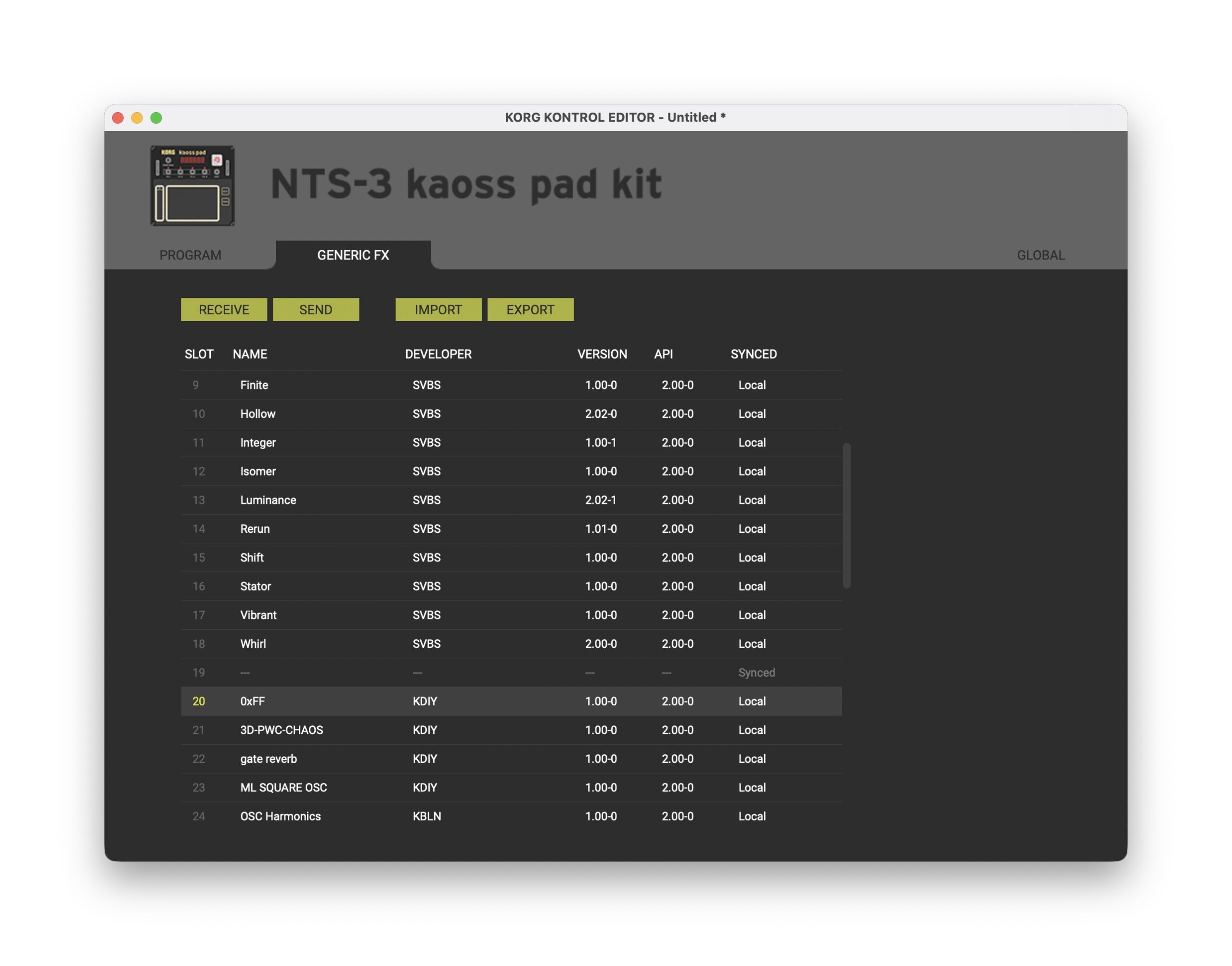
Adding Sinevibes effects like Cache, Hollow, Luminance, Integer, Rerun, and the like can easily make this a must-have. See the full Sinevibes KORG lineup. I ran Sinevibes effects on the NTS-1 MKII mini-keyboard when I played at Korg’s phase8 performance set at Superbooth in May — my idea, not theirs. But the NTS-3 is way more convenient with its touchpad. You can load up all of these effects on one unit and just scroll through them. It’s like holding an entire plug-in library in your hand. You set up everything via the KORG KONTROL EDITOR, the app normally used for setting up their controller devices, like so:
All of those effects already work beautifully. You can use both momentary and locked function, meaning you can set-and-forget, set-and-tweak, or live-tweak any effect. But then there’s Quarta.
As the name implies, you set up the NTS-3 into four zones. (That signals a return to a configuration we saw in KAOSS Pads past — even including the Entrancer, the video KAOSS Pad, if I recall correctly.)
Each of those four zones can be configured with a custom effect algorithm:
- (-24 dB/octave) state variable filter with resonance (low-pass, high-pass, band-pass, notch with fixed resonance, or peaking with medium resonance)
- phaser (8-stage all-pass with feedback)
- comb filter with positive or negative feedback
- Bode frequency shifter
- Sample rate converter
You can also set it to bypass (useful if you’re locking an effect and want to trigger the bypass).
And, entertainingly, there’s a random effect type so each time you touch the XY pad, you roll the dice for which algorithm you get.
From there, you get a ton of possibilities for how you want your finger gestures to control the effects. So if you were worrying about how to fit this into a performance with your grubby fingers, don’t panic: you have options. You can choose:
- Fixed value (perfect for clumsy fingers and quick triggering)
- Random (perfect for glitching the **** out of everything)
- Left-right, right-left, bottom-top, or top-bottom mappings (choose your axis!)
- Fixed animations: over 1-2 bars, animate an effect parameter up, down, up-to-down, or down-to-up
That means if you want to exactly tweak each parameter with a gesture, you can –, but you can also just quickly trigger effects, or tap to animate a transition. (The NTS-3 has a sync input onboard, or you can just dial in the bpm.)
Doubly cool, you can configure all of this on the device. In the editor pictured above, you just drag and drop to load; the rest you can do on the handheld—ideal for mobile users.
Artemiy hit it out of the park with the demos, so I’ll let him demo this. But I’m playing with this a lot now.
Quarta is available now, for $29 (a bundle with Cache for $49 is also available).
https://www.sinevibes.com/korgquarta
Don’t have an NTS-3 yet? These are in stock now as I write this:
Nu:Tekt NTS-3 Kaoss Pad Kit at Perfect Circuit (USA)
Korg Nu:Tekt NTS-3 at Thomann (Europe/international)