Now this is how to do generative melodies. Add expression. Get control with your hands. Make melodies accessible — including if you’re blind and visually impaired. Sting, the beloved maker of acid melodies and other patterns, is confined to Max for Live no more: now, it’s available as VST3, AU, CLAP / macOS, Windows, Linux.
It’s wild how Sting has grown. (See the museum below for comparison.) Now it looks like this masterpiece, full of ways of shaping, modulating, and mapping your patterns:
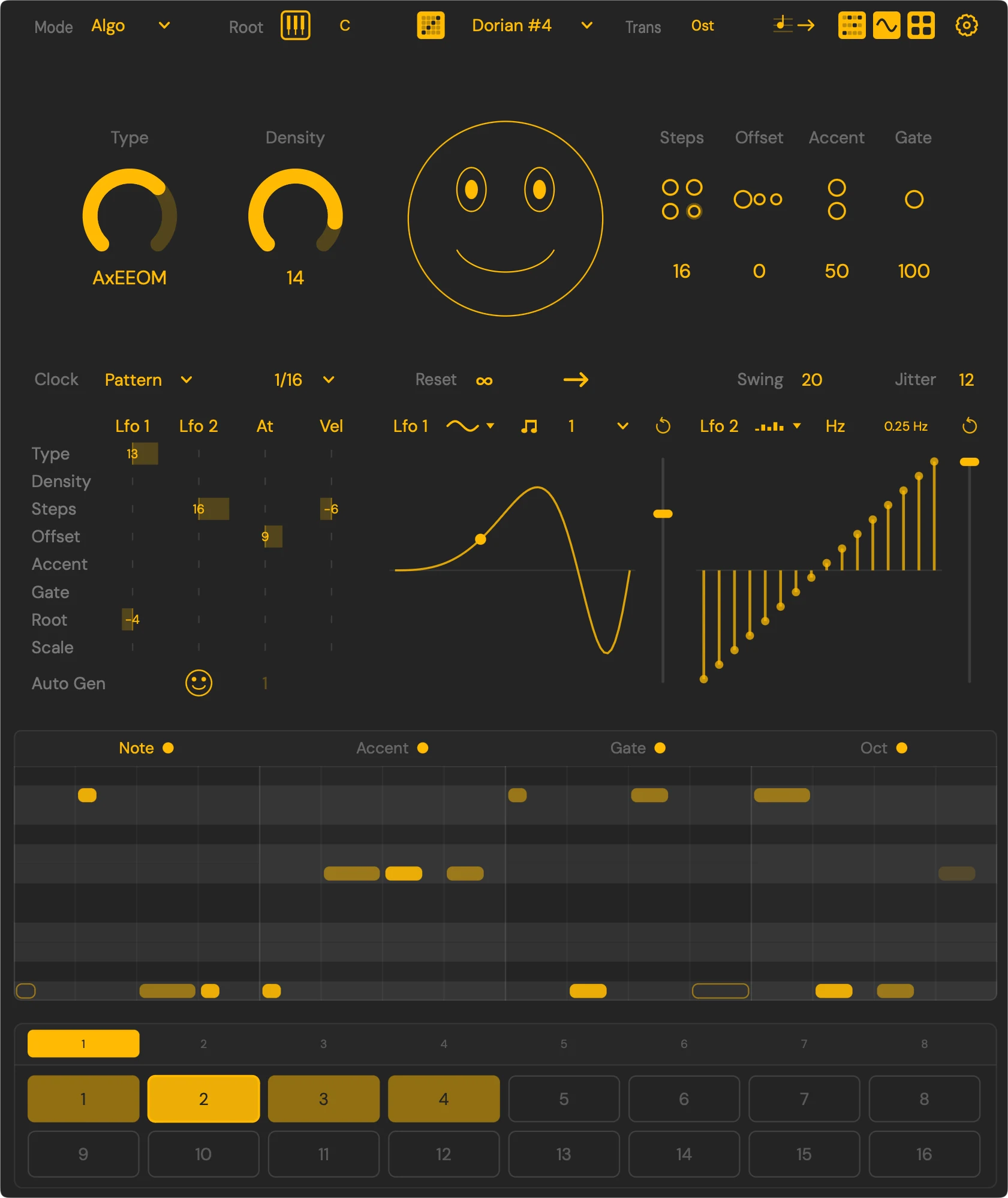
Sting is so much more than just acid, even though it’s really good at spinning up acid basslines. It’s a fully “expressive, algorithmic, improvisational” sequence maker, adept at basslines, melodies, and percussion patterns alike.
And while it’s “generative,” it’s all about letting your instincts do the driving.
I’ll gladly die on this hill: talking to a bot to tell it what you want is as satisfying as trying to talk to a tech support agent. No, generative melodies are a great idea, but you want hands-on, playable control, so you can involve your muscles.
Here, watch how beautifully Iftah’s new Novation Launchpad takeover mode works. (There’s new monome support, too.)
There are new features galore: you can import MIDI files, there’s a complete new modulation section, and a new multi-voice counterpoint mode that generates two lines, chords, and bass.
In every interaction, it’s built for accessibility — an extra reason to talk about Sting, as I really hope other designers take this on. Functionality includes:
- 15 color themes, with options designed for color blindness, plus the ability to create your own custom themes (great for accessibility and aesthetics alike).
- Screen reader compatibility, making it interoperable with VoiceOver, NVDA, and others, plus Reaper’s OSARA.
- Screen reader-ready user manual.
- …and the hardware integration also creates affordances.
Here’s Iftah’s full walkthrough; he’s doing this about as nicely as anybody out there. An inspiration.
Copious documentation, examples, and downloads at the site. This time, it’s not entirely free, because of support costs for the plug-in. (Think Apple, JUCE, etc.) But each day, the site will allow seven free downloads. So… wait a bit! (There’s a counter that live updates.)
https://www.if-tah.com/devices/sting
Stings I have known
Ah, Sting memories.
Remember when Sting “2022” arrived, the dawn of this generation of Iftah-made Max for Live devices?
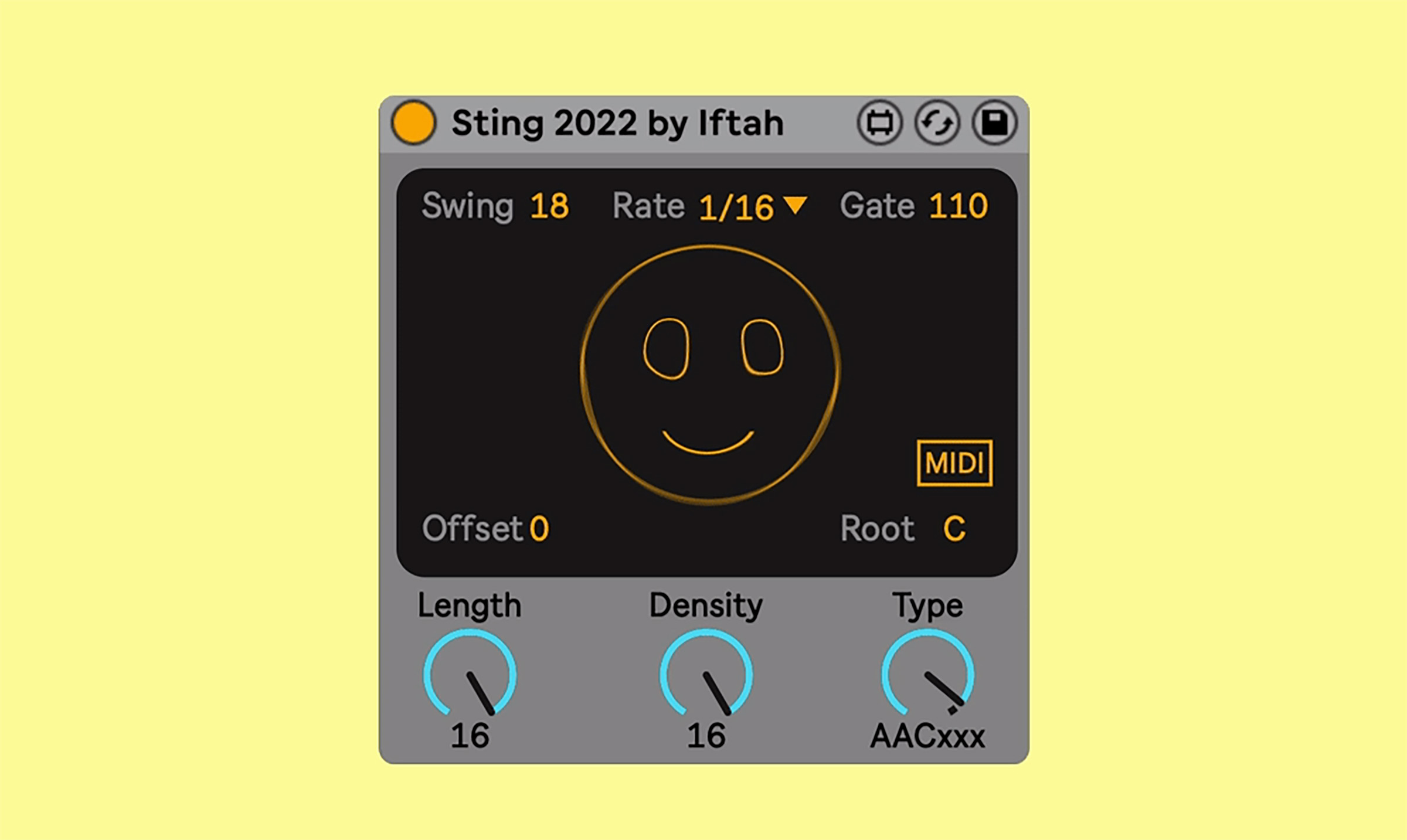
The vintage smiley feels like a merch opportunity.
But if you really want to go back, the heads will remember this design, back when Iftah was half of the duo Skinnerbox.
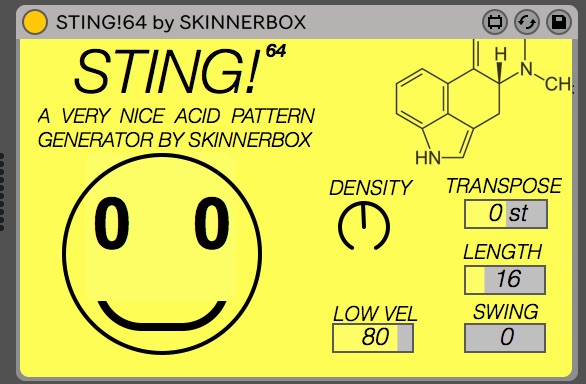
Those are still floating around if you want to find them, though I can’t be without the TYPE control introduced in 2022. Time sure flies.