Imagine crossing vocal synthesis with a rungler, vocal circuits entangling with one another like they’re “speaking in tongues.” Or enveloped grooves that bend and twist with liquid controls, shaped with tuplets and polymeters. Creator Jelle Akkerman is launching every something plug-ins today with two new tools, Glosso and Artikulation. Here’s your guide to both.
Thanks to every something for partnering with us to produce a detailed guide (and provide some feedback during development.)
every something
Jelle is an engineer and artist based in Northern Italy who opened for the Vengaboys at age 14 — at the local zoo, no less. “every something” is the imprint for his creative outputs, music, hardware, and software. There’s the every division and duration Eurorack module, made in collaboration with friends-of-the-site Dr. Nicolas Bougaïeff and Johannes Lohbihler (of tbd 16 and dadamachines); more on that soon.
And then there are today’s plug-ins — artikulation and glosso this month, with two more, perp (Risset-powered live looper) and otophon (a synth) coming next month. As in the module, tuplets and polymeter make some appearances. Let’s look at those two plug-ins that debut today — “experimental,” non-normative designs in friendly black and white, for AU and VST3, macOS and Windows.
glosso
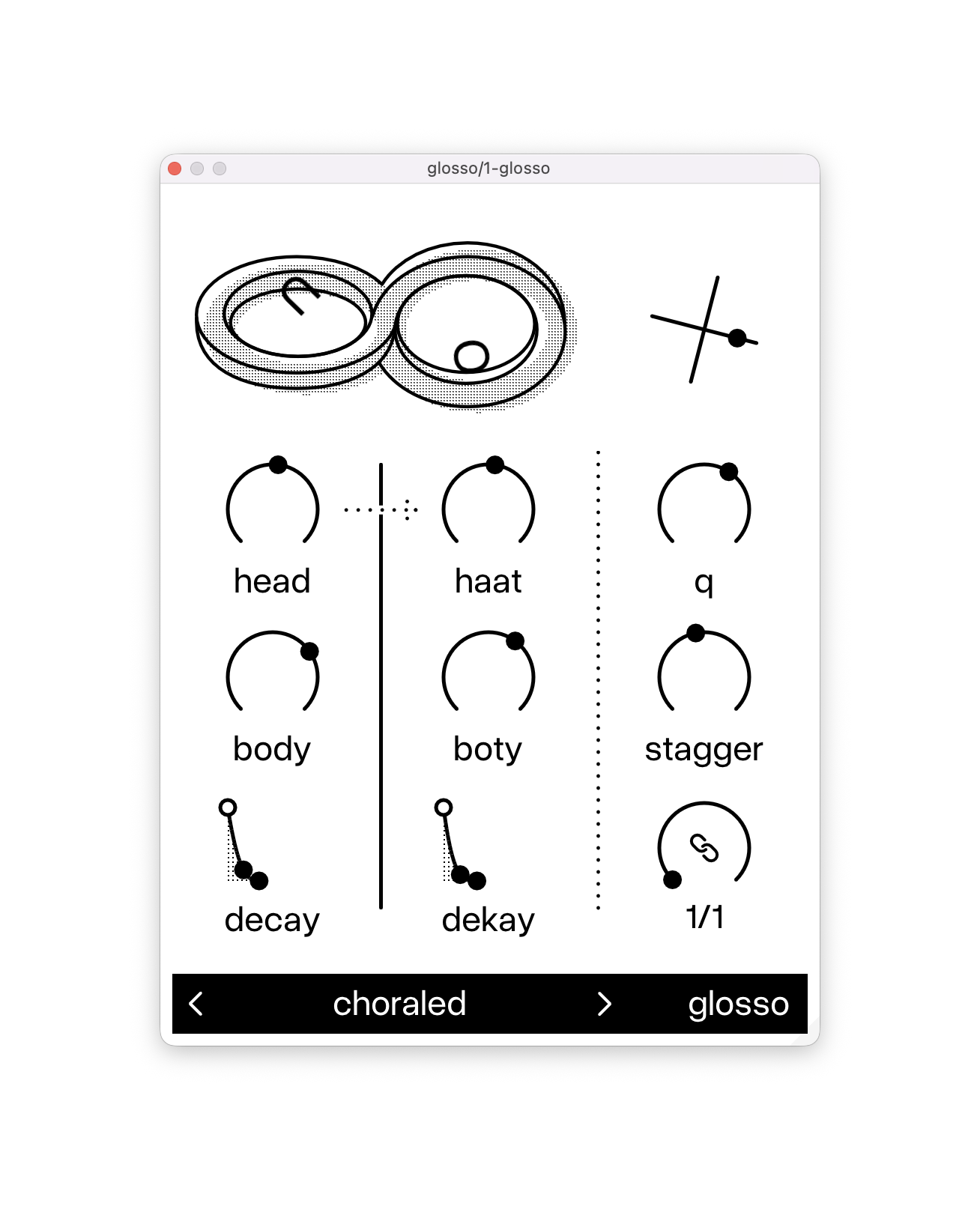
Glossolalia literally means speaking in tongues. Add glosso to any track, hit play on your DAW transport, and it just goes. Dualing voices continue, with shifting vowel-filter shapes visualized in the UI.
The inspiration is Rob Hordijk’s designs, especially the “rungler” in the legendary Benjolin. In that circuit, two oscillators are “entangled” — a pseudorandom generator where a shift register is clocked by one oscillator and fed by another, then an output is fed back into the circuit as control voltage in a kind of chaotic loop. (Here’s an explanation.)
In glosso, building on this idea, you have two chaotic rhythmic circuits driving two voices. The pseudorandom element means you’ll constantly hear variations, and the two voices will always be at least a little different — maybe a lot different.
Let’s try this idea out and, starting slowly, demonstrate what each of these controls does. (My preset design here, before you go looking for it.)
Head/body and haat/boty tunes each voice’s frequencies.
Q will emphasize the phonemes by accentuating the vowel filter (obviously).
stagger is a lot of fun; it determines the separation between voices, which you can tweak to shuffling or distinct rhythms.
And you have a clock control, which can be synced or free-running — free-running has no control, so it just unleashes the circuits for maximum rungler-style chaos.
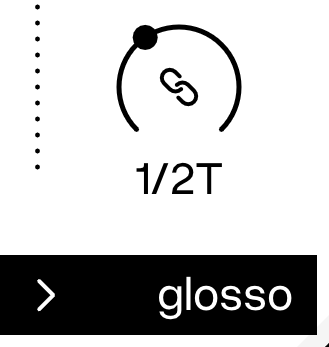
The cross at the top right is cross-modulation — with some physics.
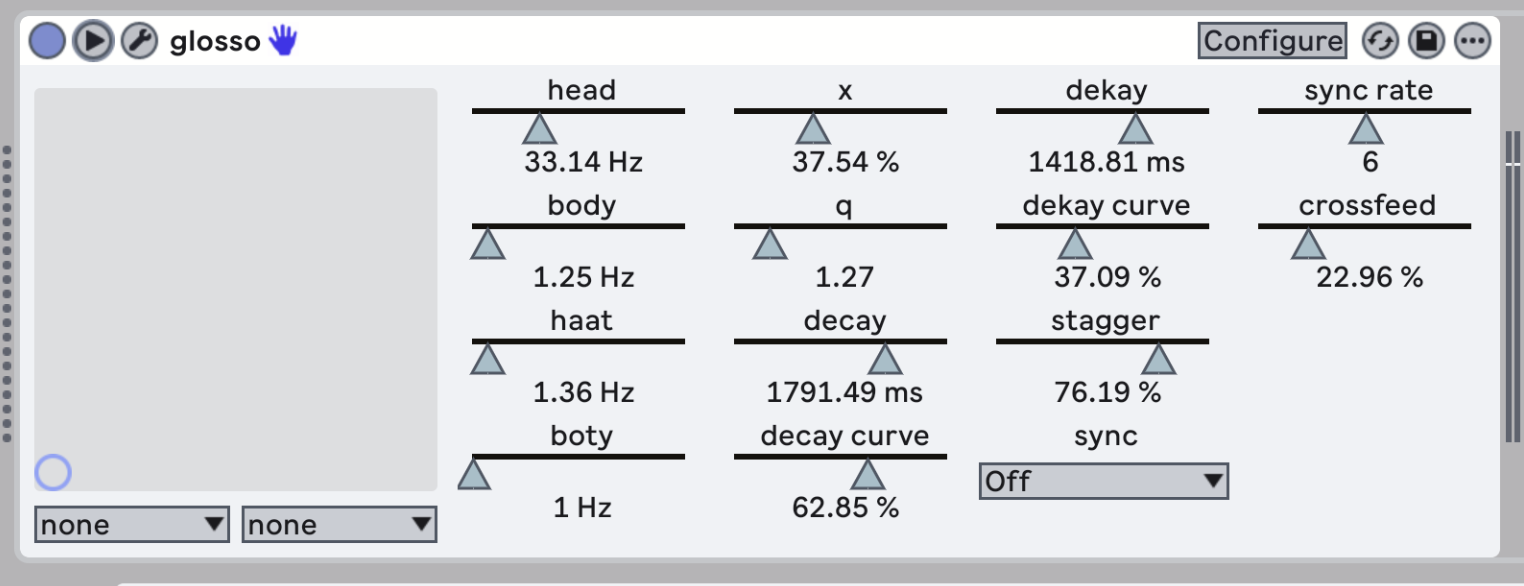
If you look into parameters, you can also adjust crossfeed directly, from the hard-panned default all the way to overlaying the voices in the center, and everything in between. (I asked for that — thanks, Jelle!)
Put it all together, and you can dial glosso all the way up to complete mayhem, producing not only vocal weirdness, but rich drones and textures and other sounds.
You get deeper into Benjolin-style territory toward the end of this one:
artikulation
We’ve seen plenty of plug-ins that do envelope shaping. But their interfaces typically focus on binary shapes and hand-drawn step sequences — or more complex shapes that lack rhythmic definition. artikulation is different: here, you can precisely shape rhythms and grooves, from simple structures to complex polymeters, and bend, skew, and stretch them at will. And you can do it with just a few controls.
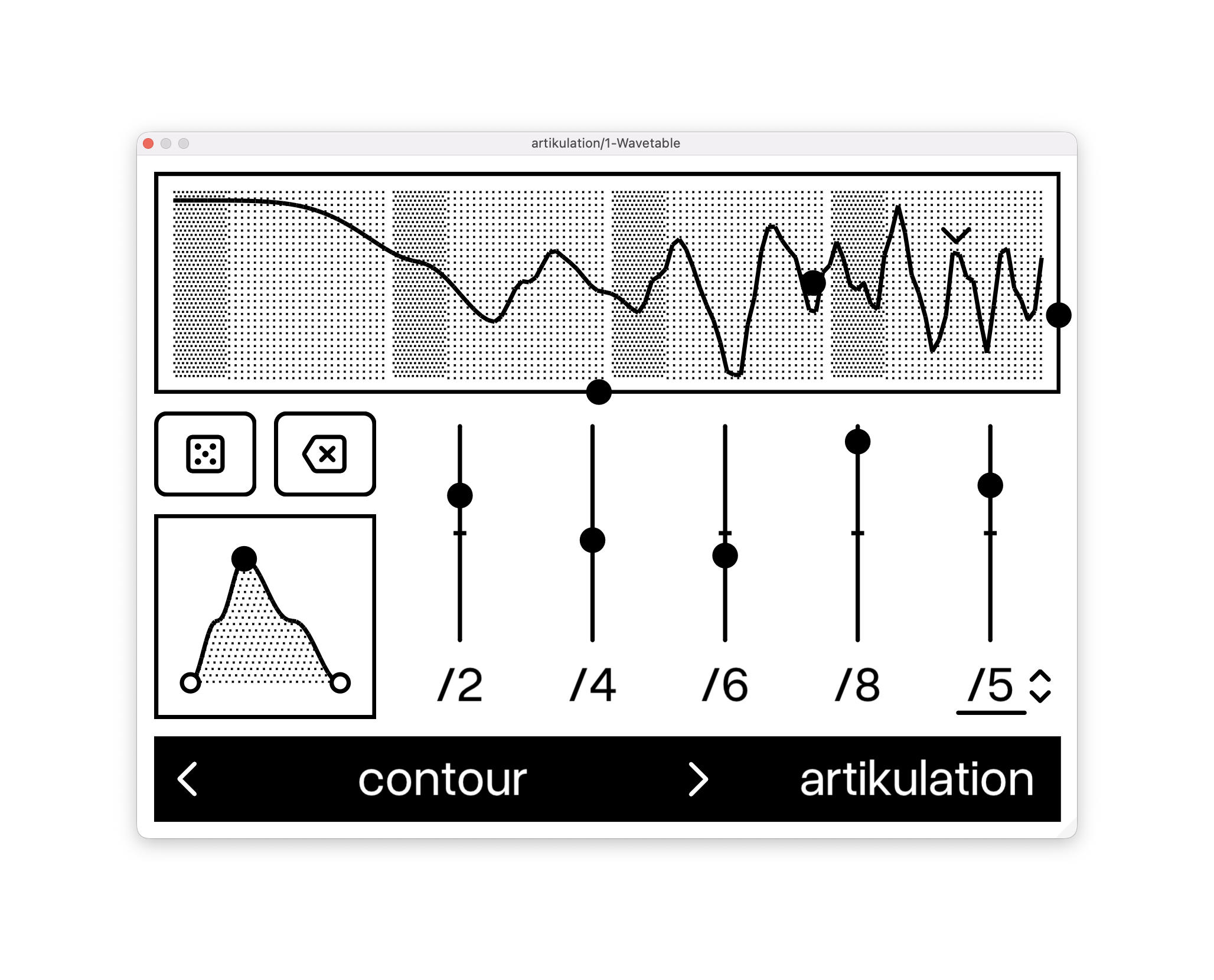
So instead of manually drawing in a regular rhythm, as you might typically do elsewhere, you can use clever controls — pushing the level up or down — in divisions of /2, /4, /6, /8.
Start there, adjusting depth — especially /2 and /4 for simple, duple divisions — and hear what happens.
Then try moving the shape and skew (the envelope shape at bottom left) to create different envelopes, from crisp, on-the-beat patterns to pumping “ducked” values, and so on.
For more complex rhythmic patterns, look to the tuplets settings. You’re overlaying this pattern atop the existing rhythm, which can add swing and accents, make more complex combined patterns, and produce polymetric effects. And you dial it all in in a very instinctive, analog way.
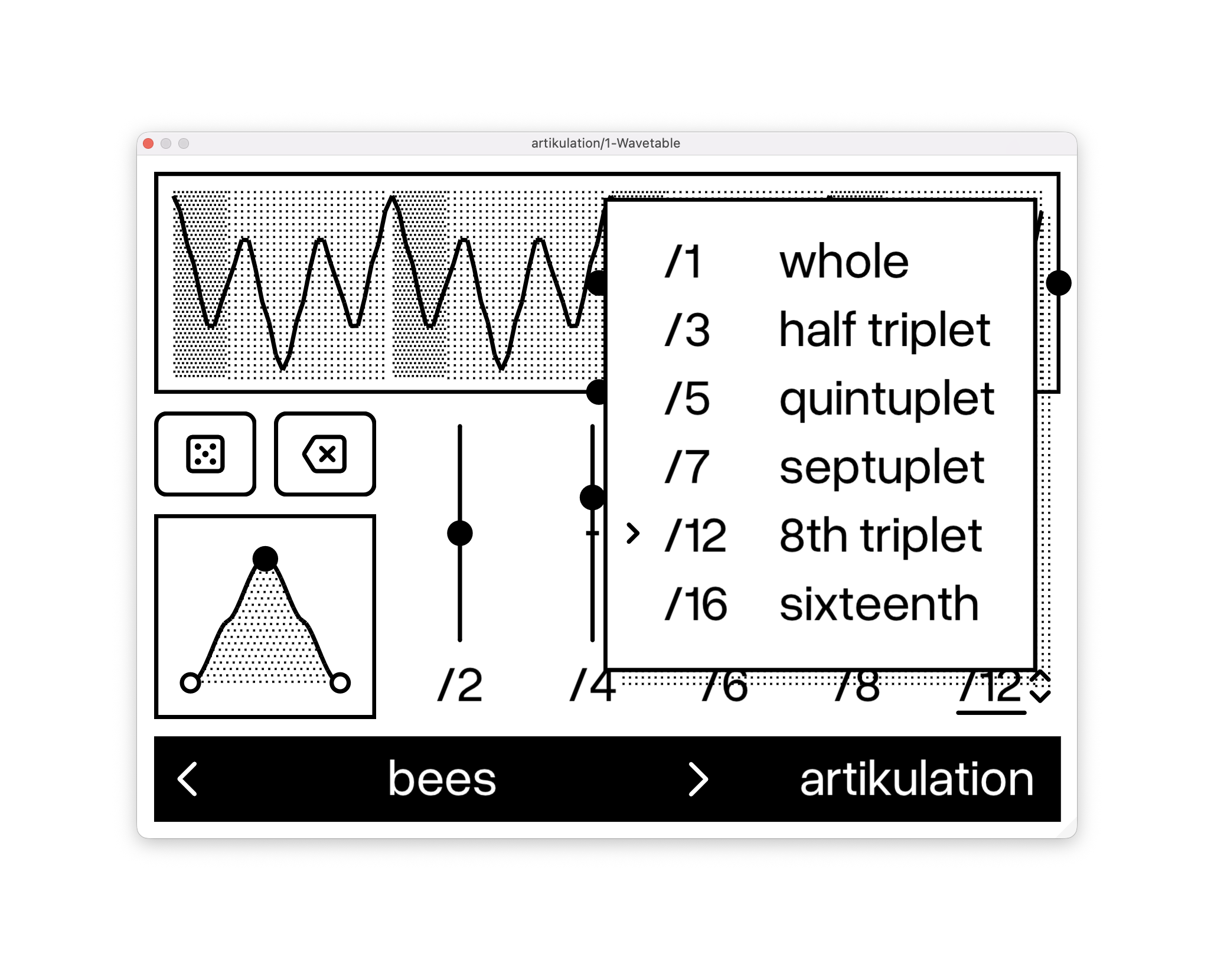
You can shift the whole envelope left and right with phase (the dot at the bottom of the view), and change scale on the right-hand side. A small scale is great for adding more nuanced effects with the plug-in.
Timing warp is where things get really interesting, because you can squeeze the whole pattern forward or backward in time. That gives you wonderful fast-ratcheting and rubato or accel/deccel. effects. I’ve spoken at length about how much I love things that bend time — even while retaining the grid — and that makes this tool essential in that larger arsenal.
Let’s pull all of that together. This becomes a powerful compositional tool, using just Ableton Wavetable. (Additional modulation of the synth is provided by the excellent Modulators Plus by Max for Cats; the Ableton Live themes here are by Studio Brootle.
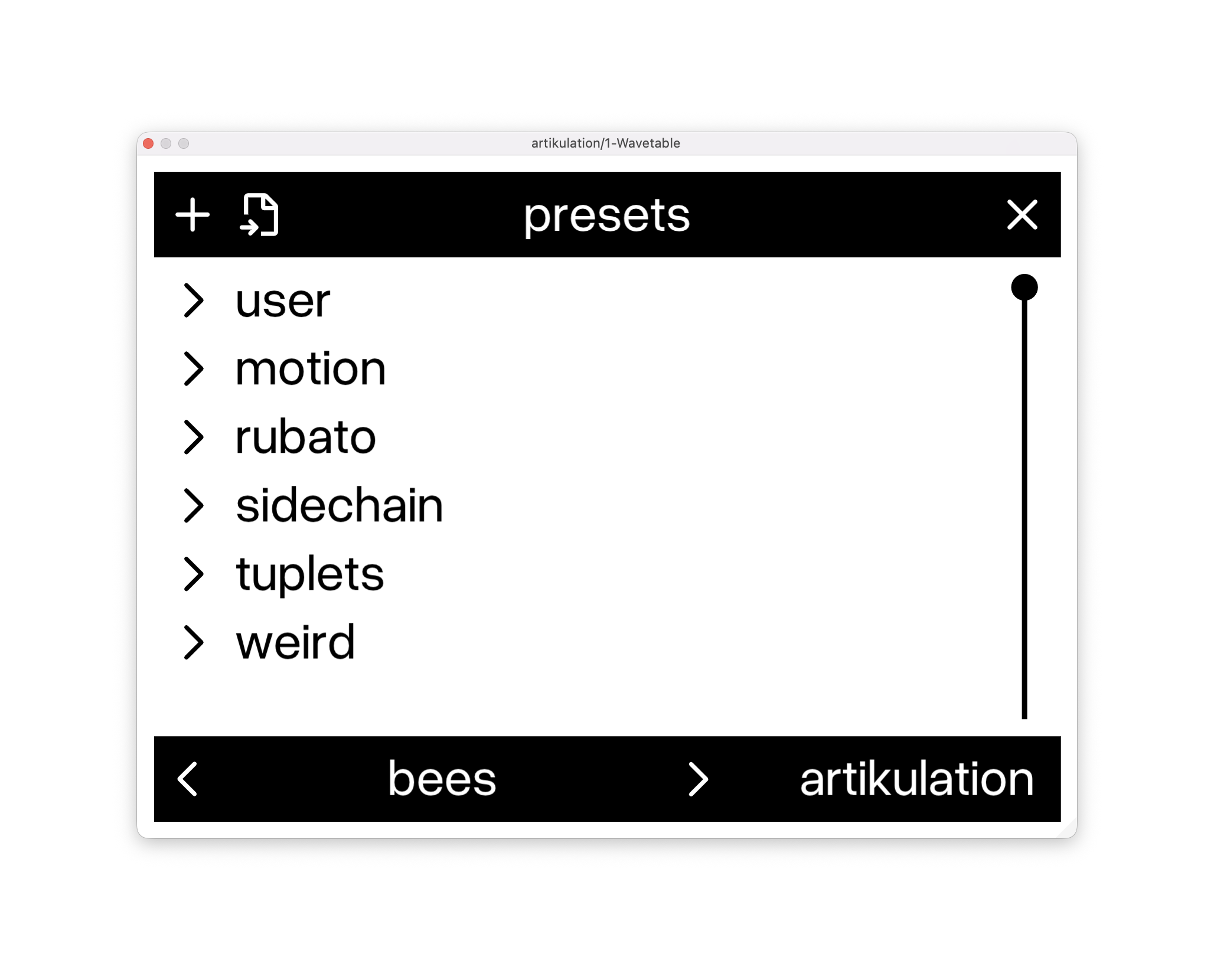
If that didn’t make sense just yet, there are a bunch of terrific presets to explore that will help you get the idea — and tweaking them is also immensely satisfying:
Both plug-ins are available today, with a free trial available.
https://plugins.every-something.com