Monomono Maya may be the dreamiest Max for Live device we’ve seen yet, with full MPE and aftertouch support. With Push 3 standalone compatibility, this could also be a strong argument to building a computer-free Live rig, too.
If you buy something from a CDM link, we may earn a commission.
Monomono already won fans over with Mono One, an SH-101 model. Maya is something special. The UI perfectly scales the Roland panel design to the Ableton Live Device format, and it has that organic, alive quality you hope for in analog modeling. It really feels like a hardware instrument. At the same time, I appreciate that it has a character of its own — it’s Juno-inspired, but it doesn’t sound like every other Juno clone and model out there.
And listen. (Okay, it does sound great dry but… mmm I just had to add that reverb and delay. That’s Rainbow Circuit Petal and the sweet sweet MFA X-Verb from the Manifest Audio X-FX collection, both of which also can run standalone!)
The flexibility of how you can run it also helps justify the investment. You get both a synth and a effect, with the bundled Chorus standalone device. And with MPE and aftertouch support, you can adapt this to Push 3, Push 2, Move, an Osmose, a Linnstrument, or any number of devices with polyphonic (or channel) aftertouch.
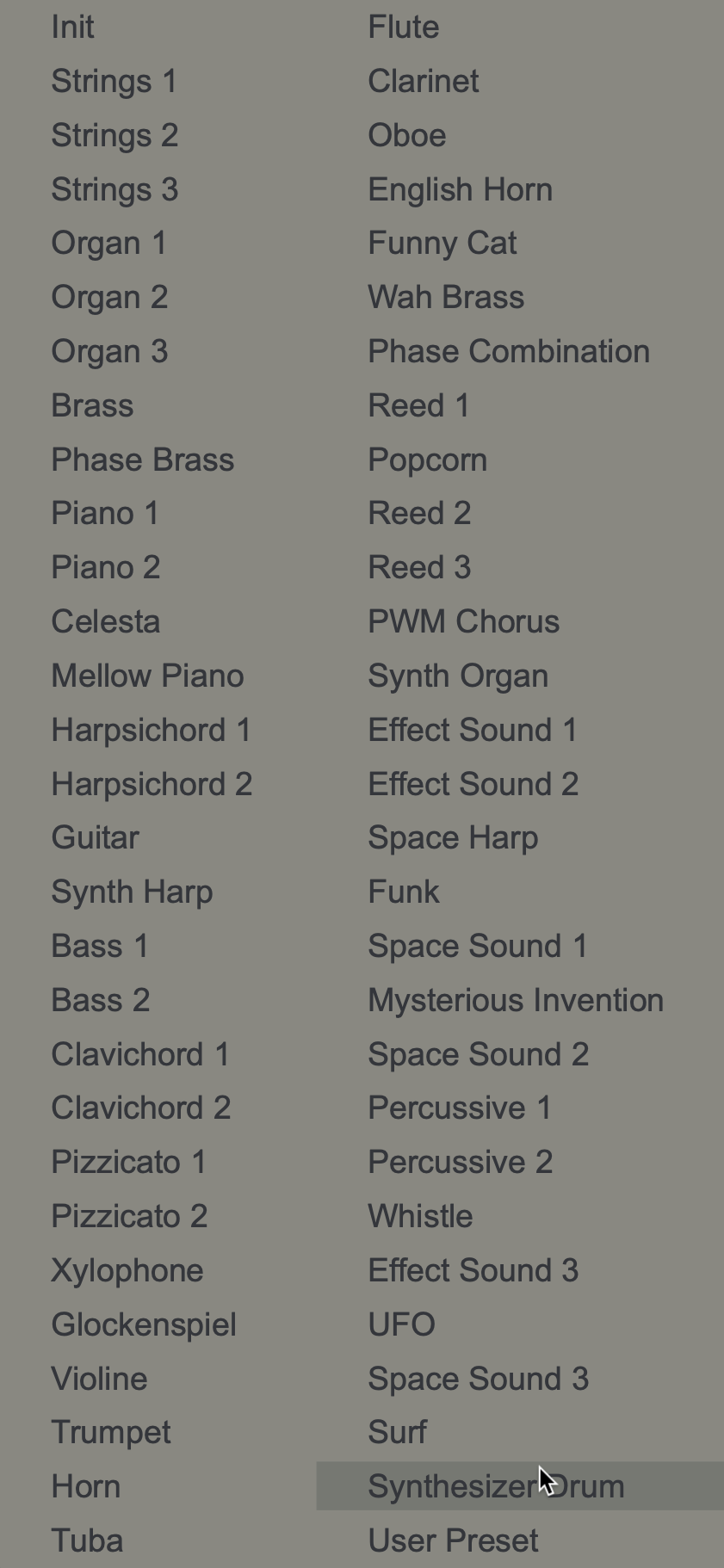
If you do want it to be more Juno-esque, they’ve thoughtfully included the original Roland sound patches.
I like building things from scratch, though, especially with this nice panel. Features:

- LFO rate and delay
- VCO frequency modulation, PWM slider
- Oscillator mixer, pulse and saw waves
- Sub oscillator with amount
- Noise amount
- High pass filter
- Low pass filter with resonance
- Cutoff modulation by envelope, LFO, keyboard tracking
- VCA modulation by envelope or gate, gain amount
- ADSR envelope
- Chorus with I, II, or I+II modes
- Note spread with center and stereo amount

And then there’s the back panel:
- Portamento with constant velocity or time modes (V and T!)
- VCO frequency modulation by pitch wheel — you’ll need this for MPE tuning support, too
- VCF frequency modulation by pitch wheel
- Envelope destinations, with amounts: VCO, RES
- Aftertouch destinations, with amounts: VCF, RES, ENV
There’s also a wonderful feature where numeric strings determine differences between the left and right channels. You can toggle these from the back panel, generating new strings and new variations, meant to model the way analog hardware behaves.
Here’s the full walkthrough:
I didn’t think I needed this, until I tried it. It’s just so elegantly done, from the sound to the details of the UI. If you’ve got a standalone Push, it’s a must. But any lover of Live and synths will want this one, I bet.
requires Ableton Live 11+/12+ with Max for Live or Suite(so a boon to 11 users, too!)
Or another way to sum up this review is this. Live that lush life. (Billy Strayhorn forever. Truly one of the loneliest pieces of music ever. Go to Paris for a week, play with Monomono synths, it’ll be okay.)
PS, the themes you’re seeing in Live are from here — and Maya looks great in all of them; I just checked.