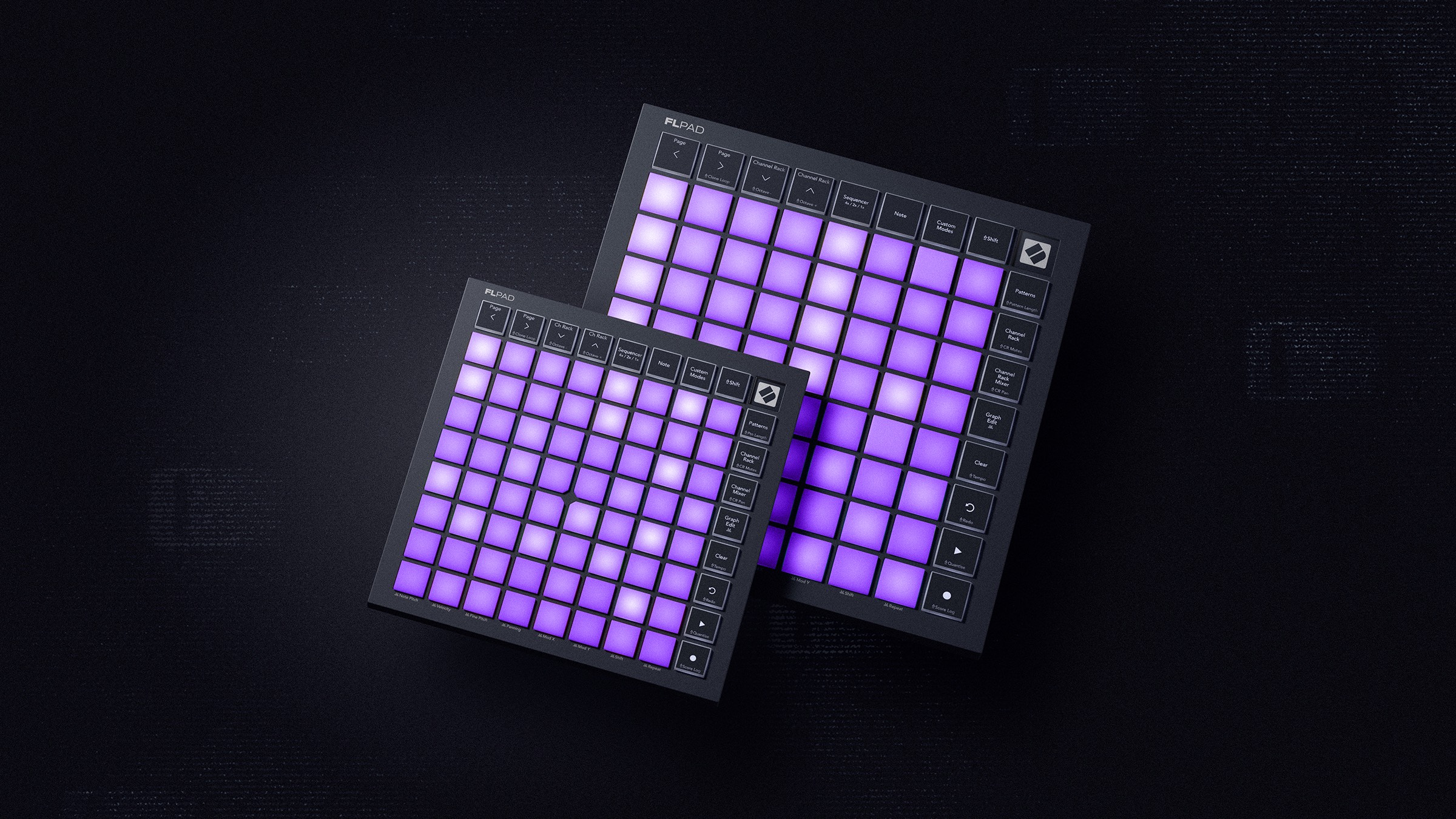
The Novation Launchpad grid has its original lineage in Ableton Live integration. But it’s now come to the land of Fruity Loops. FLpad is available in both a standard, velocity-sensitive model and an FLpad mini. For a user base known for shortcuts and speedrunning, can finger-drumming and pad programming find a home?
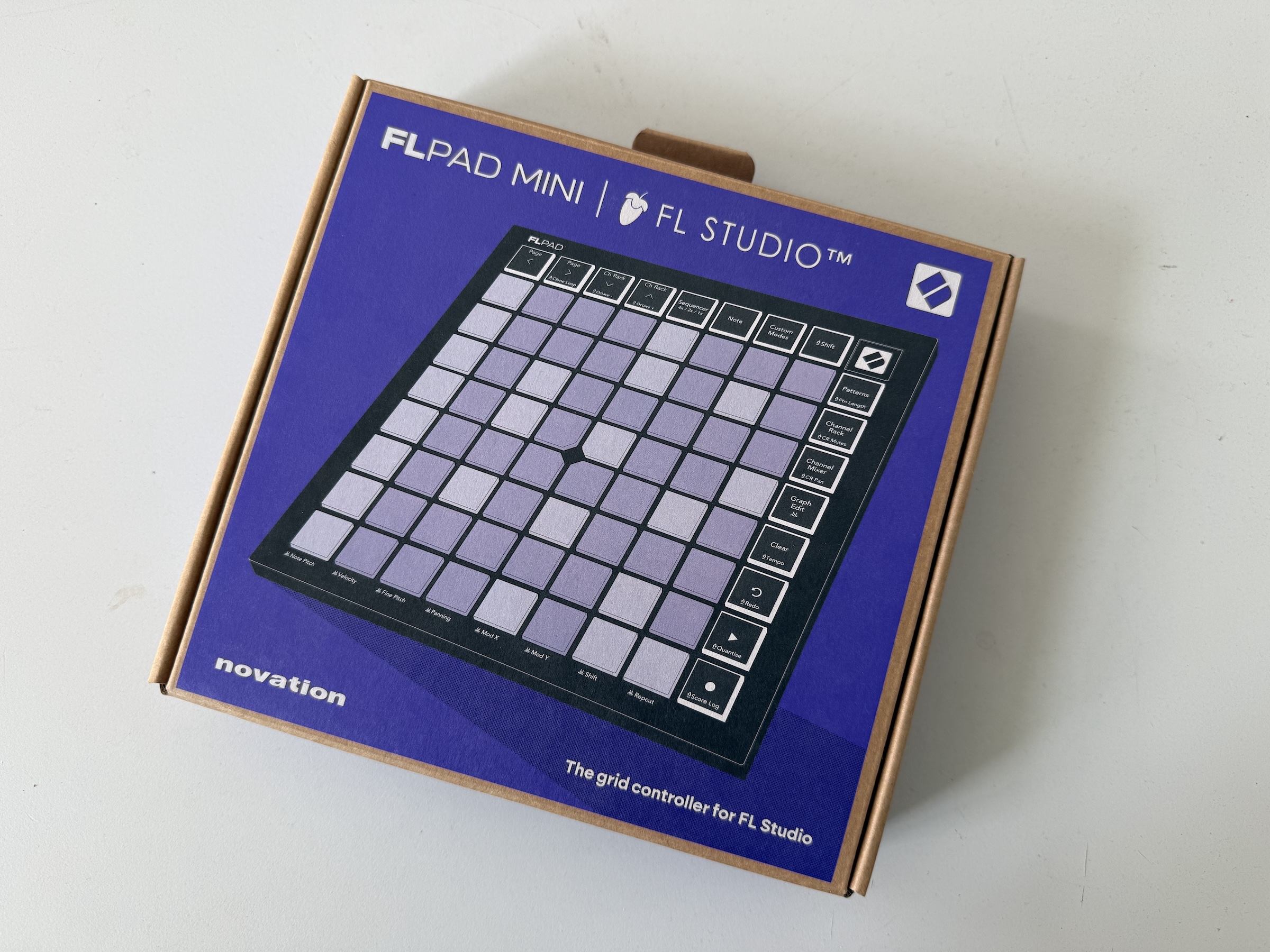
I’ve just received an FLpad mini here, adding to my collection of various Launchpad generations (including the OG, serial model #7). The mini is adorable; you can add it to a bag with your lappy like it’s a Kindle or a mousepad, practically — and for FL, it’d probably my choice, even without velocity. Either way, you get the standard Launchpad features — RGB color and interactive feedback for both input and output.
With the box — even with the inexpensive mini — you get six months of FL Studio Producer Edition to start out with. Obviously, if you’re already an FL user, you don’t care about that, but this does make an FLkey or FLkey mini an appealing choice for people starting out. An FLkey mini would be a good gift in a few months for some budding new producer, and it means they get the full software, not just a limited version. Also in the package, you get lifetime licenses for 27 UVI Prime 8+, Klevgrand Slammer and LUXE, and two lovely Oberheim instruments and one KORG emulation from the folks at GForce.
Novation has done this with keyboards already — FLkey is their FL-specific counterpart to Launchkey, which works with Live and other DAWs. As with FLkey/Launchkey, the physical hardware itself on FLpad is identical to Launchpad. Where this differs is the printed labels on the hardware body and buttons and functionality of the firmware. The full integration here features:
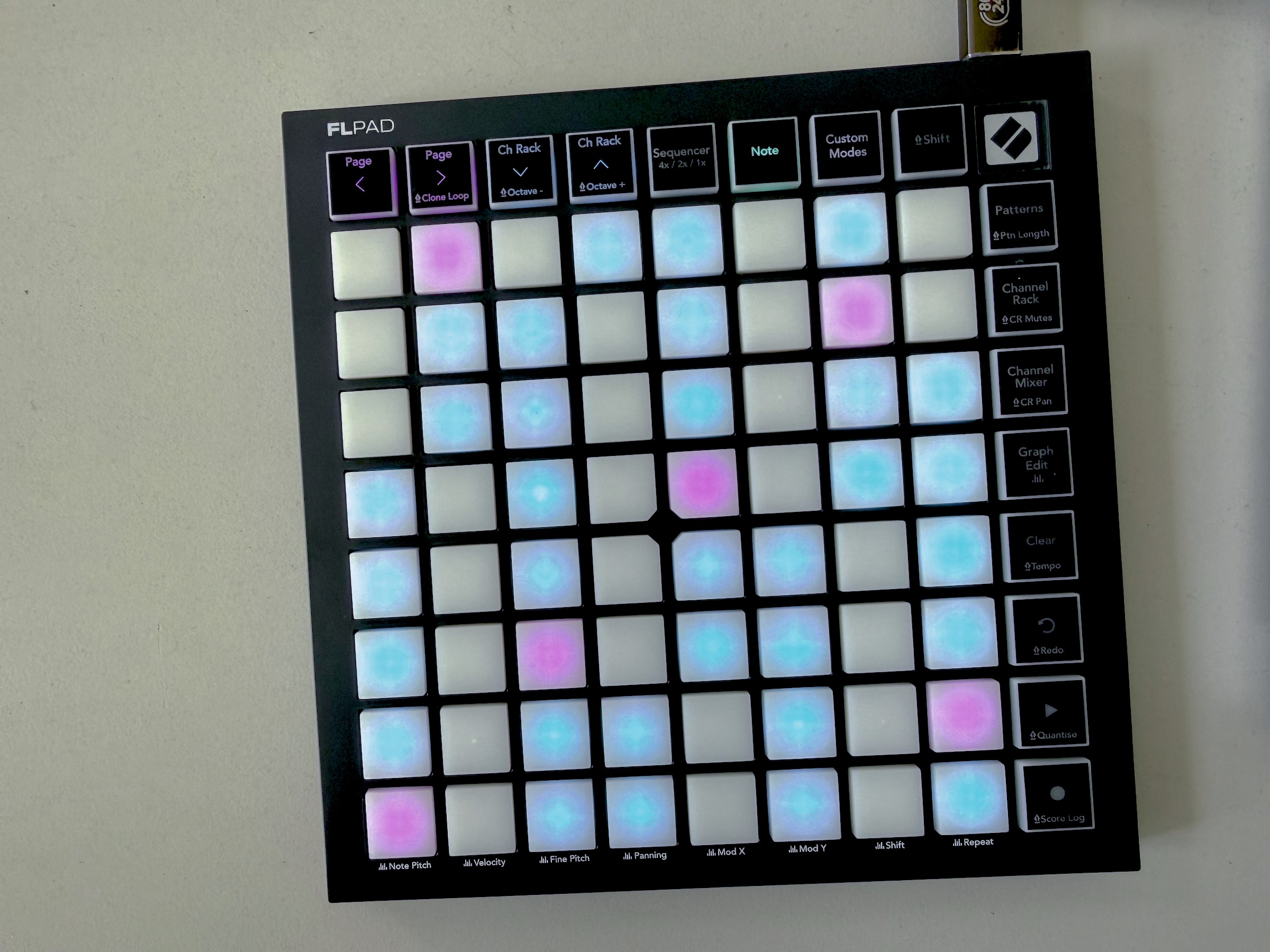
- Navigation for the Sequencer and Rack
- Quick Channel Rack switching, Channel Mixer and Rack and CR Mute and Pan buttons
- Building patterns (including Clone Loop, Clear)
- Transport controls and Quantize
- Undo/Redo
- Graph Edit, and dedicated access to Note Pitch, Velocity, Fine Pitch, Panning, Mod X, Mod Y, Shift, and Repeat
Even Score Log is in there.
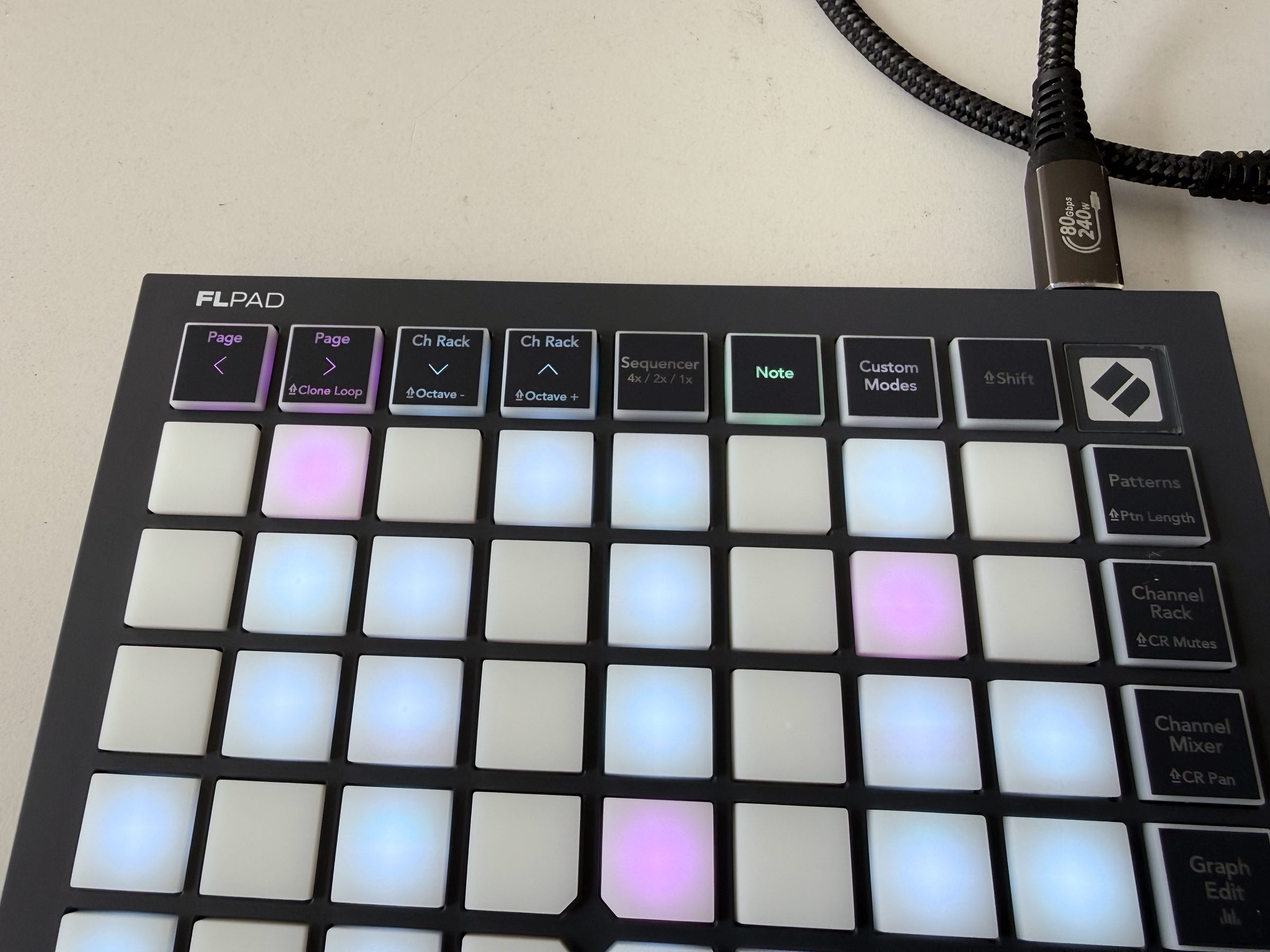
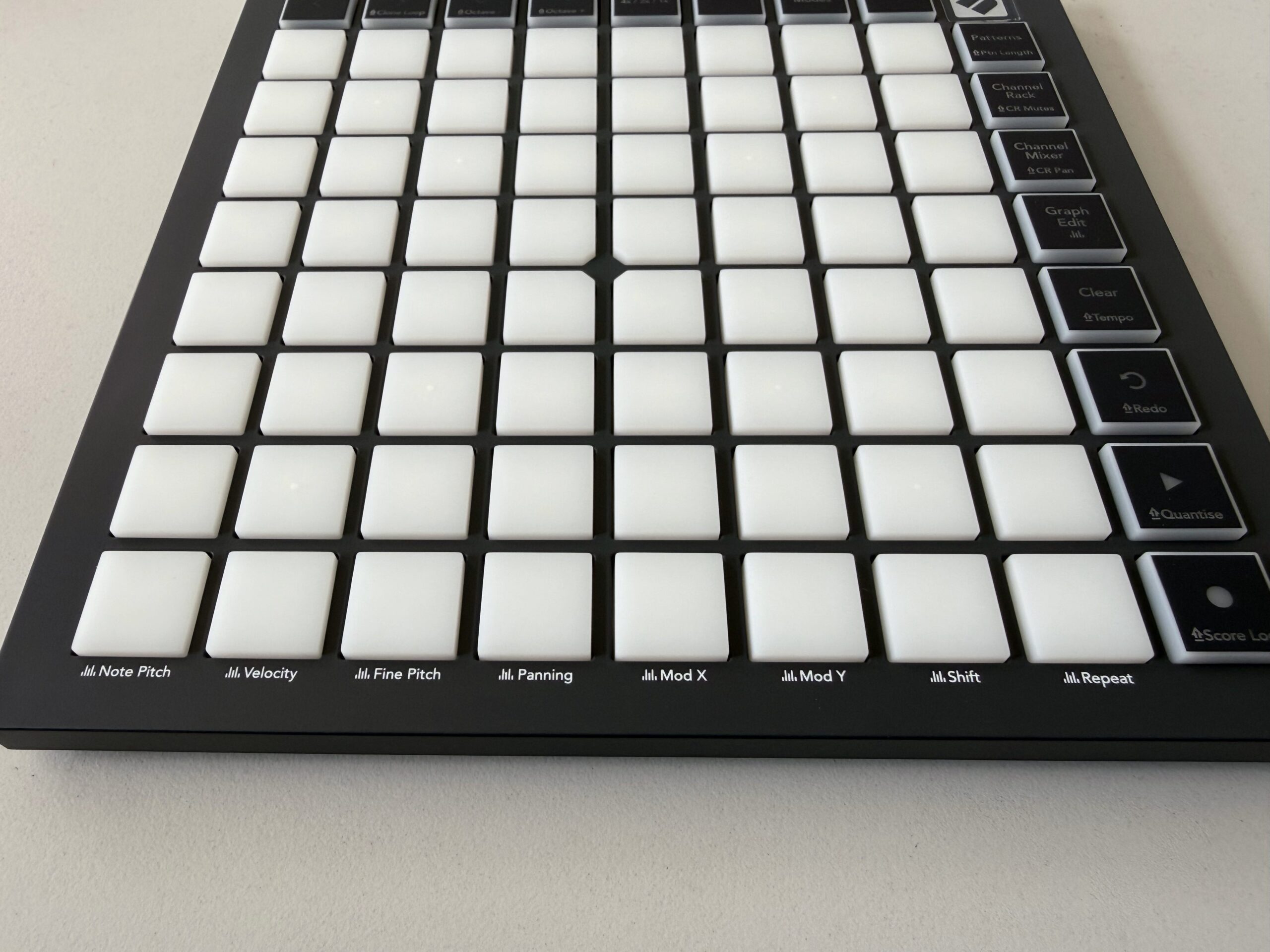
And there’s more: you can use Custom Modes to create your own custom layouts using Novation Components, their free browser-based editor tool (now available both online and offline). That’s really easy to set up, and will work with any hardware and software, and it’s functionality that’s still missing from many competing products (even much more expensive options from Ableton, for one — still waiting on that).
Use cases for this? Play drums live. Whip up basslines and melodies and chords. Step sequence, including working with Patterns. And edit — if that wasn’t clear, the Graph Editor is fully mapped to the FLpad grid.
That’s especially interesting to watch now, as the speedrunning scene with FL has been on fire lately. Now, sure, if you’re already fast with FL shortcuts, maybe you don’t need this — but the way they’ve set this up, it looks like it’ll work perfectly alongside all those keyboard shortcuts.
But what’s appealing to me is that you can avoid a lot of the mouse movements normally required. We may just need a separate lead for FLpad owners.
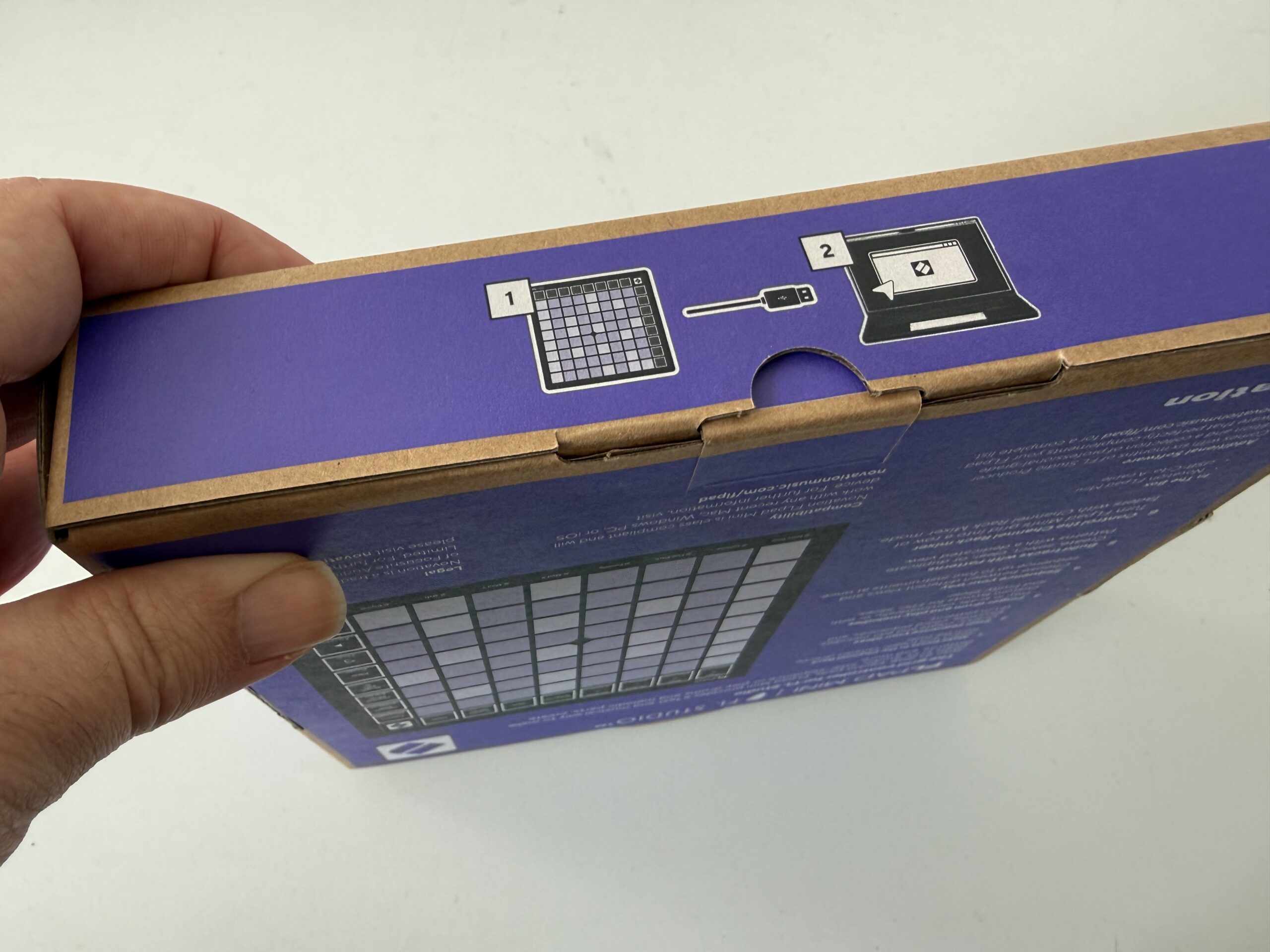
Also, if you haven’t used Novation’s gear recently, setting it up is also wonderfully easy. The moment you plug in the FLkey, you have the option of being whisked into an easy-to-follow, flexible setup in Novation Components. (Here I’m using Arc, a Chrome-based browser.)
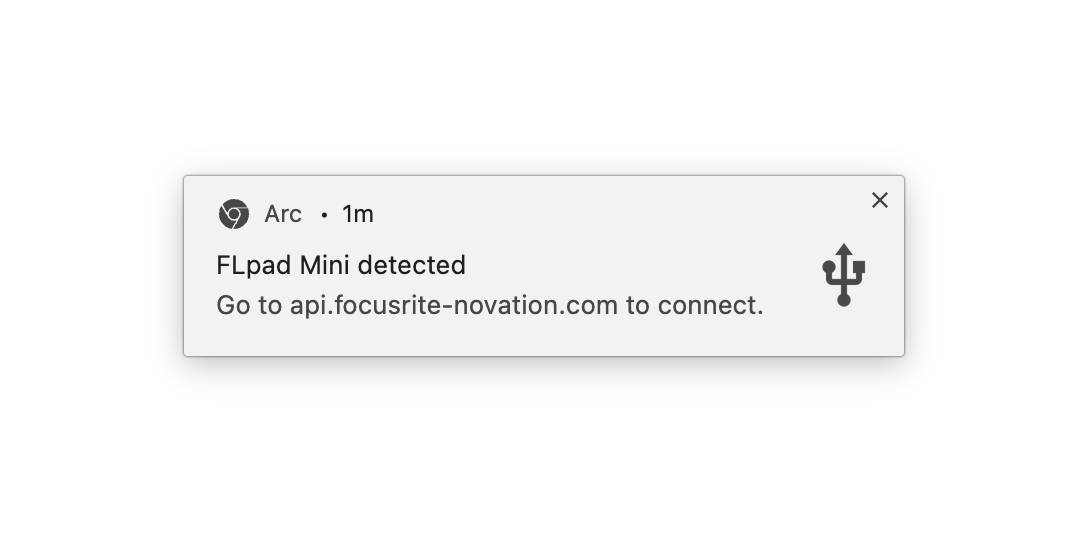
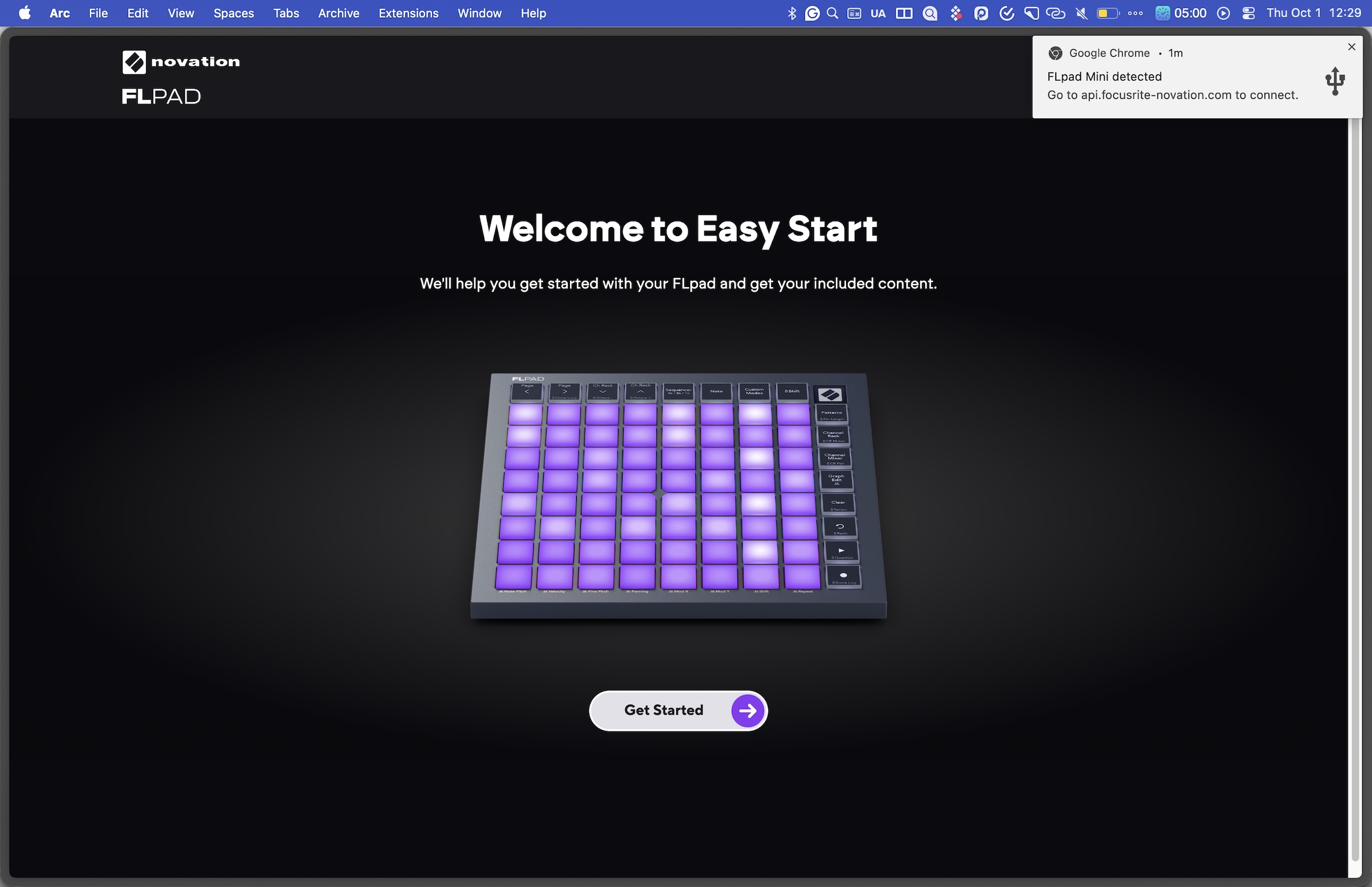
Components is so good, in fact, that I still wish Novation would provide the option to swap FLkey and Launchkey and FLpad and Launchpad firmware, for power users who don’t mind that the silkscreen on-unit won’t match. C’mon, Novation — this would be a very Novation-y thing to do, in a very Novation-y way. Search your feelings; you know it to be true. (Mufasa said that once, or… some similar father figure.)
But that said, I am 100% keeping my FLpad dedicated to FL for my sessions with that software, as I’m really excited to get some muscle memory behind it — and the Custom Modes still provide a ton of flexibility. FL + FLpad … plus a custom mechanical or numeric keyboard if you’re feeling fancy … could be the killer in-the-box production rig.
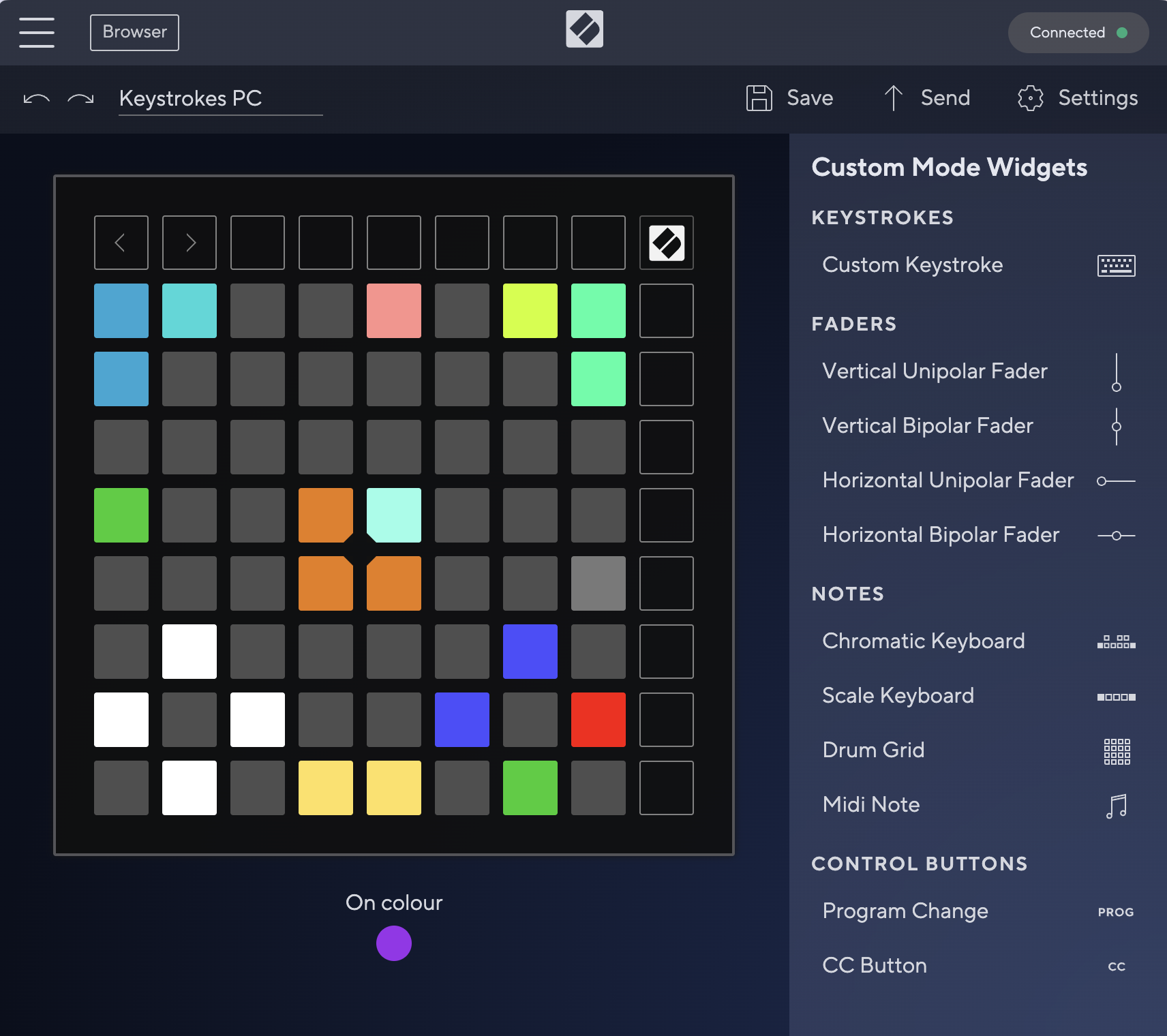
Custom Modes are really flexible on this unit — the right-hand buttons can even be mapped, There are four custom slots, which you can toggle through just by hitting the Custom Modes button. In fact, from Components, you’ll find Novation quietly tucked some useful examples in there already. Here’s a map with PC keystrokes (map 1; 2 is a chromatic keyboard layout and 3 is 32 mutes):
The full FLpad is $219.99 with the FLpad Mini at $139.99 — street prices (and local pricing in other currencies) could be lower. Those prices are great given the premium software bundle you get, not just the usual pack-in nonsense.
Sweetwater does have this in stock and shipping now; looks like they’re the first.
If you buy something from a CDM link, we may earn a commission.
Novation FLpad Grid Controller
NewNovation FLpad Mini Grid Controller
FLpad Grid Controller with Boxed FL Studio Signature Edition (boxed software, yeah! sorry just got hit with some nostalgia…)
Preorder links — get FLpad at Thomann: Novation FLpad; FLpad mini
Perfect Circuit: Novation FLpad; FLpad mini
“But isn’t that just a Launchpad mini MK3 and a Launchpad X?” Well, beneath the hardware silkscreen, that’s exactly what it is, though I have confirmed with Novation that you can’t swap those models to run the FL firmware. What you can do, though, is create keyboard shortcut maps. And as it happens, there is a Novation sale on now (also ideal if you plan to use your ‘pad more with Ableton Live, Bitwig Studio, Logic, or what have you, rather than FL).
I have both so will investigate further.