Many tools can add gates, filter frequencies, or add envelopes. But few do it with the elegance and ease of Sinevibes’ Switch, Array, and now Inertia. These plug-ins were early favorites from Sinevibes for their simplicity, but UI overhauls make them look and work beautifully — especially as you get to Inertia.
Sinevibes’ Dynamic Collection includes three plug-ins: Array, Inertia, and Switch. They’re also available à la carte, but it makes sense to talk about them together. All three offer sequenced dynamic changes:
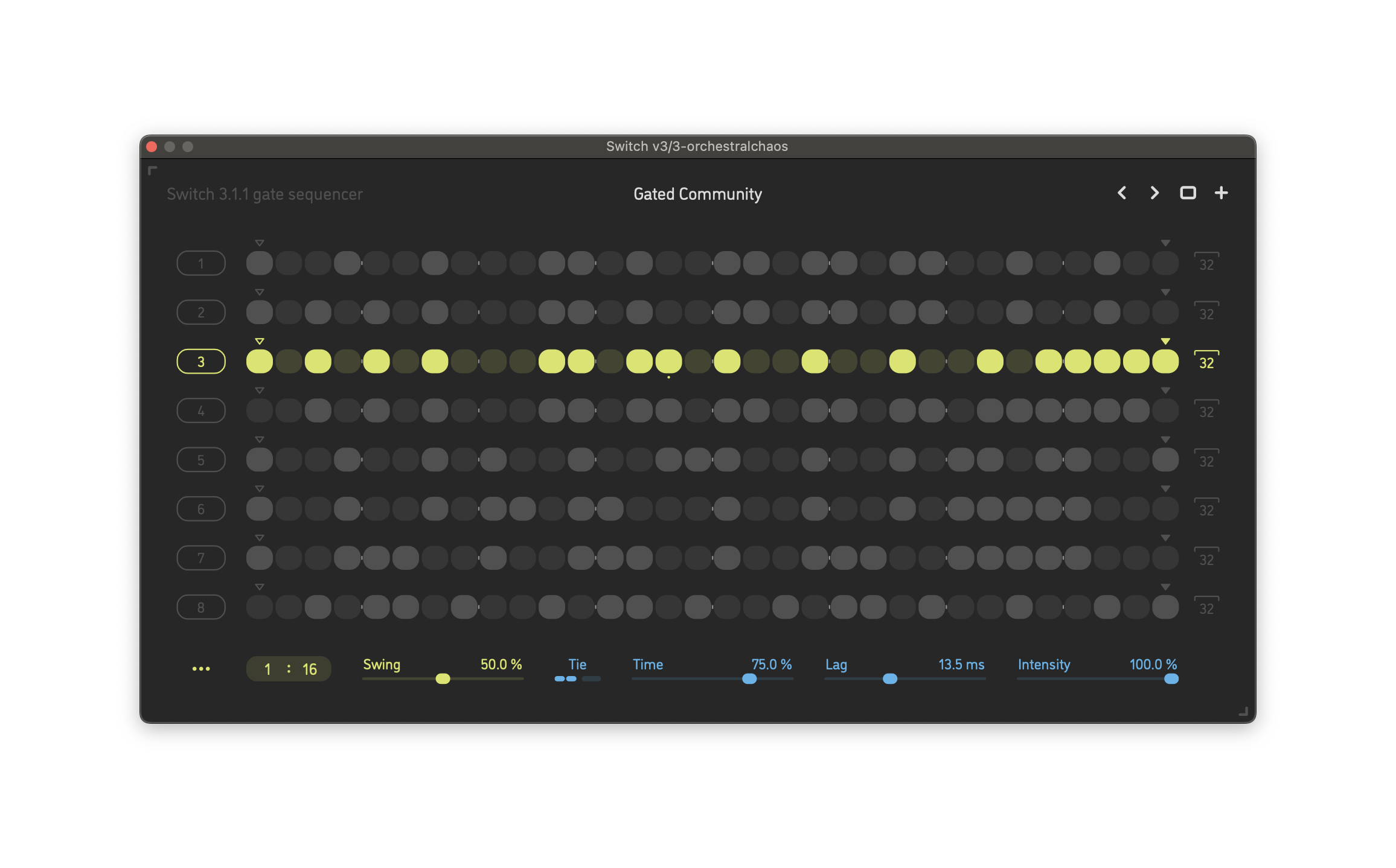
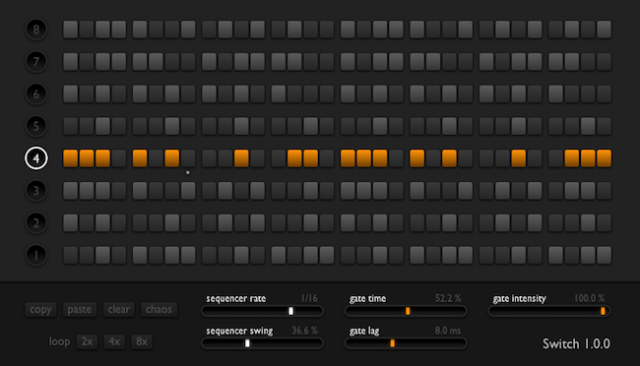
Switch v3 gives you a set of gates, with rows of different gate patterns you can trigger.
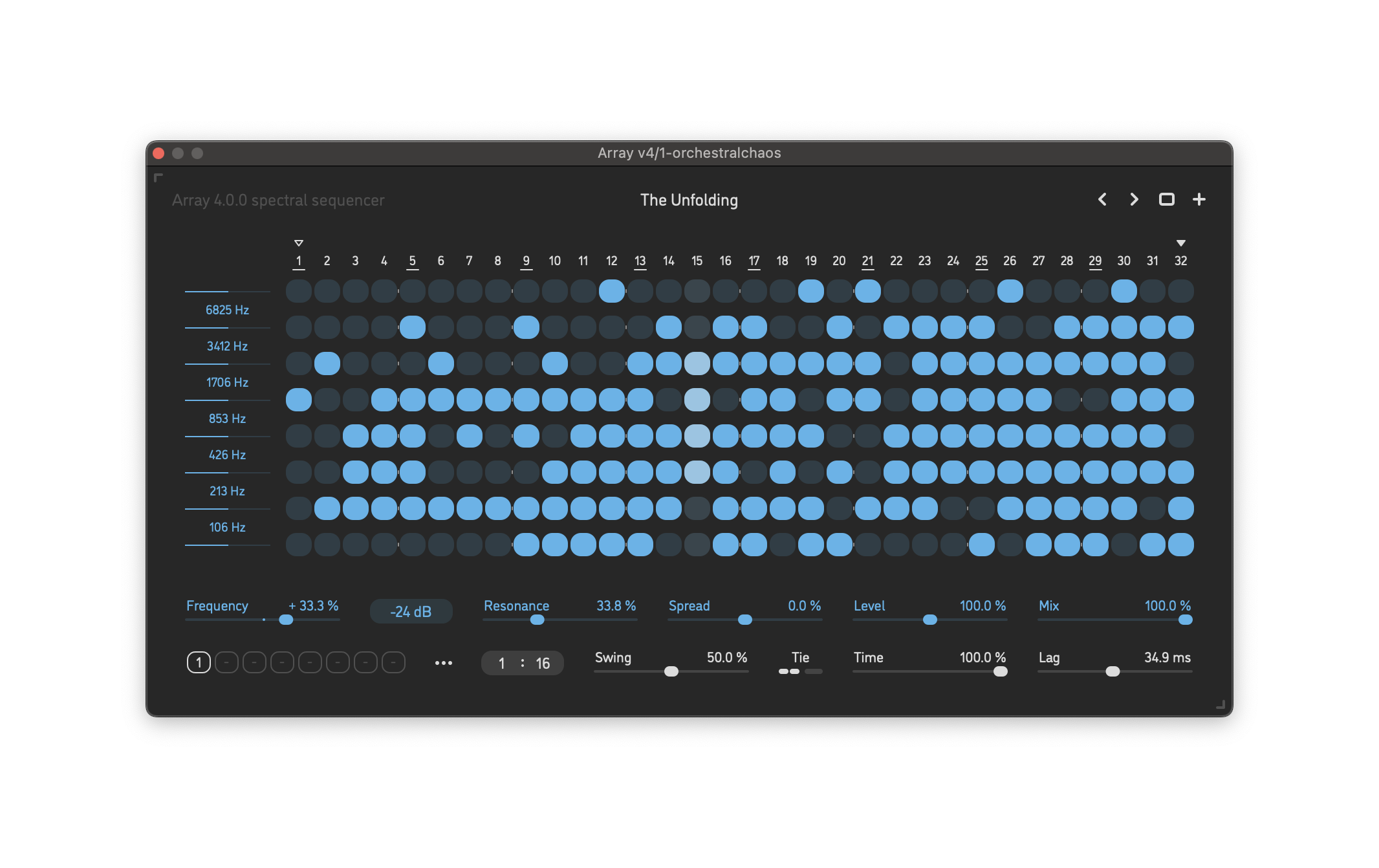
Array v4 uses an array of rows as frequency bands — so, you still have sequenced gates, but by frequency band, with additional per-band controls for slope and resonance.
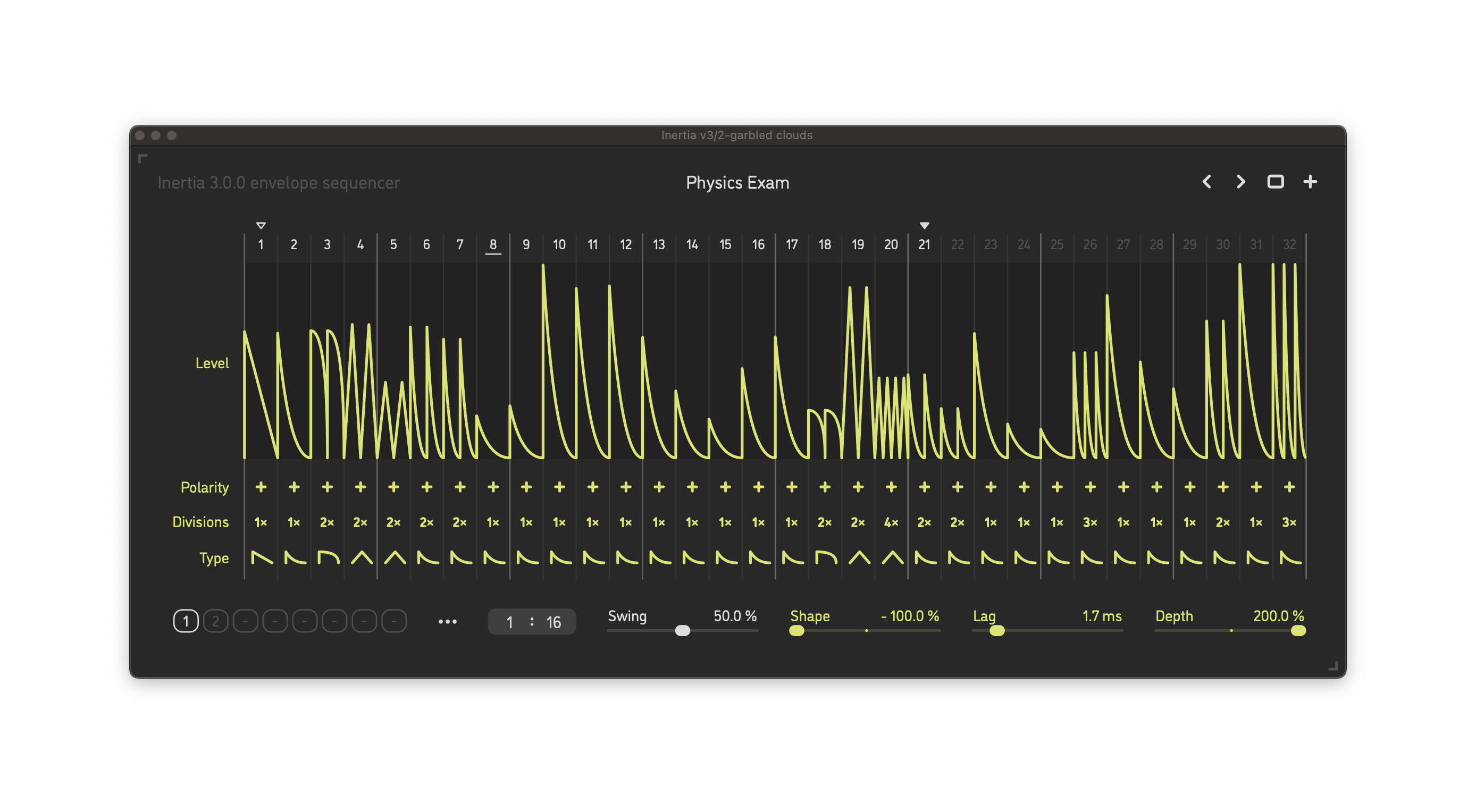
Inertia v3 is the newest addition, an envelope sequencer combined with a silky-smooth filter.
It’s easy to look at that stripped-down UI and assume these have limited possibilities, but that’s not the case. Combinations of sound parameters, patterns, and divisions can suit very different applications. Each of the three plug-ins also stores up to eight different sequence patterns you can trigger on the fly, with macros for copy, paste, reset, trim, invert, shift, evolve, randomize, and loop region. They’re also all polyrhythmic and polymetric. That means you can use these for extreme special effects, classic chopped-up trance or house styles, or just add some subtle undulation to patterns. I already wrote how much I appreciated Switch not just for the obvious trancegates, but also adding a little motion to a pattern and clearing space in a mix.
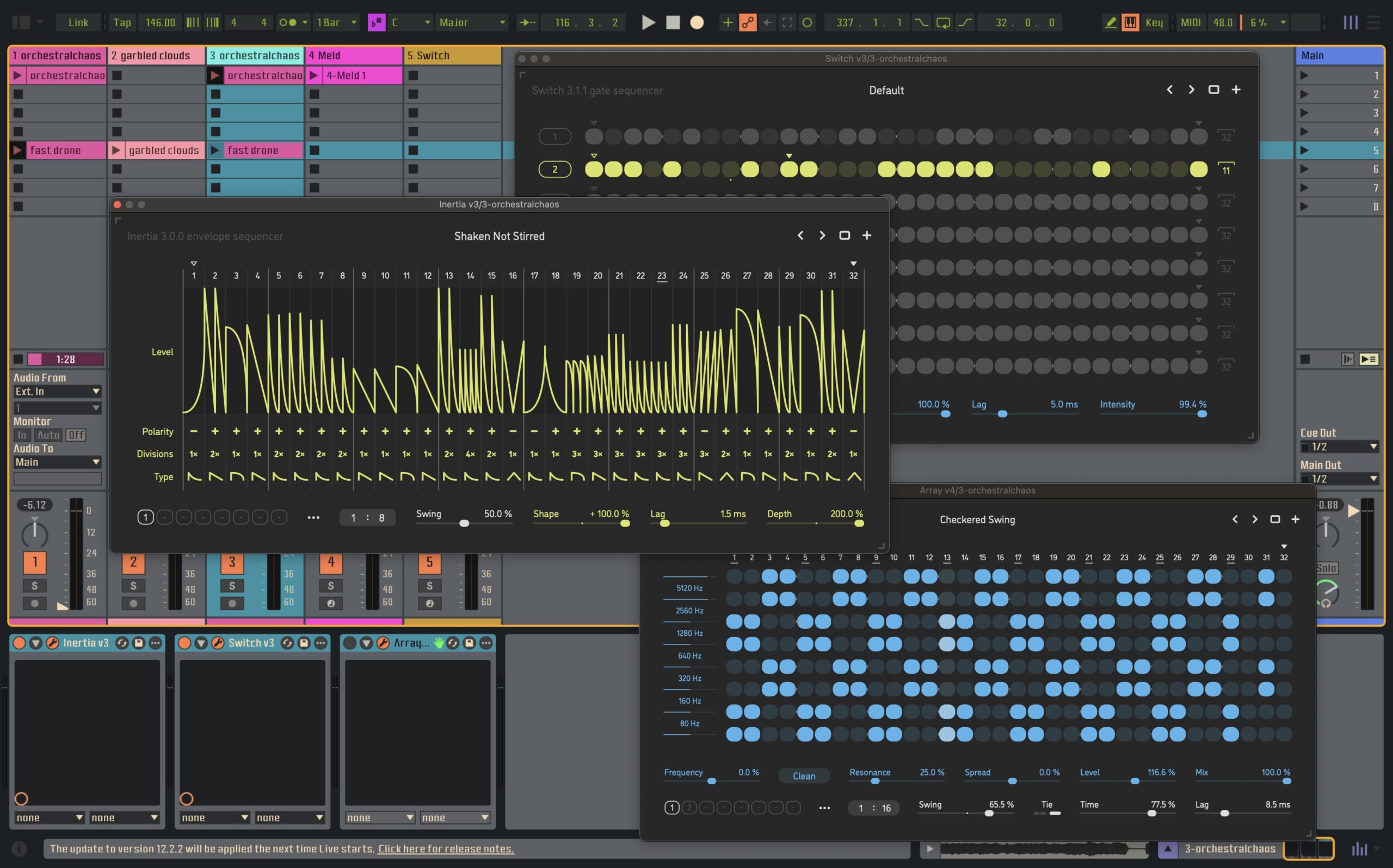
And the newest, Inertia, is a must. One reason is sound: Inertia provides an analog-style filter and one-pole lag filters on every continuous parameter, so you can tweak without any clicks or pops. I’ve found a couple of other tools with sound performance I like, but Inertia still comes out on the short list.
What I haven’t found elsewhere is a UI this quick and easy. Just the ability to drag across parameters is a huge boon to quick what-if ideas here. And you can drag across every single row to sculpt your envelope shapes, swap polarity, add divisions (ratcheting), and swap envelope shapes. Combine that with the filter and no-click engine, and you can carve up your sound in a hurry.
Combine the shaping and the eight trigger envelopes, and you have an invaluable tool for production and live performance. I have no hesitation in recommending the entire Dynamics Collection for the same reason.
There’s some competition, as I said. Arturia Efx Motions is a favorite; it also sounds great and has plenty of extra bells and whistles. But while Motions has a similarly snappy sound engine, there’s no way you’re going to get results as fast in Arturia’s tool as you can in Sinevibes when working from scratch. Efx Motions is more of an extended tweaking environment, unless you dig into presets.
Let me illustrate what I mean. Watch how quickly I can start with noise and get to a full pattern, just mousing my way around. I started with some noise signal I recorded in VCV Rack, with waveshaping, and then:
Here’s a jam built around the Dynamics Collection and a couple of other Sinevibes plug-ins (Hollow reverb, Corrosion distortion/wavefolder, Albedo granular reverb, Dipole through-zero flanger). It’s just good fun diving into these tools:
The cute and I think well-matched custom Ableton Live theme there, by the way, is Biz Puin by Deafman. See my past review.
Check out the full desktop selection from Sinevibes:
https://www.sinevibes.com/desktop
VST3, AU, AAX, macOS, Windows, Linux
And look how far Switch, for instance, has come from v1.00. The concept was there, but there’s so much more refinement and some clever features tucked into the same real estate:
More demos from Sinevibes:
Previously: