Ableton Live 12.4 is inbound, with Link Audio support coming to Live, Move, Note, and Push. But Live Audio can also be about routing audio over a network to other hosts, too. Julien Bayle (VOID) has an early, open-source implementation. If you’re ready to start experimenting even while this API is still in alpha, you’ve got a wide variety of sound and visual tools to try, all for free.
Let’s get the disclaimers out of the way. This is an alpha API, and so Julien dubs the work an “early R&D release.” And before someone chimes in, Link Audio is not the only game in town; there are use cases for which other solutions are better-suited (and certainly more mature). So I don’t expect Link Audio to replace JACK, Dante, or various other technologies.
On the other hand, building a fast proof-of-concept like this is the perfect way to find out what works in practice, and if you just want to pipe some sound from your Ableton Move or Live set into a TouchDesigner visual patch, better to just go ahead and hack it and see what happens!
I do expect we’ll see other implementations — think of this as an experimental version. The official Ableton SDK is available with examples relevant to all these use cases: https://github.com/Ableton/link
But this already gets into a bunch of places right away, and the source is available and clearly commented, etc.
Hosts included in this repository, as of 0.2.0 (Julien was furiously emailing me as this evolved this weekend):
- Pure Data (Pd) vanilla 0.56-2 and later
- Max
- TouchDesigner
- VCV Rack
- openFrameworks
- VST, AU, CLAP plug-ins
As with all Link implementations, you share a session, and all connected peers can follow (or alter) tempo. Link Audio works alongside Link sessions, and lets you route audio between peers while compensating for latency and keeping things in sync — see my explanation of how it works and how to get started in Live, Note, Move, and Push.
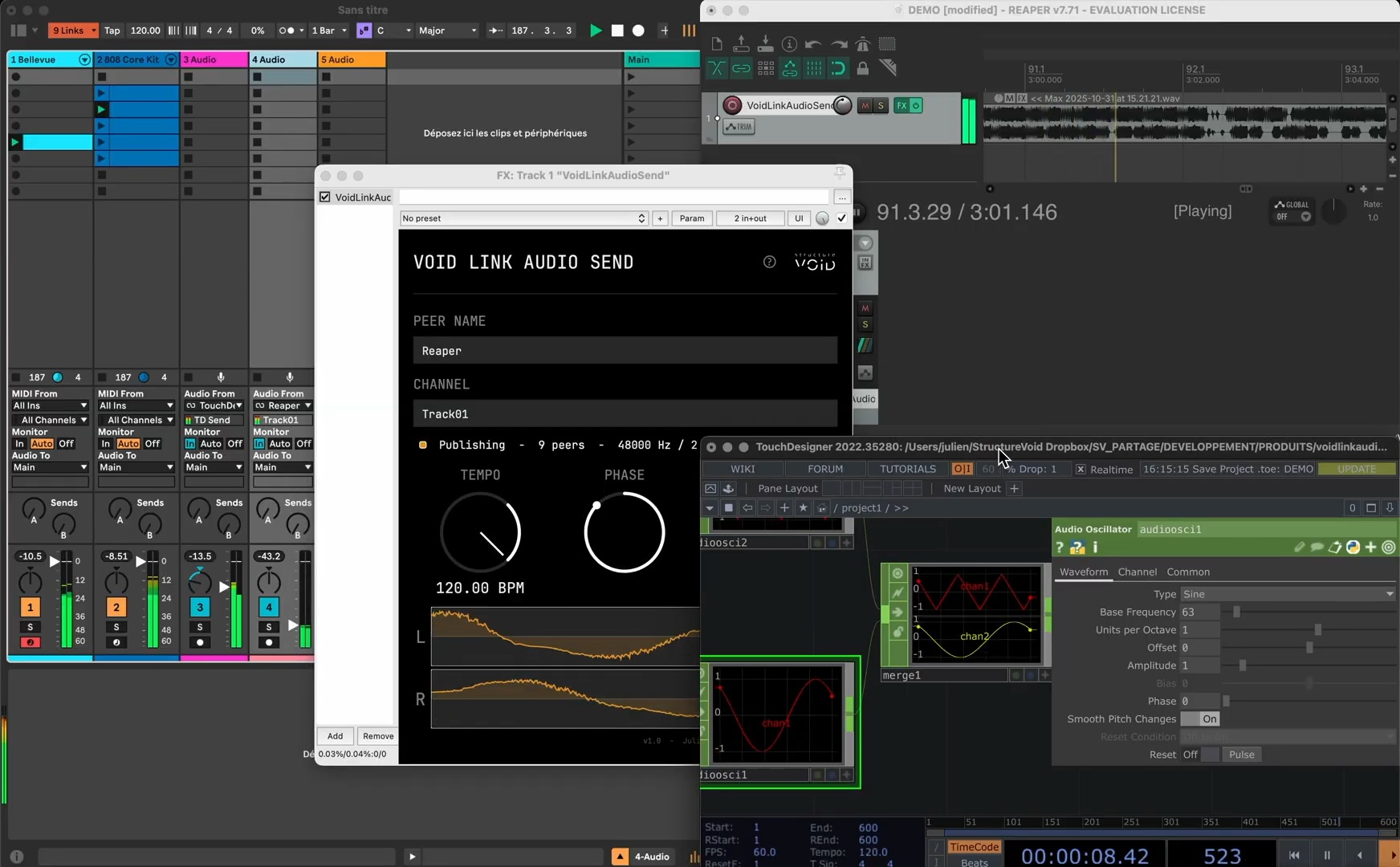
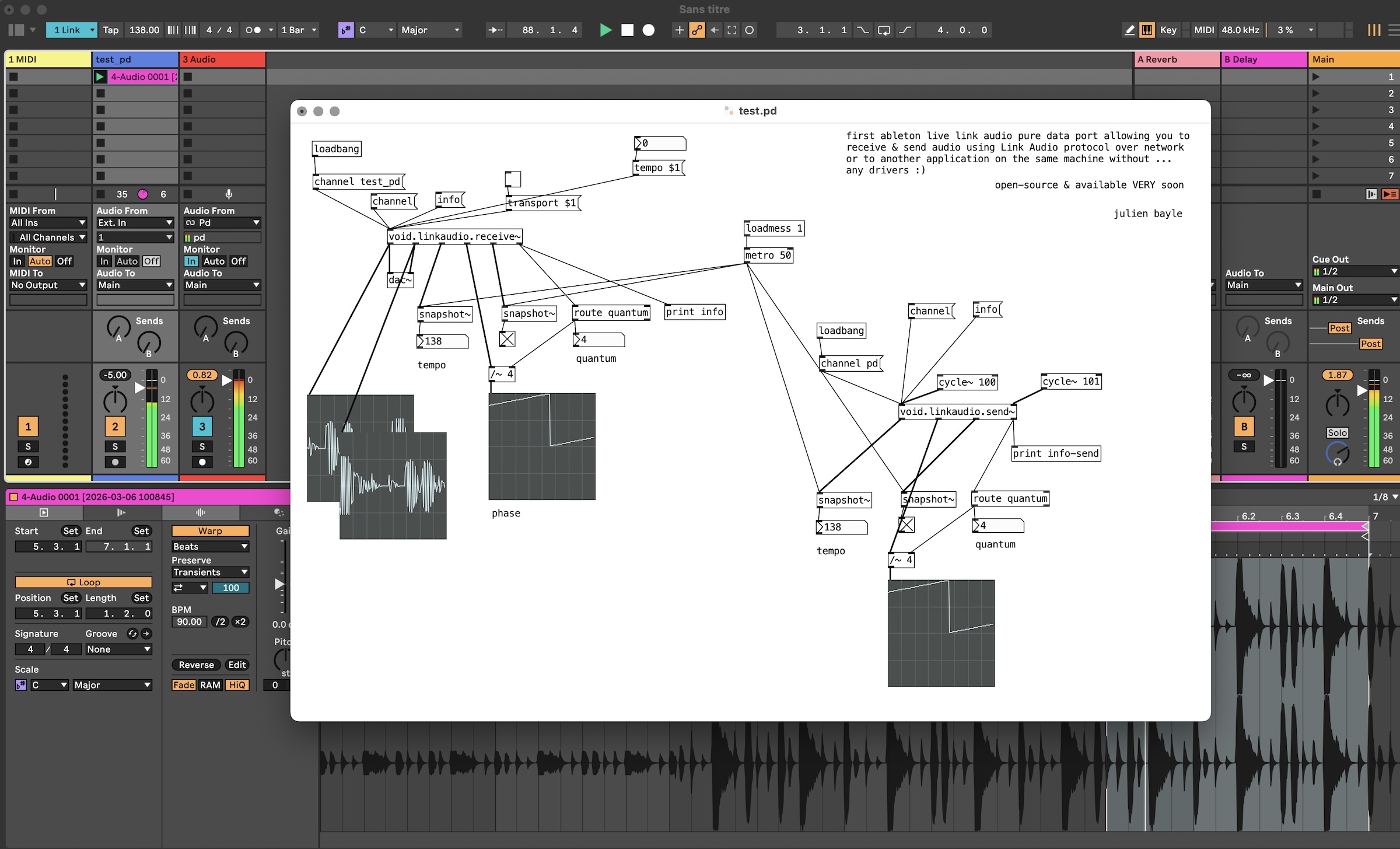
As Julien gradually fills in host support and adapts to their design, the implementations vary a bit from host to host — plus Pd, for instance, already had a solid implementation for tempo and transport in Link, so no need to reinvent the wheel. But the basic idea is you get beat, phase, tempo, transport, and now audio capabilities:
- Publish one or more channels of audio
- Subscribe to channels published by other peers
- Sample-accurate, local network timing
Repositories (including a dedicated openFrameworks implementation, which is nice to see):
Pre-built binaries are available for macOS Universal and Windows x64, plus Linux support for openFrameworks. (There’s no Pd or Rack Linux support, but that should be an easy next step.)
These are notarized for macOS, too, so no futzing required to run them.
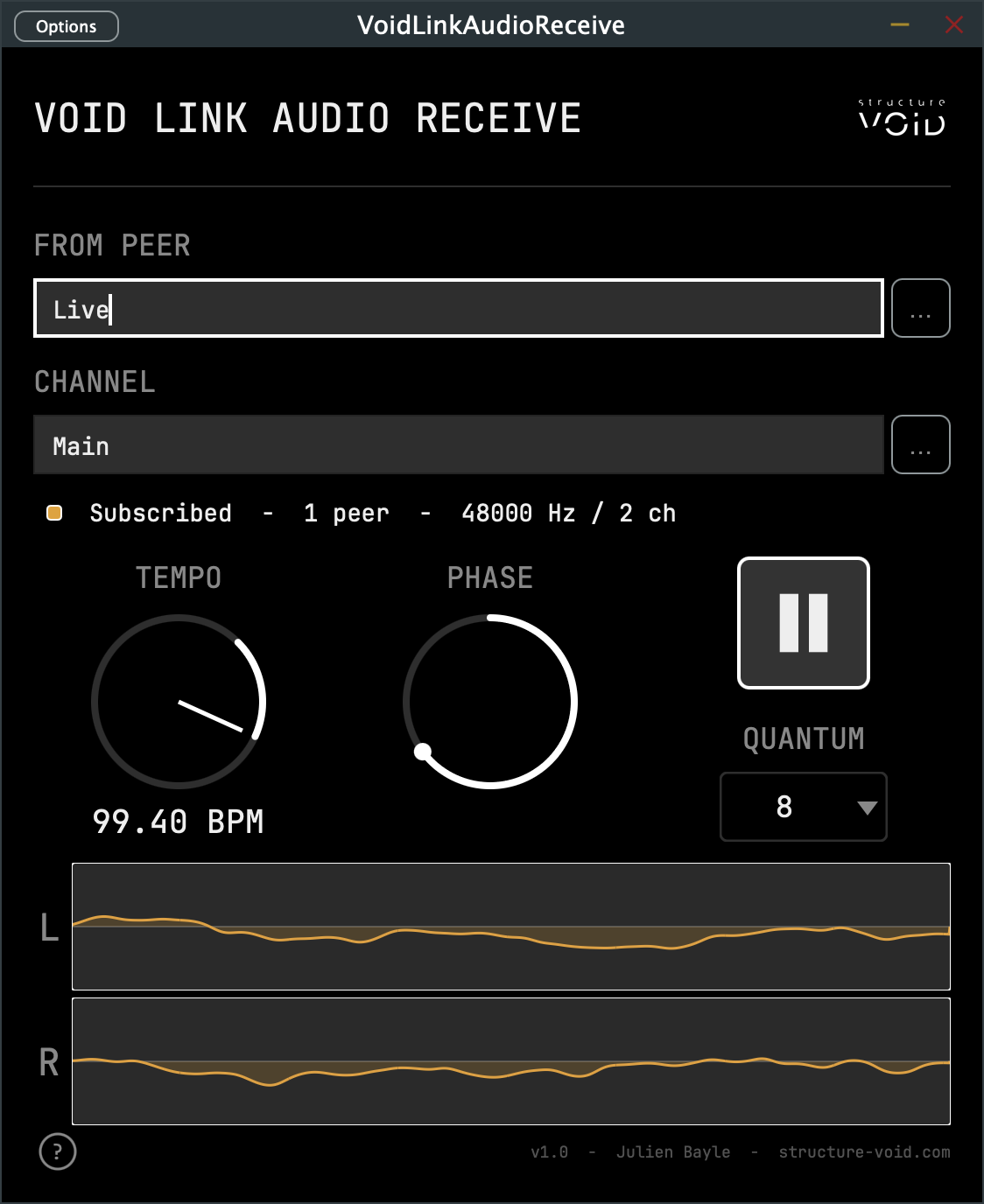
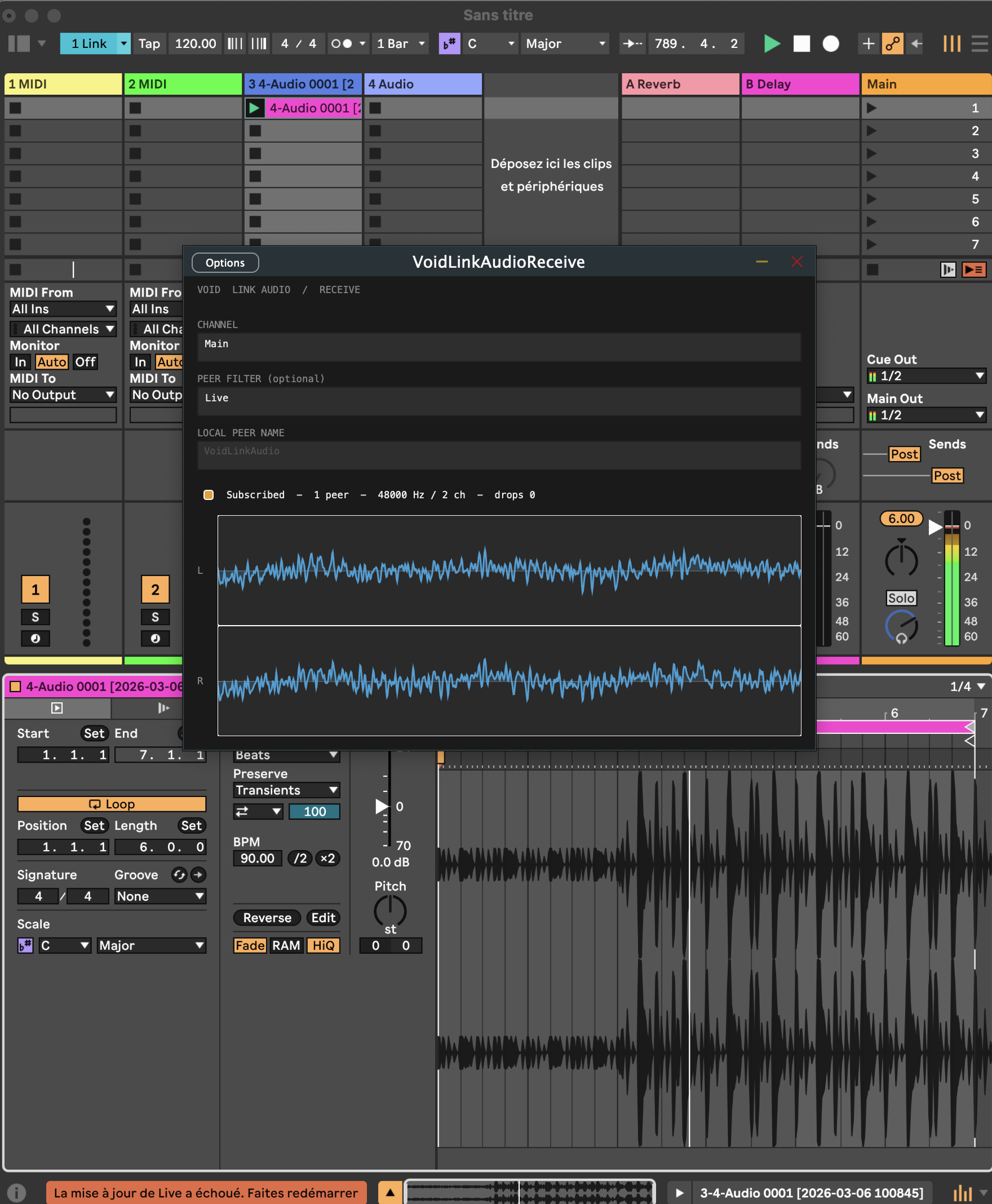
Here it is running as a plug-in:
As I want to make sure I fully understand what people are sending me, I asked Julien about the use of LLMs in development, particularly regarding security. He responded:
The architecture, audio path, threading model, and DSP decisions are mine.
On the security side specifically:
- Code is fully open source under GPL-2.0, so anyone can audit it. All Mac binaries are signed with my Developer ID and Apple-notarized (which means Apple itself runs static analysis for known malware patterns before stapling).
- The networking layer is Ableton’s own Link Audio reference implementation, not anything I wrote from scratch.
- I’ve validated bidirectional audio sessions against Live 12.4 across all hosts.
I’m really excited to give these a try and hear your experience, as well as what else you might like. Oh, and I didn’t even talk about Julien’s Max for Live freebies, but we’ll do that separately. (If you made it this far and you can’t wait, check the Structure Void YouTube channel.)
Previously:
Hey, what about JACK? I’m writing this, expecting Paul Davis to jump in and correct me. But it is possible to run JACK, the audio connection kit, over networks. There’s a document explaining the competing implementations for doing that. Only one has a non-hierarchical approach (peer-to-peer rather than conductor/follower) — that’s jack.trip. And jack.trip, I believe, has greater multichannel capabilities than Link Audio (here I do invite anyone to correct me).
Link Audio, though, for now, fits a very particular use case where you want peers to stay in sync and freely route audio. I’d still tend to use JACK locally, and for complex networked multichannel capabilities, we’ll still be on Dante. But Link Audio fits some territory in between that the others don’t.
As for wide area networks, over distance rather than locally, that requires an entirely separate set of tools with their own architecture.