If you need an excuse to suit up for an extravehicular activity in the cosmos of sound, Absynth is back again. Native Instruments quietly dropped Absynth 6.1, with oft-requested LFO retrigger and undo/redo, plus a surprise: a new audio modulator.
New in this release, the official bullet-point version:
- 32 new instrument presets
- 100 new samples
- Undo/Redo
- Audio Modulator
- Auto Trigger
- LFO Retrigger
This does evidently change the preset format, so you can only open patches created in 6.1 with another copy of 6.1 or later. Hat tip to Synth Anatomy, or I might have missed booting Native Access for the refresh.
Having new sound content is nice (including samples), but I’m impressed that Brian Clevinger and the team at NI managed to squeeze more modulation functionality out of the Absynth architecture. As I noted in my hands-on with Absynth 6, while Absynth’s sound design depth absolutely holds up in 2026, you do sometimes hit occasional limitations.
But hold up, because 6.1 has some new tricks. Here’s where to find them and how to use them. (For a second professional opinion, KAN Samples did a great write-up! But let me get back to the manual.)
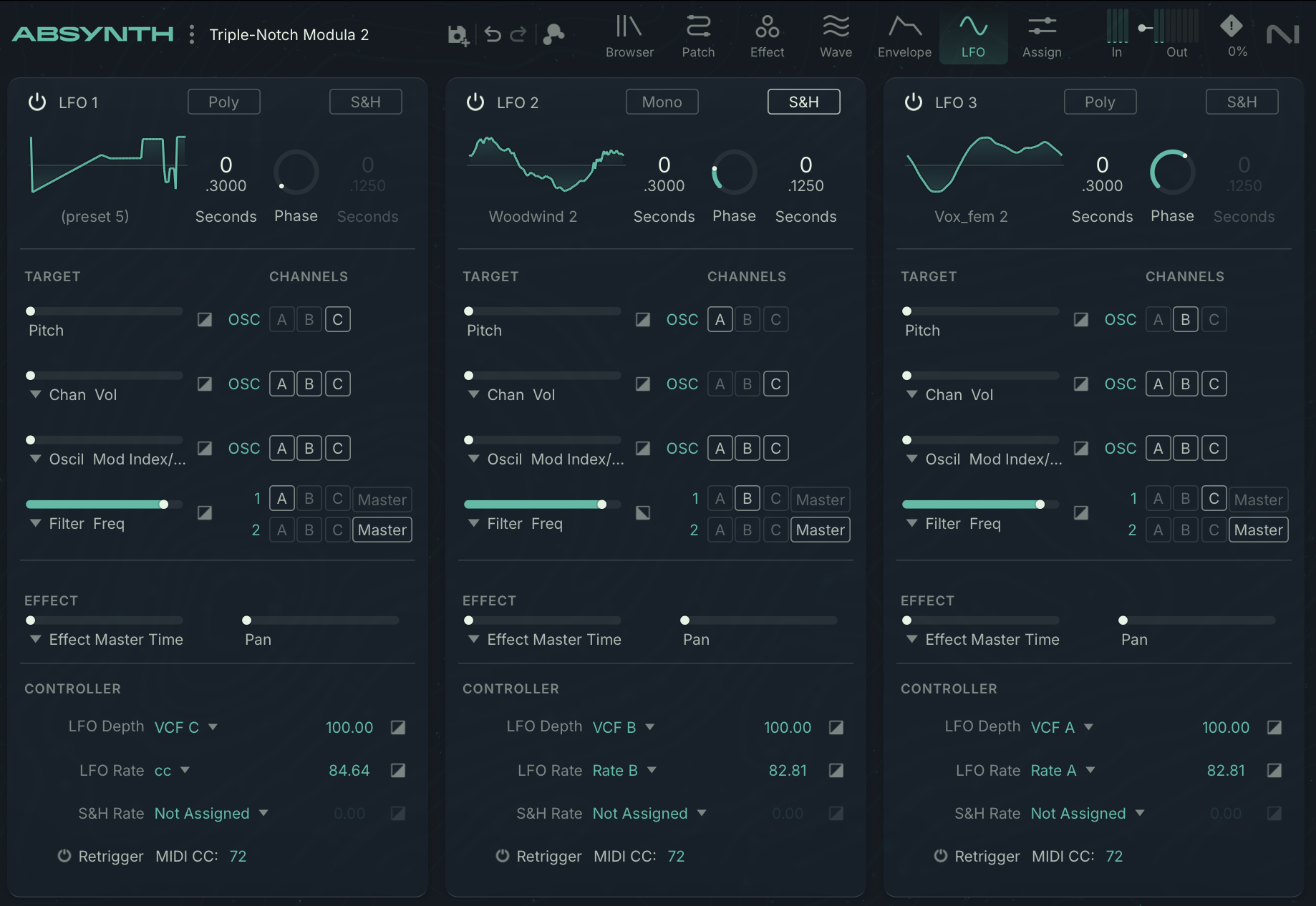
Audio Modulator
Audio Modulator is a new feature that turns internal audio signals — yeah, inside the engine — into modulation signals you can route to parameters.
In true Absynth spirit, this feature is extensive and powerful. Sure, you could have thrown in one envelope follower and called it a day, but this is Absynth. So you get not one, but four audio modulators. You can choose a source for each from the various engines, inserts, and effects. You can choose pre- or post-envelope. You can choose which module you want to trigger at the signal threshold. And you can freely pick parameters, plus set depth, inversion, and smoothing for each independently.
It’s a small menu area, but it does a ton of things that would normally require a complete modular environment, not a semi-modular like this. And it still all feels very Absynth-y, not to mention you’re pairing it with all those unique Absynth sound tools.
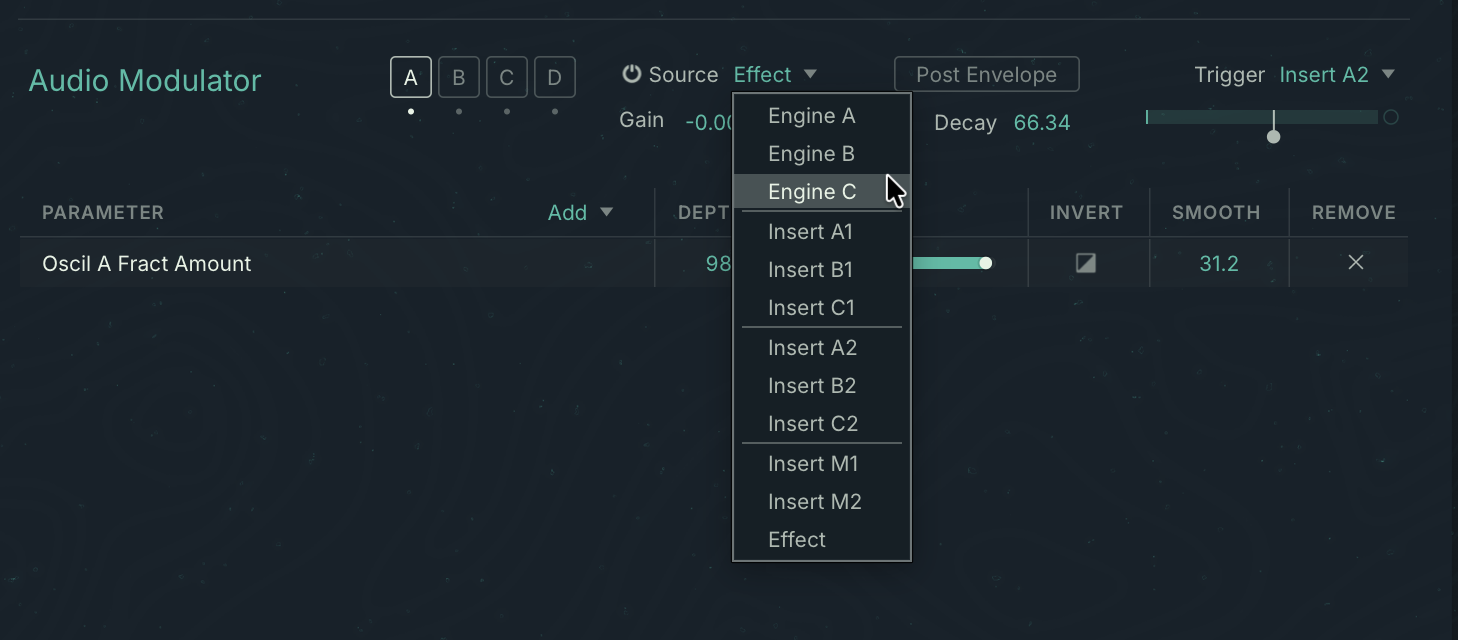
Auto Trigger
Auto Trigger is handy for sound design or droning — go to the Assign page, and on the top you’ll see options for Always On (making Absynth sound continuously on a note of your choosing), or Audio input (useful in FX mode).
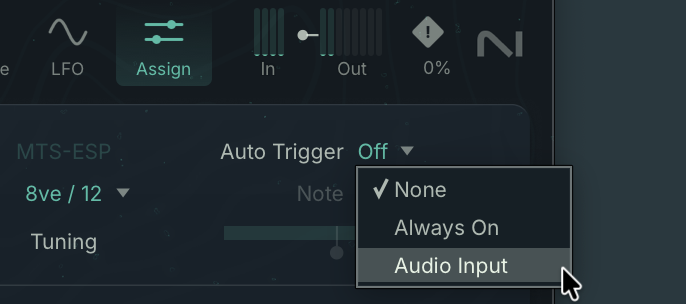
Now, uh, big missed opportunity here — feels like Audio Modulator and Audio Input should have had an option for pitch following! Yeah, yeah, I know — me and feature creep. But one thing to know about me is I think everything should have a solid envelope and pitch follower on it.
LFO Retrigger
First, let’s quickly review LFOs. These live on the LFO page, you get three of them, and you select a destination in a pop-up menu:
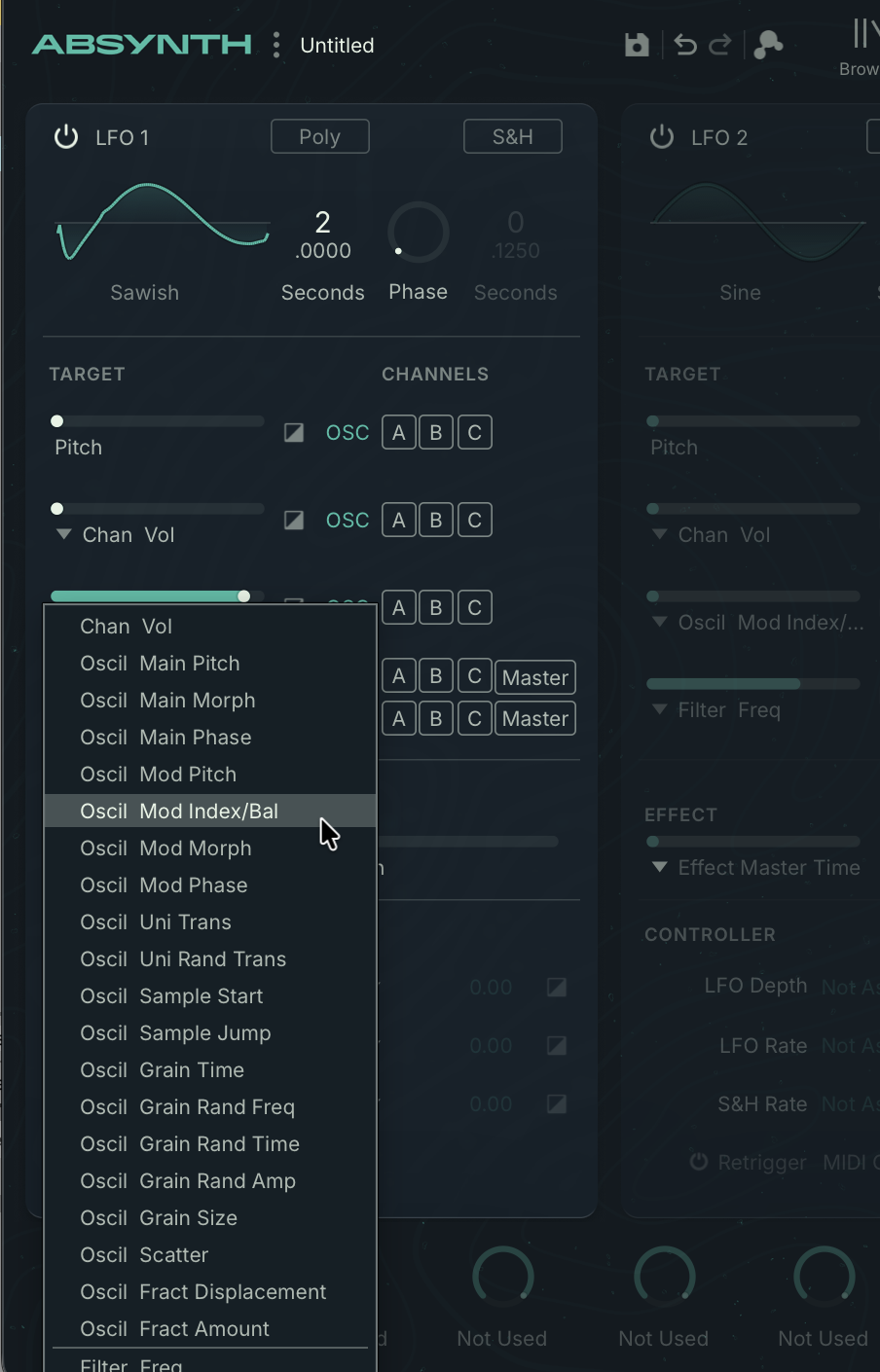
At the top of each LFO, you’ll see a toggle for mono or poly. In mono mode, there’s no retriggering at all — the LFO will just free-run even as you play more notes.
In poly mode, each new note event will trigger its own separate modulation phase. That creates undulating effects as you add notes (or play arpeggios, etc.) Since that’s easier to hear than describe, here’s a really simple example with the Fractalizer oscillator:
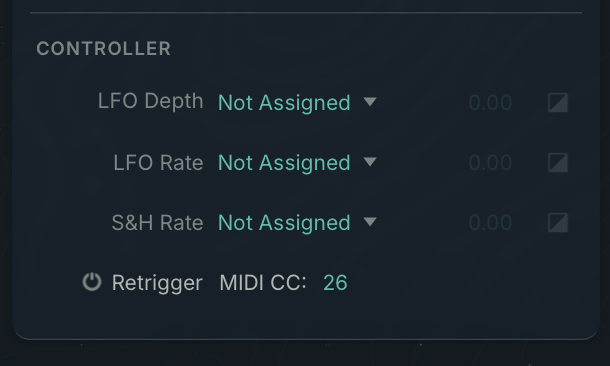
There’s also now an additional retrigger option that you typically don’t see in a soft synth. You can manually retrigger each of the three LFOs at any time when the LFO is in mono mode. You simply assign a MIDI CC to each:
Any MIDI CC value above 0 (so twisting a knob, for instance) will reset the LFO’s phase so you can “play” the LFO. That’s an Absynth 1 feature that hadn’t been ported to Absynth 6, and made it into 6.1.
You’ll find the on/off switch and MIDI CC assignment at the bottom of each LFO column:
Hope that helps.
My hands-on review here was really as much a sound-design guide and overview, if you want to review what happened with V6:
And I spoke to creator Brian Clevinger and V6 design lead Hannah Lockwood, too: